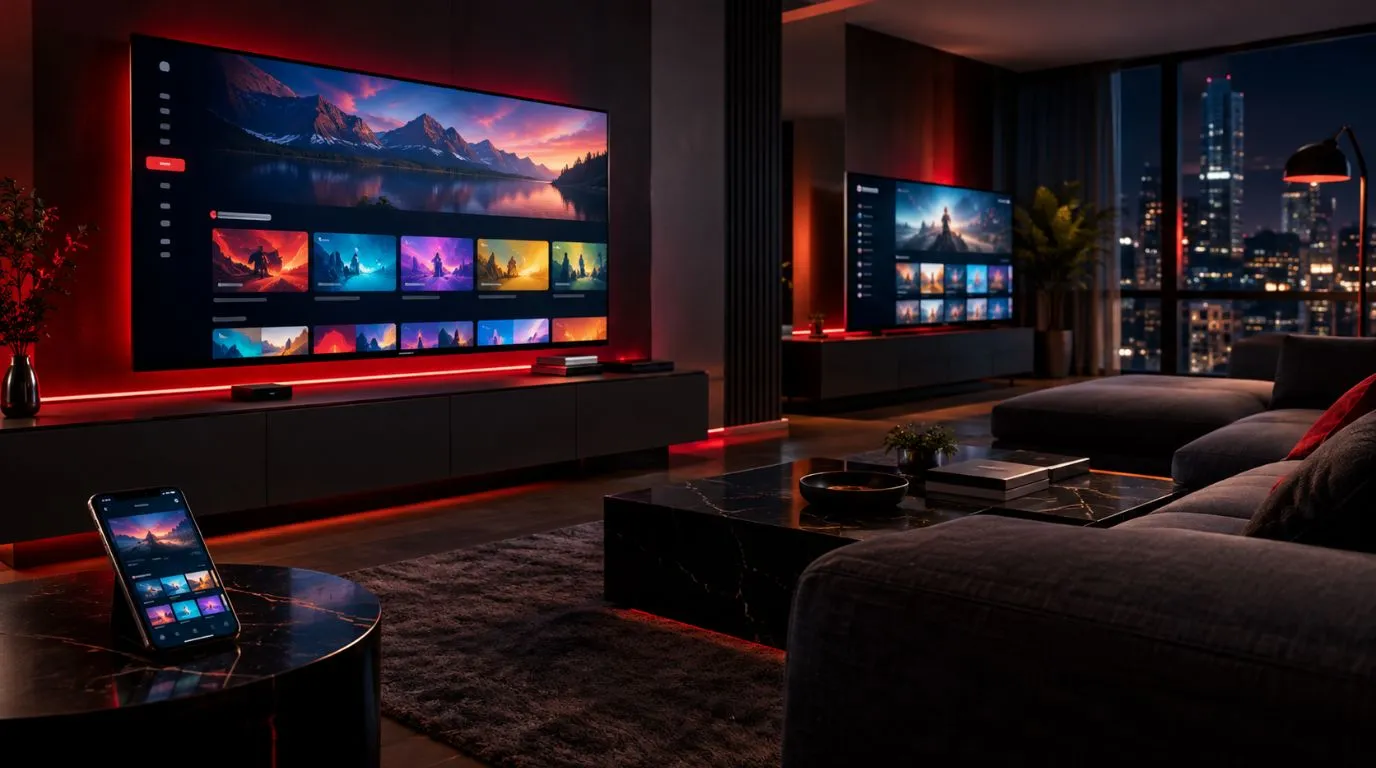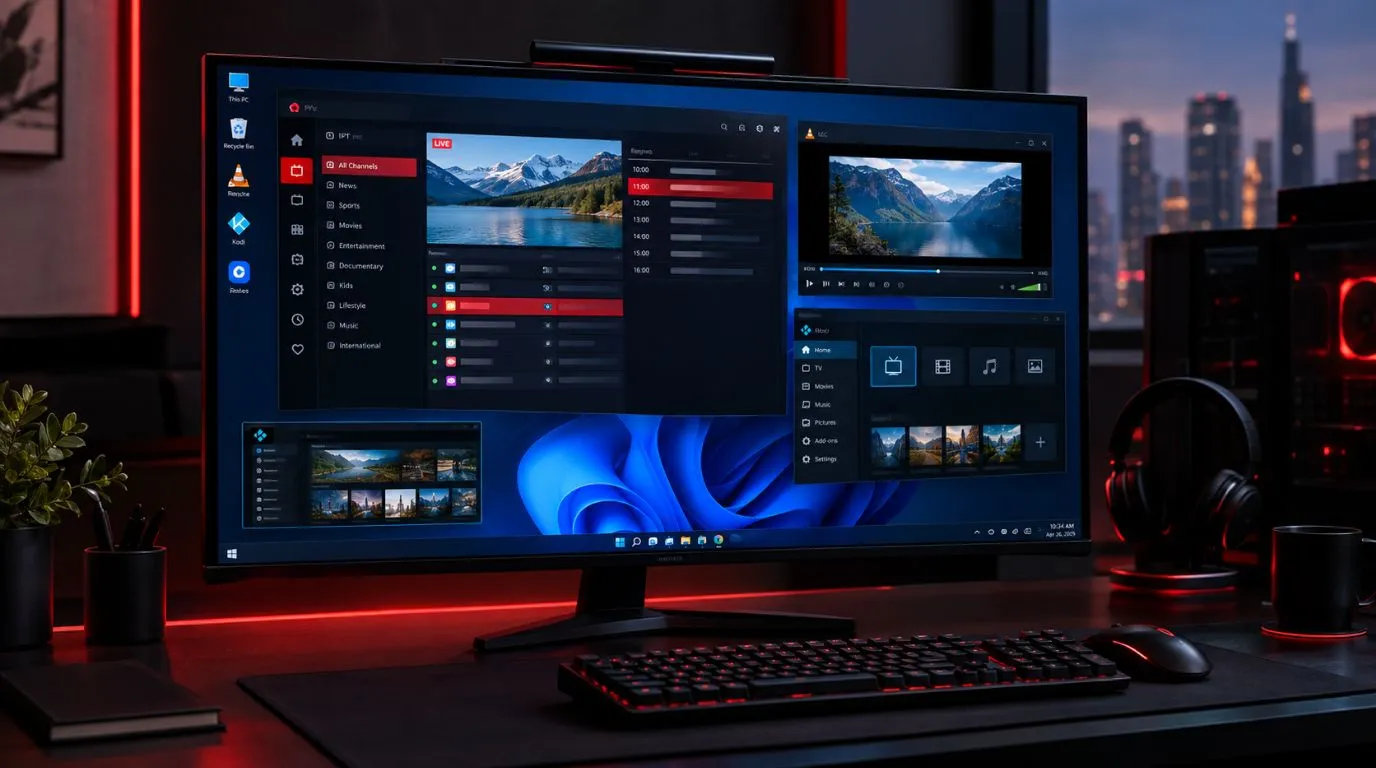
Choosing the best IPTV box is less about finding the most expensive streaming device and more about matching the hardware to your TV, IPTV player, network connection, and viewing habits.
A good IPTV box should provide a responsive interface, support the applications you want to use, connect reliably to your network, and deliver the resolution your TV can display. For some households, a Google TV or Android TV device makes the most sense. Others may prefer Fire TV or Apple TV, while some users may already have a Smart TV that does not require a separate box at all.
This guide explains what to look for in an IPTV box, compares the main device categories, and shows how to choose the right setup for a home in the USA.
Table of Contents
What Makes the Best IPTV Box?
There is no single device that is automatically the right choice for every IPTV user. The better approach is to evaluate a box according to several practical factors.
IPTV App Compatibility
The first question is whether the device supports the IPTV player you intend to use.
IPTV services and IPTV players are separate from the hardware itself. Your box provides the operating system and hardware environment, while the player is the application used to access your IPTV credentials or playlist.
Before buying, check:
- Which operating system the box uses
- Whether your preferred IPTV player supports that platform
- Whether the application is available through the device’s official app store
- Whether the player provides the features you need
- Whether the device receives software and security updates
This is particularly important when comparing Android TV, Google TV, Fire TV, and Apple TV devices because their application ecosystems are different.
If you are still comparing IPTV applications rather than hardware, see the best IPTV player guide for a separate look at the software side of the setup.
Processing Performance
The processor affects how quickly the interface responds, how applications launch, and how smoothly you can move between menus.
For IPTV, you generally do not need a specialized “IPTV processor.” What matters is having a modern streaming device with enough processing capability for its operating system and applications.
A faster device can be particularly useful if you:
- Switch between several streaming applications
- Keep many applications installed
- Use a feature-rich IPTV player
- Navigate large channel or content lists
- Want a more responsive overall TV interface
However, paying substantially more for hardware does not automatically improve the quality of the IPTV service itself. Your internet connection, source stream, network conditions, and service infrastructure also affect playback.
RAM and Storage
RAM and storage are two different specifications.
RAM helps the operating system and applications operate efficiently. More RAM can be useful on devices running a relatively demanding operating system or several applications.
Storage is primarily useful for applications, system data, and other content stored locally on the device.
For example, Google’s current Google TV Streamer (4K) has 4 GB of memory and 32 GB of storage.
You should not choose an IPTV box solely because it advertises a large storage number. If you mainly use the device for IPTV and a few streaming applications, you may have little need for extremely large internal storage.
4K and HDR Support
If you own a 4K television, buying a device capable of outputting 4K can make sense.
The Google TV Streamer supports up to 4K HDR at 60 frames per second and supports formats including Dolby Vision, HDR10, HDR10+, and HLG.
Apple’s current Apple TV 4K specifications likewise include support for 4K video and HDR formats, depending on the content, display, and configuration.
But there is an important distinction:
A 4K-capable box does not turn an HD IPTV stream into native 4K.
The source content must also be available at the appropriate resolution. Your television and HDMI connection also need to support the desired output.
Ethernet vs. Wi-Fi
Network connectivity is one of the most important considerations when choosing an IPTV box.
A wired Ethernet connection can be useful when the box is close enough to your router to connect directly. It avoids some of the variables associated with wireless networking.
Wi-Fi can be perfectly practical when the router is located elsewhere or running an Ethernet cable is inconvenient.
When comparing devices, check whether Ethernet is built in or requires an additional adapter.
For example, the Google TV Streamer includes a built-in 10/100/1000 Mbps Ethernet port as well as dual-band Wi-Fi.
The Apple TV 4K is available in configurations with Wi-Fi 6, while the Wi-Fi + Ethernet model includes Gigabit Ethernet.
Best Types of IPTV Boxes to Consider
Instead of choosing a device purely from a “top rated IPTV box” list, consider which platform fits your needs.
Google TV and Android TV Devices
Google TV and Android TV devices are popular choices for users who want a broad application ecosystem.
The current Google TV Streamer (4K), for example, runs Android TV OS, supports up to 4K HDR, includes 32 GB of storage and 4 GB of memory, and has both Wi-Fi and Gigabit Ethernet connectivity.
Google TV Streamer specifications
This category can be particularly interesting if application flexibility is one of your priorities.
Look for:
- The IPTV players you actually intend to use
- Sufficient storage for your applications
- Ethernet if you prefer a wired connection
- 4K support if you have a 4K TV
- A current operating system
- Reliable software support
Android TV and Google TV should not be treated as interchangeable with every inexpensive “Android TV box” sold online. Hardware quality, software support, certification, and application compatibility can vary considerably between devices.
For more specific Android TV information, use the dedicated IPTV on Android TV guide when that resource is available.
Amazon Fire TV Devices
Fire TV is another major streaming platform to consider for an IPTV setup.
Current Fire TV hardware varies considerably between models, so check the specifications of the exact device rather than assuming that every Fire TV product has the same capabilities.
Amazon’s specifications for the Fire TV Stick 4K Max (2nd generation) list Wi-Fi 6E support, 16 GB of storage, 2 GB of memory, and support for formats including Dolby Vision, HDR10, HDR10+, and HLG.
Amazon Fire TV device specifications
Before purchasing a Fire TV device specifically for IPTV, verify that the IPTV application you plan to use is compatible with the current Fire TV software and available through the appropriate application distribution method.
The important point is that application compatibility should be checked before hardware specifications.
Apple TV 4K
Apple TV 4K is another option for users who already prefer Apple’s ecosystem.
Apple’s specifications list the A15 Bionic chip, HDMI 2.1, Wi-Fi 6, and a 128 GB Wi-Fi + Ethernet configuration with Gigabit Ethernet.
Apple TV 4K technical specifications
The main consideration for an IPTV user is not simply how powerful the hardware is. It is whether the IPTV player and features you want are available on Apple’s tvOS platform.
That makes application compatibility especially important before choosing Apple TV as an IPTV device.
Dedicated Android IPTV Boxes
There are also dedicated Android-based boxes marketed specifically for streaming and IPTV.
These can offer features such as:
- Multiple USB ports
- Ethernet connectivity
- Expandable storage
- Android-based application support
- More conventional set-top-box designs
However, specifications and software quality vary substantially between manufacturers.
Do not choose a generic IPTV set top box simply because the listing advertises large RAM, storage, or processor numbers. Check the actual operating system, certification, software update policy, supported video formats, network interfaces, and application compatibility.
A reputable mainstream streaming platform with documented specifications can sometimes be a more predictable choice than an inexpensive box with impressive specifications but limited software support.
How to Choose the Right IPTV Box
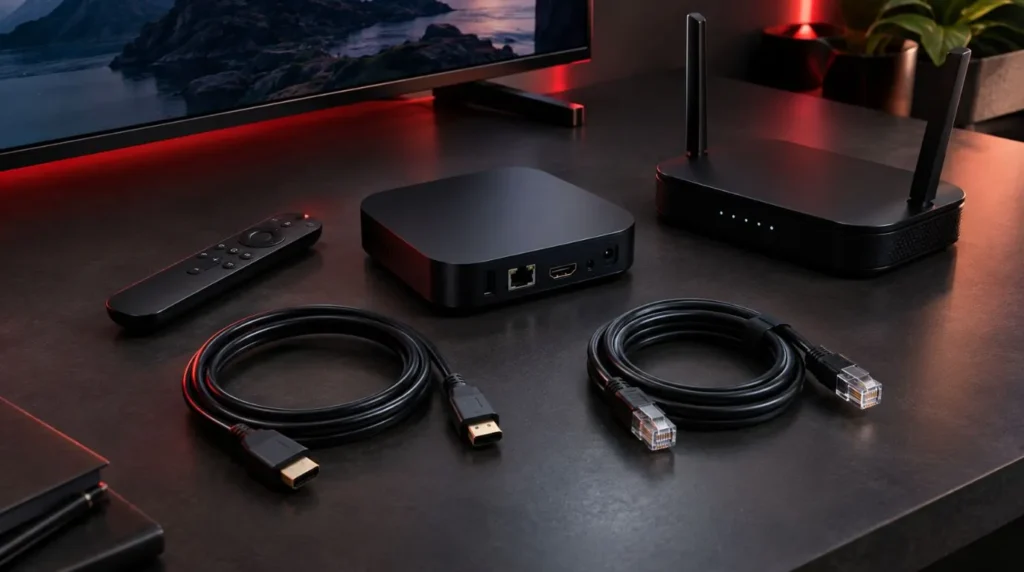
The right choice depends heavily on your existing setup.
For a Standard HD Television
If your TV is only HD or Full HD, you do not necessarily need the most expensive 4K streaming hardware.
Prioritize:
- Compatible IPTV applications
- Reliable Wi-Fi or Ethernet
- Responsive navigation
- HDMI compatibility
- A supported operating system
Spending more on features your television cannot use may provide little practical benefit.
For a 4K Television
A 4K television makes a 4K-capable streaming device more relevant.
Look for:
- 4K output
- HDR support where appropriate
- A suitable HDMI connection
- Reliable network connectivity
- An IPTV player compatible with the operating system
Remember that the quality of the final picture depends on the source stream as well as the television and streaming hardware.
For Users Who Prefer Ethernet
If your router is close to your TV, Ethernet can be an attractive option.
A wired connection can provide a stable network path without relying on wireless signal strength between the router and the IPTV box.
This can be especially useful in homes where:
- The router is close to the television
- Walls interfere with Wi-Fi
- Several devices share the wireless network
- The household has heavy network activity
If Ethernet is important to you, check that the device has a built-in Ethernet port or determine whether a compatible adapter is required.
For Maximum App Flexibility
If you plan to use several IPTV players and streaming applications, focus heavily on the operating system and application ecosystem.
Do not assume that an application available on Android TV will have an identical version or feature set on Fire TV or Apple TV.
Before buying, identify your preferred player first and then choose hardware that supports it.
This simple step can prevent buying a device that looks excellent on paper but does not support the software you actually want.
For a Simple Living Room Setup
If you want a straightforward experience, prioritize simplicity over specifications.
A good living-room device should provide:
- Easy navigation
- A practical remote
- Stable network connectivity
- The applications you need
- Regular software support
- A clean connection to your TV
You do not necessarily need extensive storage, numerous USB ports, or advanced hardware features if you only plan to use a handful of streaming applications.
IPTV Box vs. Smart TV for IPTV
A separate IPTV box is not always necessary.
Modern Smart TVs can provide access to streaming applications directly through their built-in operating systems. However, the available applications, hardware performance, storage, and software support depend on the television platform.
A separate streaming box can make more sense when you want:
| Consideration | Separate IPTV Box | Smart TV |
|---|---|---|
| Hardware replacement | Easy to replace | Requires replacing or upgrading the TV |
| Application ecosystem | Depends on the box | Depends on the TV platform |
| Portability | Easy to move between TVs | Limited |
| Hardware upgrades | Usually straightforward | Limited |
| Ethernet | Depends on model | Depends on TV |
| Performance | Depends on box | Depends on TV hardware |
| Remote | Dedicated device remote | TV remote or compatible remote |
There is no universal rule that a dedicated box is always better.
If your Smart TV already supports the IPTV player you want and provides the performance and connectivity you need, adding another device may not be necessary.
On the other hand, an external box can be useful when the television has an older operating system, limited application support, or hardware that no longer feels responsive.
Features to Check Before You Buy
Before purchasing an IPTV box for USA households, use this checklist.
Operating System
Identify the exact operating system and version.
This determines which applications are available and how they can be installed.
IPTV Player Compatibility
Verify your preferred IPTV player’s compatibility before purchasing the device.
This should be one of your first checks, not an afterthought.
Processor and Memory
Look for hardware appropriate to the operating system and applications you plan to run.
Avoid choosing based solely on large numbers in a product listing.
Storage
Consider how many applications you expect to install.
For IPTV-only use, huge amounts of storage may not be necessary.
Resolution
Match the device to your TV.
A 4K television can benefit from a 4K-capable streaming device, while an older HD television does not necessarily require one.
HDR Support
If your TV supports HDR, check whether the streaming device supports the relevant HDR formats.
Network Connectivity
Check:
- Wi-Fi generation
- Dual-band support
- Ethernet availability
- Ethernet speed
- Adapter requirements
HDMI
Confirm that the device connects properly to your television and supports the resolution you intend to use.
Remote Control
A technically capable box can still be frustrating if its remote is poorly designed.
For a primary living-room device, consider navigation, voice control, button layout, and TV-control functionality.
Software Support
Look beyond the initial hardware specifications.
A streaming device that receives regular software and security updates can be more practical over time than an inexpensive box that receives little support.
Do You Need a Dedicated IPTV Box?
Not necessarily.
Your existing hardware may already be enough if you have:
- A compatible Smart TV
- A supported IPTV application
- A stable internet connection
- Appropriate TV resolution
- A comfortable user interface
A dedicated device becomes more attractive when your current TV is slow, the required application is unavailable, or you want a separate and potentially more flexible streaming platform.
The important decision is therefore not simply:
“What is the best IPTV box?”
It is:
“Which IPTV box fits my TV, applications, network, and viewing requirements?”
That is a much more useful way to approach the purchase.
Getting Your IPTV Box Ready for IPTV
Once you have selected compatible hardware, the basic process is straightforward:
- Connect the box to your television through HDMI.
- Connect it to your home network through Wi-Fi or Ethernet.
- Complete the device’s initial setup.
- Install a compatible IPTV player.
- Enter the credentials or playlist information provided by your IPTV service.
- Test live channels and playback.
- Adjust the network or video settings if necessary.
For detailed device-specific instructions, continue with ViviMate’s IPTV setup guide.
If you are still deciding whether your current hardware and service are suitable, you can also review the ViviMate IPTV channels or explore the available IPTV subscription options.
Final Buying Checklist
Before ordering an IPTV box, make sure you can answer these questions:
- Does it support my preferred IPTV player?
- Does its operating system receive regular updates?
- Does it support my TV’s resolution?
- Does it have the network connection I need?
- Is Ethernet available if I want a wired connection?
- Does it have enough storage for my applications?
- Is the remote comfortable for everyday use?
- Does it have the HDMI and other connections I need?
- Is the hardware from a manufacturer with documented specifications and support?
- Am I actually gaining something compared with using my existing Smart TV?
The best IPTV box is ultimately the one that fits your particular setup rather than the one with the biggest specification sheet.
For most buyers, application compatibility, network connectivity, TV resolution, software support, and overall usability are more important than chasing the highest possible hardware specifications. Once those factors are matched to your TV and IPTV setup, choosing the right streaming device becomes much simpler.
If you already have compatible hardware and want to evaluate the IPTV service itself, you can explore ViviMate’s IPTV free trial before committing to a subscription.