Choosing the best Android TV box for IPTV is not simply about buying the most expensive streaming device you can find. For IPTV, the things that matter most are app compatibility, network connectivity, processing performance, storage, video support, and how easy the device is to use with your preferred IPTV player.
For most IPTV users, a good Android TV box should make it easy to install a compatible player, connect reliably to the internet, navigate large channel lists, and handle the video quality you actually watch.
This guide compares several Android TV and Google TV devices that are worth considering in 2026 and explains what to look for before buying one.
Table of Contents
What Makes an Android TV Box Good for IPTV?
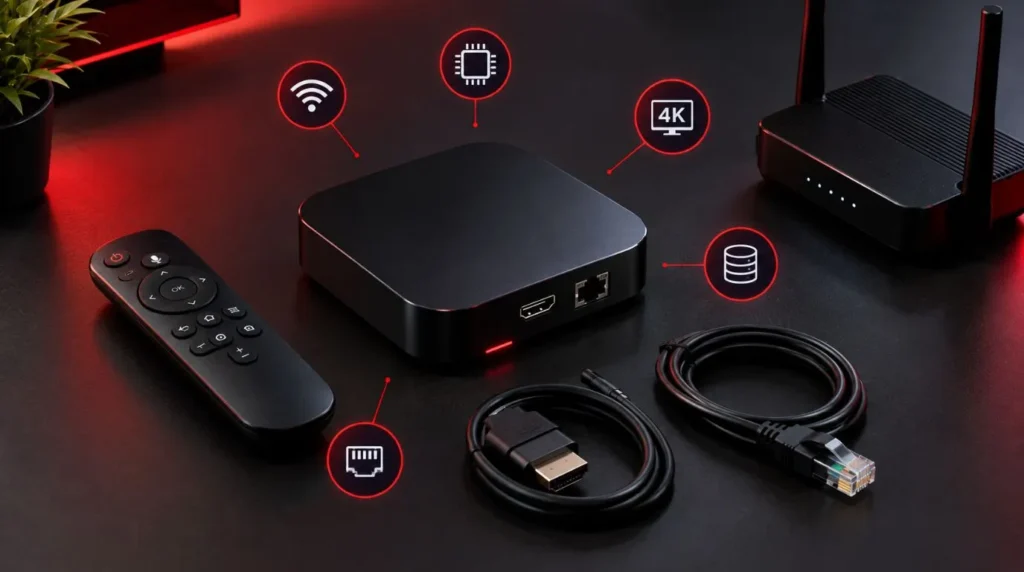
An Android TV box for IPTV does not need to have the highest specifications on the market. What matters is having a sensible combination of hardware, software, networking, and app support.
Before choosing a device, pay particular attention to these areas.
Processing Performance
The processor affects how quickly the interface responds, how smoothly applications run, and how well the device handles demanding video formats.
A faster processor can be useful if you regularly switch between IPTV, streaming services, media players, and other applications. However, a powerful processor cannot compensate for an unreliable internet connection or a poor-quality stream.
RAM and Storage
RAM affects how comfortably the device handles applications and multitasking, while storage determines how much room you have for apps and other content.
For an IPTV-focused setup, you generally do not need huge amounts of storage just for your IPTV service. However, additional storage becomes useful if you plan to install several streaming applications, games, media apps, or other software.
Wi-Fi and Ethernet
Networking is particularly important for IPTV.
A device with dual-band Wi-Fi can be suitable when your router is close enough and your wireless environment is reliable. If the Android TV box has Ethernet, connecting it directly to your router can be useful when you want a dedicated wired connection.
The Google TV Streamer, for example, includes both dual-band Wi-Fi and a Gigabit Ethernet port. (Google Store)
4K Support
If your television and IPTV content support 4K, buying a device capable of 4K playback gives you more flexibility.
That does not mean every IPTV stream will suddenly become 4K. The available resolution depends on the source, service, device configuration, and television.
Operating System and App Support
The software platform matters just as much as the hardware.
Android TV and Google TV devices provide access to applications through the Google Play ecosystem, while some dedicated IPTV-oriented devices include their own IPTV software.
Before buying, verify that the IPTV player you intend to use is compatible with the device and operating system.
7 Android TV Boxes Worth Considering for IPTV in 2026
There is no single Android TV box that is perfect for every IPTV user. The right choice depends on whether you prioritize price, wired networking, 4K capability, storage, or a dedicated IPTV experience.
1. Google TV Streamer 4K
The Google TV Streamer is a strong all-around option for users who want a modern Google TV-based streaming device without buying a specialized IPTV box.
Google lists 4GB of memory, 32GB of storage, dual-band Wi-Fi, Bluetooth 5.1, HDMI 2.1, and Gigabit Ethernet. It supports up to 4K HDR at 60 frames per second, along with formats including Dolby Vision, HDR10, HDR10+, and HLG. (Google Store)
Why it works well for IPTV:
- 4GB memory
- 32GB storage
- Built-in Ethernet
- Dual-band Wi-Fi
- 4K HDR support
- Android TV OS
- Google TV interface
- Good choice for multiple streaming apps
The Ethernet connection is especially useful if you prefer connecting your streaming device directly to your router rather than relying on Wi-Fi.
Best suited for: users looking for a mainstream Google TV device that can handle IPTV alongside other streaming applications.
2. NVIDIA Shield TV Pro
The NVIDIA Shield TV Pro remains a high-performance Android TV option for people who want additional processing capability and connectivity.
NVIDIA lists a Tegra X1+ processor, 3GB of RAM, 16GB of storage, Gigabit Ethernet, two USB 3.0 ports, dual-band 802.11ac Wi-Fi, and support for 4K HDR playback. It also supports Dolby Vision and HDR10. (NVIDIA)
Its Ethernet port and USB connectivity make it particularly flexible for a more advanced home entertainment setup.
Why it works well for IPTV:
- Gigabit Ethernet
- 4K HDR playback
- 3GB RAM
- Expandable storage through USB
- Strong app ecosystem
- Android TV platform
- Suitable for demanding home media setups
One consideration is that the Shield TV Pro is an older platform compared with some newer streaming hardware. Its specifications are still capable, but you should compare its current price with newer alternatives before purchasing.
Best suited for: power users who want a flexible Android TV device with Ethernet and expandable storage.
3. onn. 4K Pro Streaming Device
For U.S. buyers, the onn. 4K Pro is another device worth considering, particularly if keeping the hardware cost down is important.
The current Walmart listing specifies Google TV, 3GB RAM, 32GB storage, Wi-Fi 6, an Ethernet connection, USB 3.0, Dolby Vision, and Dolby Atmos. It is also listed as U.S.-compatible. (Walmart.com)
That combination gives it several features that are useful for IPTV without requiring a premium streaming box.
Why it works well for IPTV:
- 3GB RAM
- 32GB storage
- Wi-Fi 6
- Ethernet
- USB 3.0
- 4K support
- Google TV
- Designed for the U.S. market
The main thing to check before buying is availability and current pricing, since retail pricing can change.
Best suited for: U.S. users who want a capable Google TV device at a relatively accessible price.
4. Formuler Z11 Pro Max
The Formuler Z11 Pro Max takes a different approach from general-purpose Google TV streamers. It is specifically positioned as a media receiver with features that appeal to users who spend a lot of time watching IPTV and other live television content.
Formuler lists 4GB of RAM, 32GB of storage, 4K output at 60fps, Wi-Fi 6-class AX wireless connectivity, Gigabit Ethernet, and Android-based software. (FORMULER)
Its hardware also includes USB ports and a microSD card slot, providing additional flexibility for storage and peripherals.
Why it works well for IPTV:
- 4GB RAM
- 32GB storage
- Gigabit Ethernet
- Wi-Fi 6
- 4K 60fps
- USB connectivity
- microSD expansion
- IPTV-focused hardware and software ecosystem
Best suited for: users who want a device designed with live TV and IPTV-style usage in mind rather than a general-purpose streaming box.
5. Homatics Box R 4K Plus
The Homatics Box R 4K Plus is another Android TV option with a strong hardware specification for streaming.
Homatics lists a quad-core Cortex-A55 processor, 4GB LPDDR4 RAM, 32GB eMMC storage, Wi-Fi 6, Gigabit Ethernet, Bluetooth 5.0, HDMI 2.1, Dolby Vision, Dolby Atmos, and 4K video support. (Homatics)
The combination of Wi-Fi 6 and Gigabit Ethernet makes it interesting for users who want both wireless and wired networking options.
Why it works well for IPTV:
- 4GB RAM
- 32GB storage
- Wi-Fi 6
- Gigabit Ethernet
- 4K support
- HDMI 2.1
- Dolby Vision
- Android TV platform
Best suited for: users looking for a higher-spec Android TV box with extensive connectivity.
6. Chromecast with Google TV 4K
The Chromecast with Google TV 4K remains relevant when you find one at a good price, although Google’s newer Google TV Streamer is the current generation of its streaming hardware.
Google’s comparison shows that the Chromecast with Google TV 4K has 2GB of memory and 8GB of storage, while the newer Google TV Streamer increases those figures to 4GB and 32GB respectively. Both support up to 4K resolution. (Google Store)
For IPTV, the Chromecast can still make sense for a straightforward setup, particularly if you already own one.
However, if you’re purchasing new hardware, compare its price and availability against newer options.
Best suited for: existing Chromecast owners or buyers who find the 4K model at a suitable price.
7. Other Certified Android TV and Google TV Devices
The Android TV market includes many devices from different manufacturers. Some can be excellent choices for IPTV, but specifications alone should not determine your purchase.
When considering another Android TV box, check:
- The exact Android TV or Google TV version
- Processor model
- RAM
- Storage
- Wi-Fi standard
- Ethernet availability
- 4K support
- DRM support
- HDMI specification
- Google Play availability
- Manufacturer software support
Be particularly careful with generic Android boxes that advertise extremely high specifications at unusually low prices. A specification sheet does not necessarily tell you how well the device is supported or whether your preferred applications will work as expected.
Android TV Box Comparison for IPTV
| Device | RAM | Storage | 4K | Wi-Fi | Ethernet | IPTV Use Case |
|---|---|---|---|---|---|---|
| Google TV Streamer | 4GB | 32GB | Yes | 802.11ac | Gigabit | All-around streaming |
| NVIDIA Shield TV Pro | 3GB | 16GB | Yes | 802.11ac | Gigabit | Advanced home media |
| onn. 4K Pro | 3GB | 32GB | Yes | Wi-Fi 6 | Yes | Budget-conscious U.S. setup |
| Formuler Z11 Pro Max | 4GB | 32GB | Yes | Wi-Fi 6 | Gigabit | IPTV-focused setup |
| Homatics Box R 4K Plus | 4GB | 32GB | Yes | Wi-Fi 6 | Gigabit | High-connectivity setup |
| Chromecast with Google TV 4K | 2GB | 8GB | Yes | 802.11ac | No built-in Ethernet | Existing/basic setup |
Specifications are based on manufacturer or retailer information available for the listed models. (Google Store)
Which Android TV Box Is Right for Your IPTV Setup?
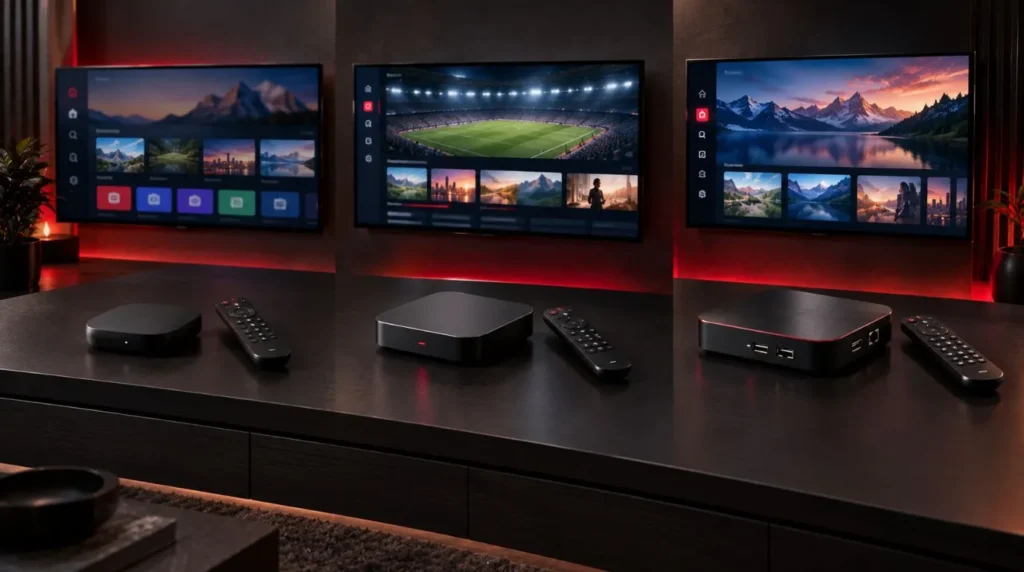
The right choice depends on how you plan to use the device.
For a Basic IPTV Setup
You don’t necessarily need premium hardware.
A modern Google TV or Android TV device with enough RAM, reliable Wi-Fi, and access to your preferred IPTV player can be sufficient for a straightforward setup.
The important thing is avoiding extremely low-quality hardware with outdated software or questionable application support.
For 4K IPTV
Prioritize a device with genuine 4K output and support for the video formats you expect to use.
The Google TV Streamer, Shield TV Pro, Formuler Z11 Pro Max, and Homatics Box R 4K Plus all support 4K playback. (Google Store)
Remember that buying a 4K box does not make an HD IPTV stream 4K. The source needs to provide the appropriate resolution.
For a Wired IPTV Connection
If your router is close to the television, Ethernet can be a useful feature.
A wired connection removes the wireless link between the box and router, which can make troubleshooting easier and can provide a more consistent local network connection.
Devices such as the Google TV Streamer, NVIDIA Shield TV Pro, Formuler Z11 Pro Max, onn. 4K Pro, and Homatics Box R 4K Plus offer Ethernet connectivity. (Google Store)
For Multiple Streaming Apps
If you intend to install IPTV players alongside Netflix, YouTube, Plex, music services, and other applications, additional storage and memory can be useful.
The Google TV Streamer’s 4GB memory and 32GB storage, for example, give it considerably more room than the older Chromecast with Google TV 4K, which Google lists with 2GB memory and 8GB storage. (Google Store)
How to Use IPTV on an Android TV Box
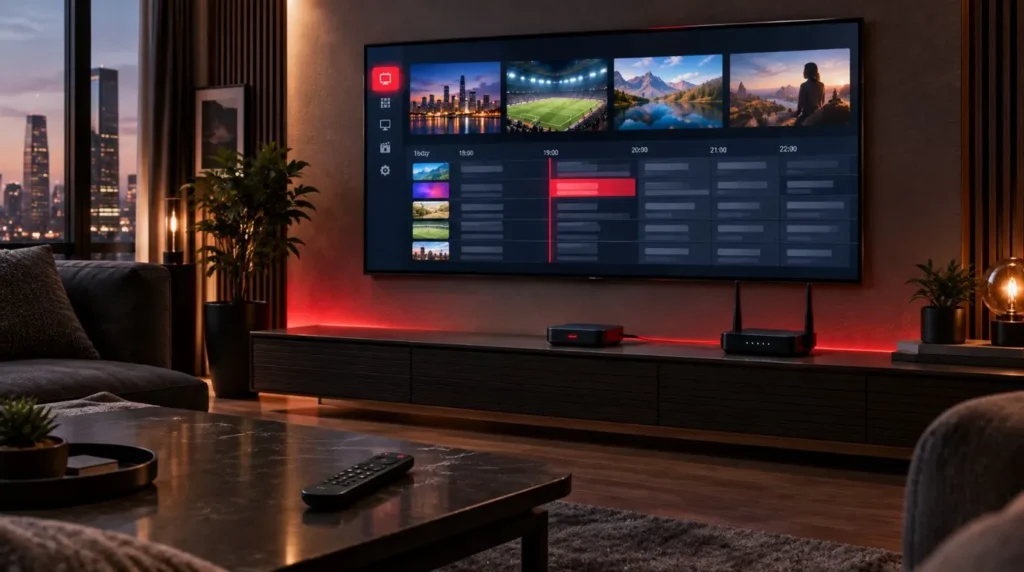
Once you have selected your hardware, getting IPTV on an Android TV box generally involves a few straightforward steps.
1. Connect the Android TV Box
Connect the device to your television using HDMI and connect its power supply.
Complete the initial Android TV or Google TV setup.
2. Connect to the Internet
Use Wi-Fi or Ethernet depending on your setup.
If the router is nearby and your device supports Ethernet, a wired connection can be worth considering. Otherwise, use a stable 5GHz Wi-Fi connection where appropriate.
3. Install a Compatible IPTV Player
Install an IPTV player that supports your device and the credentials or playlist format supplied by your IPTV provider.
Different players offer different interfaces and features, so the best choice depends on how you want to browse channels, EPG information, recordings, favorites, and other features.
For more information about choosing a player, see the ViviMate best IPTV player guide.
4. Add Your IPTV Service
Your IPTV provider may supply login details, a playlist URL, or another supported connection method.
Enter the information into the IPTV player according to the provider’s instructions.
5. Test Live TV and EPG
After adding your service, check several channels and verify that the electronic program guide loads correctly if one is provided.
If playback is unstable, don’t immediately assume the Android TV box is defective. Check the network connection, player settings, available stream quality, and service-side conditions first.
For the complete device installation process, use the ViviMate IPTV setup guide.
Android TV Box vs. Smart TV for IPTV
A Smart TV already includes its own operating system and applications, while an Android TV box adds a separate streaming platform to your television.
An external box can be useful when:
- Your television’s operating system is outdated.
- Your TV has limited application support.
- You want a separate streaming environment.
- You want to move the device between televisions.
- You want Ethernet or additional ports that your TV doesn’t provide.
- You plan to replace the streaming hardware without replacing the television.
A Smart TV can be simpler if it already supports the applications and features you need.
There is no requirement to buy an Android TV box simply because you use IPTV. The value comes from the additional compatibility, connectivity, performance, or flexibility it provides.
What to Check Before Buying an Android TV Box for IPTV
Before purchasing, run through this checklist.
1. Check the Operating System
Make sure the device uses a platform compatible with your preferred IPTV player.
2. Check RAM
Around 3GB to 4GB can provide a comfortable starting point for a modern streaming device, particularly if you use several applications.
More RAM is not automatically better for every IPTV setup, so don’t pay substantially more based only on the RAM figure.
3. Check Storage
8GB can be enough for a basic setup, but 16GB or 32GB gives you more flexibility when installing multiple applications.
4. Check Networking
Look for:
- Dual-band Wi-Fi
- Wi-Fi 6 where useful
- Ethernet if you want a wired connection
5. Check Video Support
If you have a 4K television and intend to watch compatible 4K content, choose a device that supports 4K output.
6. Check App Availability
Before buying an unfamiliar Android TV box, verify that the applications you actually plan to use are supported.
7. Check Manufacturer Support
Software updates, security updates, firmware support, and application compatibility can matter more over time than a specification that looks impressive on a product listing.
Does a More Expensive Android TV Box Mean Better IPTV?
Not necessarily.
IPTV playback depends on several parts of the setup:
Internet connection + network stability + IPTV service + player + device + video source
A premium Android TV box can provide a faster interface, better connectivity, more storage, or additional video capabilities. But it cannot guarantee that every IPTV stream will play without buffering.
Likewise, buying a cheap box does not automatically mean that IPTV will perform poorly.
The goal is to match the hardware to your actual requirements rather than paying for specifications you won’t use.
IPTV Legality and Copyright
IPTV is a technology for delivering television and video content over an internet connection. The legality of a particular IPTV service depends on factors such as content licensing, authorization, copyright rules, and the jurisdiction where the service is being used.
Before using any IPTV service, make sure the provider has the appropriate rights or authorization for the content it distributes and follow the laws applicable to you.
Final Buying Checklist
Before choosing an Android TV box for IPTV, make sure you have checked:
- Operating system: compatible with your preferred IPTV apps
- RAM: sufficient for your applications and multitasking
- Storage: enough space for your apps
- Wi-Fi: suitable for your home network
- Ethernet: useful if you prefer a wired connection
- 4K: important if your TV and content support it
- HDMI: compatible with your television
- App support: verify before purchasing
- Software support: consider long-term updates
- Price: compare the complete feature set rather than one specification
For many users, the best Android TV box for IPTV is not the device with the biggest numbers on the specification sheet. It is the one that provides the right combination of app compatibility, network connectivity, video support, storage, and software reliability for the way you actually watch TV.
Once you’ve chosen your hardware, the next step is getting everything configured correctly. Follow the ViviMate IPTV setup guide to continue with the installation process.