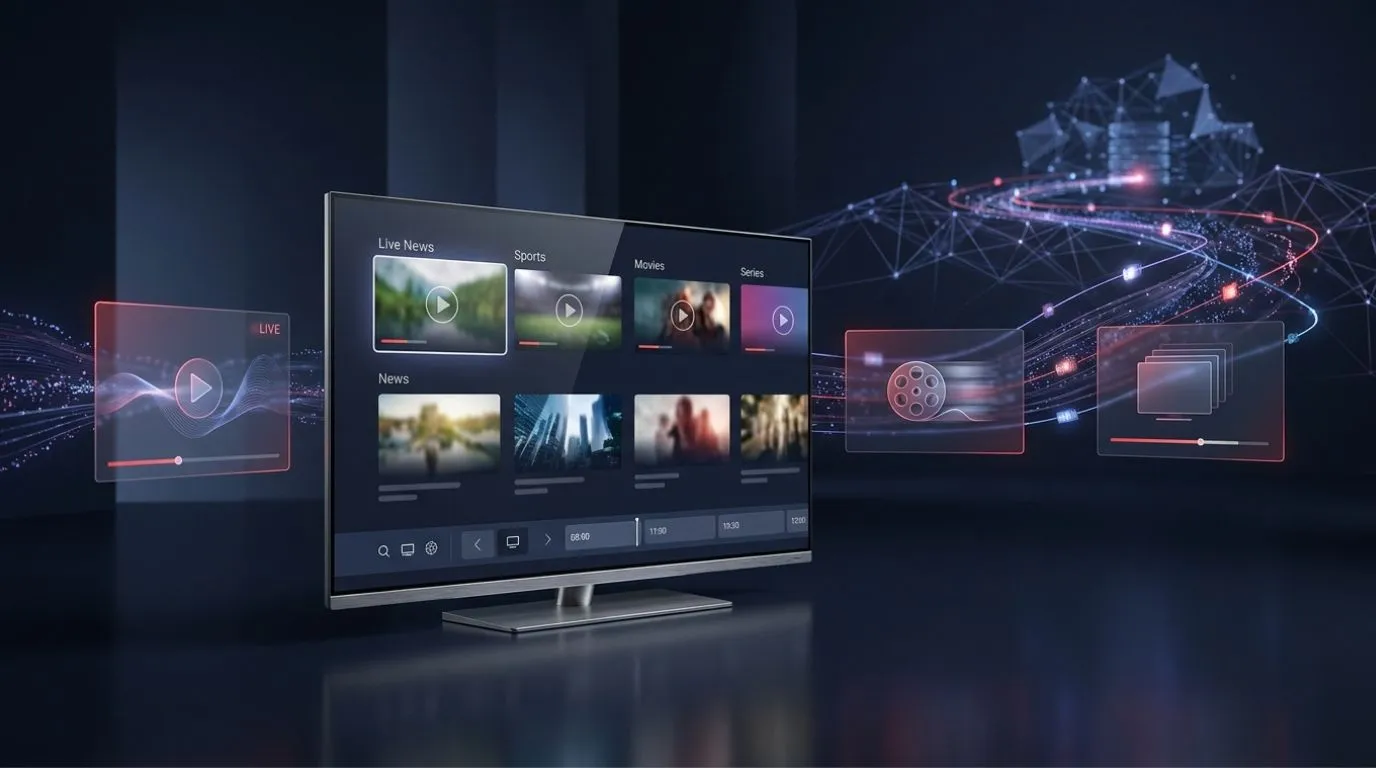
If you have heard the term IPTV but are not sure what it actually means, you are not alone. IPTV has become a common way to describe television and video delivered through internet-based networks, but the technology can be confusing at first.
So, what is IPTV? In simple terms, IPTV (Internet Protocol Television) is a way of delivering television and video content using an IP network instead of relying solely on traditional broadcast, cable, or satellite delivery methods.
The important part is understanding how the system works. IPTV can deliver live TV, movies, series, and other video content to compatible devices, but the viewing experience depends on the service, content, internet connection, device, and app being used.
Table of Contents
IPTV Explained in Simple Terms
IPTV stands for Internet Protocol Television. “IP” refers to Internet Protocol, the system used to send digital data between devices across a network.
Instead of receiving television through a traditional cable connection or satellite signal, IPTV sends video content as data over an IP-based network.
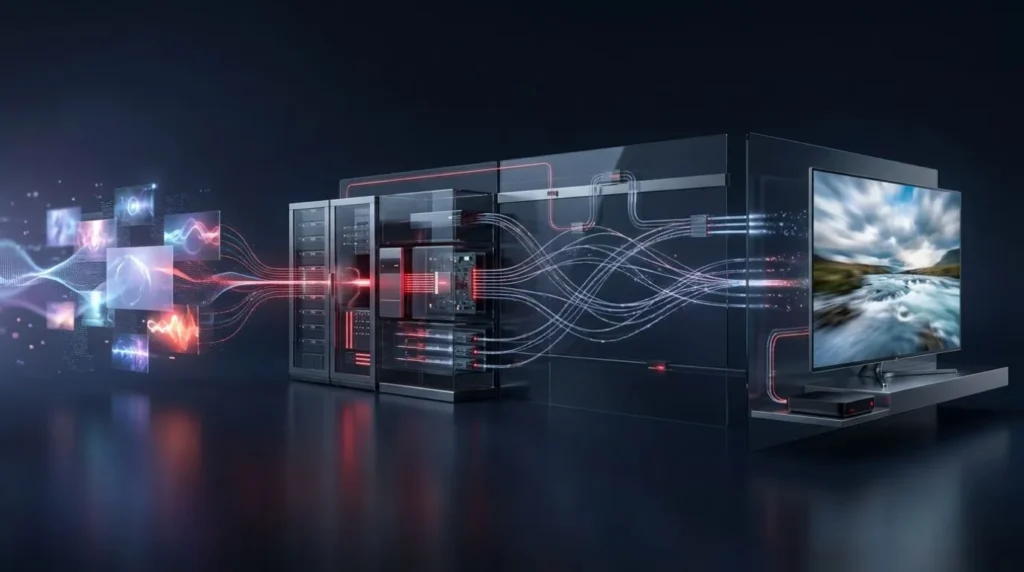
A simplified IPTV delivery path looks like this:
TV or video content → IPTV service infrastructure → IP network → IPTV app or player → compatible device → TV screen
From the viewer’s perspective, the process can feel similar to other streaming services: choose content, press play, and the device receives the video data and displays it.
The difference is in how the content is delivered and how the service is structured.
IPTV can be used for different types of programming, including live television, video on demand, movies, and series. The exact content and features depend on the particular service providing it.
How Does IPTV Work?
Understanding how does IPTV work becomes much easier when you break the process into a few basic stages.
1. Content Is Collected and Prepared
An IPTV service needs access to the video content it intends to distribute. Depending on the service, this can include live television channels, recorded programming, movies, or series.
Before video can be delivered efficiently to viewers, it generally needs to be processed and encoded into digital formats suitable for streaming.
2. Video Is Delivered Through an IP Network
Once the content is prepared, it can be delivered through an IP-based network.
Rather than sending one continuous traditional television signal to a receiver, the video is transmitted as digital data that the receiving device can request and process.
For live TV, the stream is delivered as the program is being broadcast. For on-demand content, the viewer can select available programming and begin playback when desired.
3. The IPTV App or Player Receives the Stream
The viewer normally interacts with an IPTV app or compatible player on their device.
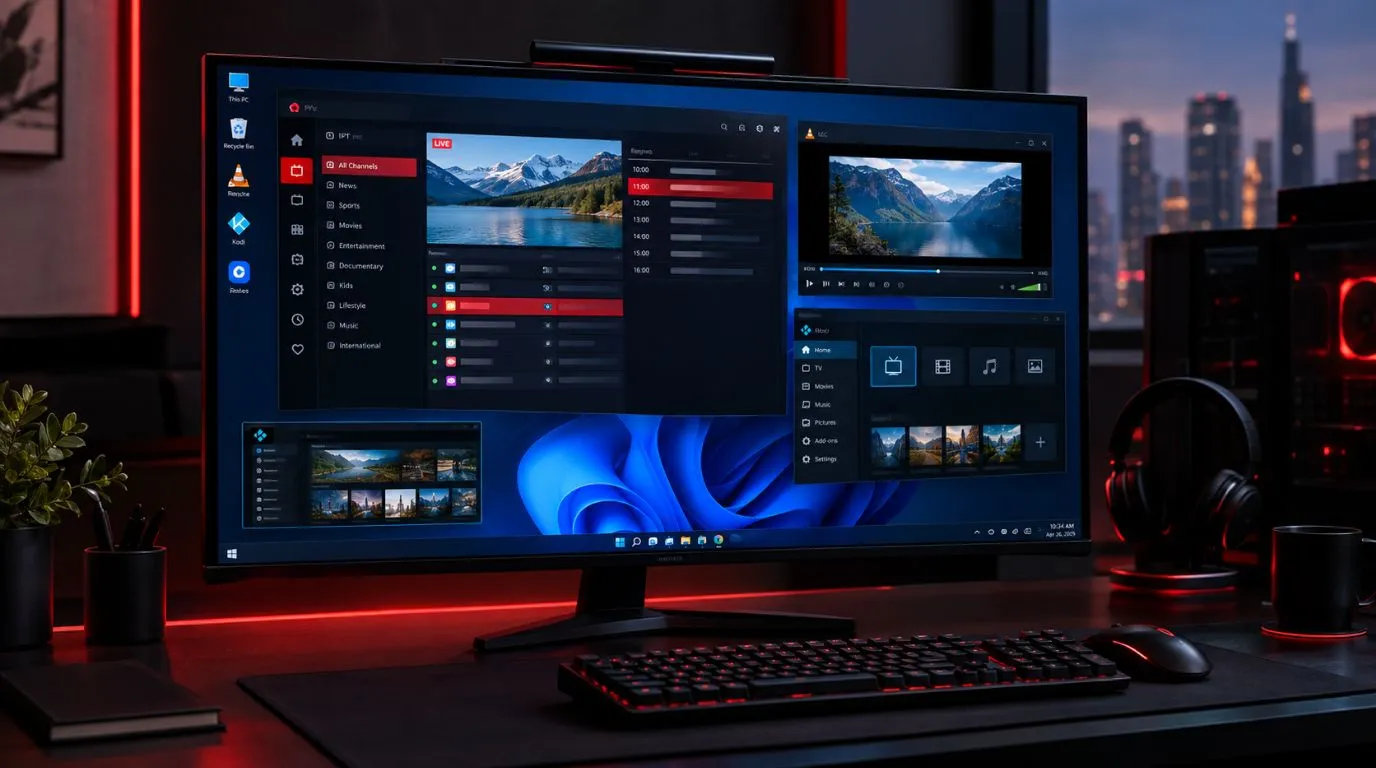
The app provides the interface used to browse available content and play compatible streams. Depending on the setup, it may also display information such as channel names, program schedules, categories, or an electronic program guide.
It’s useful to distinguish between an IPTV player and an IPTV content service. A player is generally the software used to access and play compatible content; it does not necessarily provide the television programming itself.
4. Your Device Processes the Video
The device receiving the stream—such as a Smart TV, streaming device, computer, phone, or tablet—processes the incoming data and turns it into video and audio.
The device’s capabilities can affect the viewing experience. For example, a display and hardware that support 4K can take advantage of compatible 4K content, while an older device may have more limited capabilities.
5. The Video Appears on Your Screen
Once the stream has been received and processed, you see the content on your screen.
This happens continuously during playback. Your device receives data over the network while simultaneously processing and displaying the video.
If the connection becomes unstable or the device cannot process the stream properly, playback can be affected by buffering, reduced quality, or interruptions.
What Do You Need to Use IPTV?
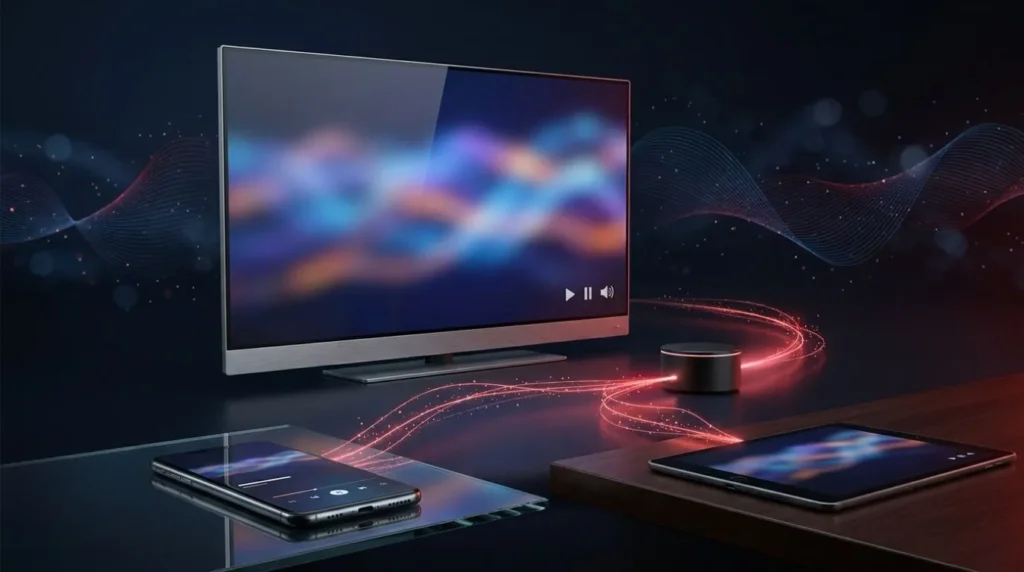
One of the advantages of internet-based television is that you can access it across different types of devices. However, an IPTV setup generally requires a few basic components.
A Reliable Internet Connection
Because IPTV relies on network delivery, your internet connection is an important part of the viewing experience.
It’s not only about having a high advertised download speed. Stability, network congestion, Wi-Fi quality, latency, and the quality of the stream itself can all influence playback.
For example, a fast connection that frequently drops can still produce a poor viewing experience.
If possible, a stable wired connection can be useful for stationary devices such as a Smart TV or streaming box. A strong Wi-Fi connection can also work well when properly configured.
A Compatible Device
IPTV can be accessed on various devices, depending on the service and player compatibility.
Common options include:
- Smart TVs
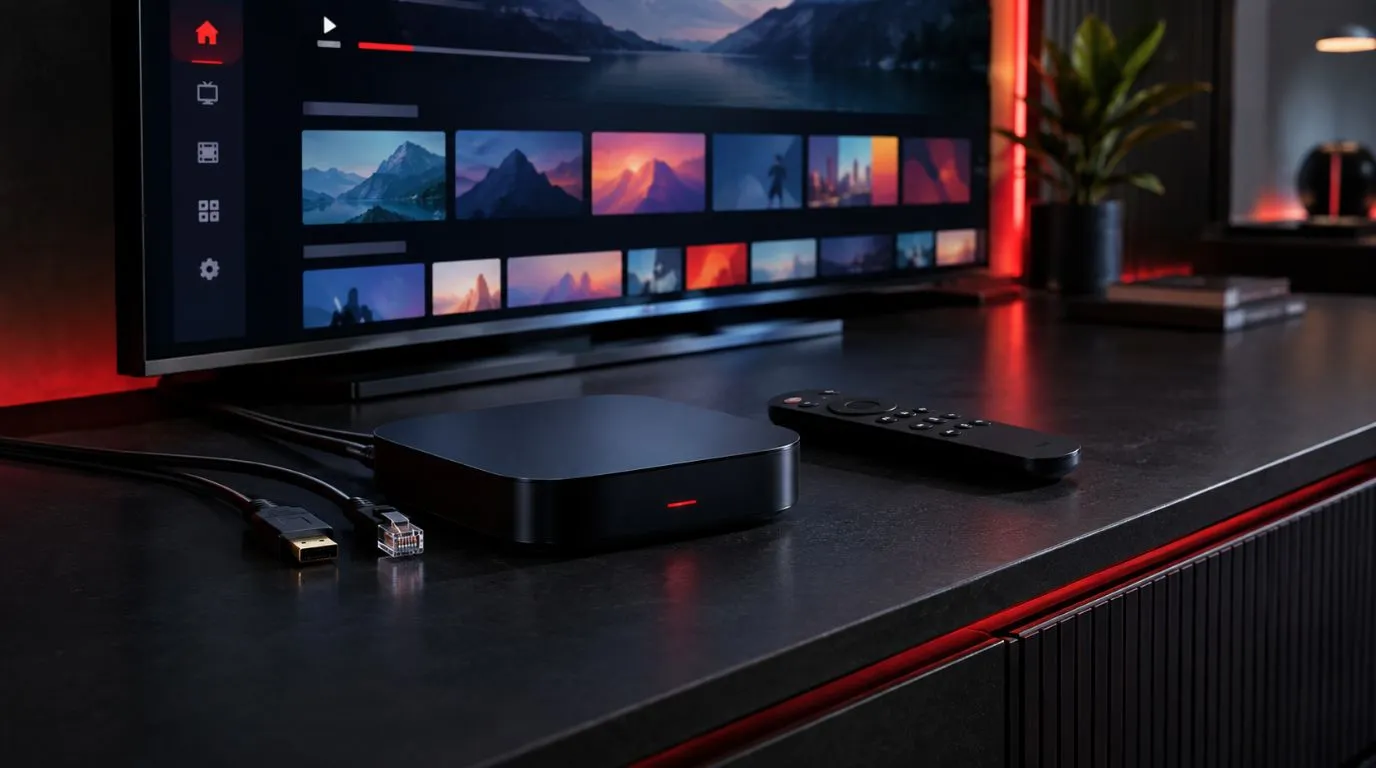
- Streaming boxes and sticks
- Android devices
- Computers
- Smartphones
- Tablets
Compatibility varies, so it’s worth checking whether the IPTV service and player you intend to use support your particular device.
An IPTV App or Player
You also need software capable of playing the content.
An IPTV player typically provides the interface for loading compatible playlists, credentials, or other supported content sources. Some players focus primarily on playback, while others offer additional features such as favorites, categories, program guides, parental controls, or multiple viewing options.
If you’re comparing different applications, our guide to the best IPTV players can help explain what to look for in an IPTV player.
What Can You Watch With IPTV?
IPTV is not limited to one type of programming. Depending on the service and its content rights, it can support several viewing formats.
Live TV
Live IPTV allows viewers to watch television channels as programs are being broadcast.
This can include different types of programming, such as news, entertainment, sports, and other television content, depending on what the service is authorized to provide.
Movies and Video on Demand
Some IPTV services also offer on-demand programming.
Instead of watching whatever happens to be airing at a particular moment, viewers can select available movies or other content from a library and start playback when they choose.
TV Series
Series and episodic programming can also be delivered through IPTV platforms. The available organization and features depend on the service and player, but content may be grouped by show, season, or episode.
HD and 4K IPTV
You may also encounter the term 4K IPTV when researching internet-based television.
4K refers to a higher-resolution video format that can provide more detail than standard HD when the source content, device, and display support it.
However, simply choosing an IPTV service does not automatically mean every channel or movie will be available in 4K.
Actual quality depends on factors such as:
- Whether the original content is available in 4K
- The quality of the stream provided
- Your device and display
- Your network performance
- The way the video has been encoded
The same principle applies to HD: the quality you see depends on the entire delivery chain, not just the label used to describe a service.
IPTV vs Cable TV: What’s the Difference?
The main difference in IPTV vs cable is the way television content is delivered.
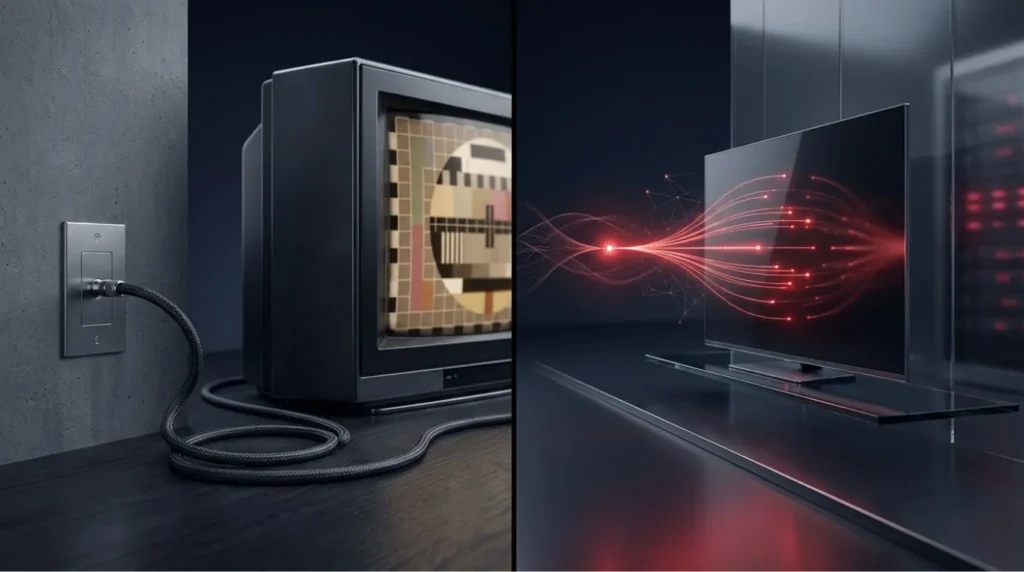
Traditional cable television uses a cable network to deliver television services to subscribers. IPTV uses IP-based network delivery to transmit digital video.
Here’s a simplified comparison:
| Feature | IPTV | Traditional Cable |
|---|---|---|
| Delivery method | IP/network-based delivery | Cable television network |
| Internet dependence | Typically relies on network connectivity | Traditionally separate from internet delivery |
| Live television | Can be supported | Yes |
| On-demand content | Can be supported | Can be supported |
| Device flexibility | Can support multiple device types, depending on service | Often tied more closely to provider equipment |
| HD/4K | Depends on content, service, device, and network | Depends on provider, package, and equipment |
| Viewing experience | Influenced by network performance | Influenced by cable infrastructure and provider equipment |
Neither technology is automatically better for everyone.
Cable can provide a familiar television experience through established infrastructure, while IPTV can offer a more internet-oriented approach with potential flexibility across compatible devices.
The right choice depends on what you watch, the equipment you already own, your internet connection, and the services available to you.
IPTV vs Other Types of Streaming
Another common source of confusion is the difference between IPTV and other internet-based video services.
Services commonly described as OTT (over-the-top) deliver video over the internet without relying on a traditional pay-TV distribution network. IPTV, meanwhile, is a broader term describing television delivery using IP-based networks.
In everyday conversations, the terms can sometimes overlap because both involve internet-connected viewing. However, their underlying service models and distribution methods can differ.
If you want a more detailed comparison, see our dedicated guide to IPTV vs OTT.
The key takeaway is that internet-delivered television is not automatically the same thing as every other streaming service. The technology, network architecture, content model, and service structure can vary.
Is IPTV Worth It?
Whether IPTV is worth it depends on what you expect from your television setup.
It may be appealing if you want to:
- Watch television through an internet-connected setup
- Use compatible devices beyond a traditional cable box
- Combine live and on-demand viewing where supported
- Access your content through a modern streaming interface
- Make use of existing Smart TV or streaming hardware
On the other hand, IPTV may not be ideal if your internet connection is unreliable or if you prefer a traditional television setup that does not depend on network connectivity.
It’s also important to evaluate the specific service rather than assuming every IPTV offering provides the same experience. Content availability, reliability, device compatibility, video quality, customer support, and licensing can vary significantly.
If you’re researching providers, it’s better to compare these factors rather than choosing based solely on the number of channels or the advertised price.
Is IPTV Legal?
IPTV itself is a technology for delivering television and video over IP networks. The legality of a particular IPTV service depends on factors such as licensing, authorization, copyright, jurisdiction, and how the content is distributed and used.
In other words, the term “IPTV” by itself does not determine whether a particular service is legal or illegal.
When evaluating a service, look for clear information about its content rights, terms of service, company identity, and the markets in which it operates.
For a more detailed discussion, see our guide to whether IPTV is legal and safe.
What Determines IPTV Streaming Quality?
Two people can use IPTV and have very different experiences. That’s because playback quality depends on more than the IPTV technology itself.
Several factors can contribute to the result.
Internet Stability
An unstable connection can cause buffering or interruptions even when the available bandwidth appears sufficient.
Stream Quality
The source and encoding quality of the video affect how clear the final picture looks.
Device Capabilities
Your TV, streaming box, computer, or mobile device needs to support the resolution and video formats being delivered.
Network Conditions
Congestion on your home network or other network conditions can affect playback.
Service Infrastructure
The provider’s own streaming infrastructure can also influence how consistently content is delivered.
For this reason, terms such as “HD” or “4K” should be viewed as descriptions of supported content or resolution rather than guarantees of perfect playback under every circumstance.
What Is the Difference Between an IPTV Service and an IPTV Player?
This distinction is particularly useful for beginners.
An IPTV service is responsible for providing the content or access to the content. An IPTV player is software used to load and play compatible streams.
Think of it this way:
Service = content/access
Player = software used to watch it
A player generally does not create television channels or provide programming by itself. Its purpose is to provide a way to organize and play compatible content.
This is why choosing an IPTV player and choosing an IPTV service are two separate decisions.
What Should You Look for Before Choosing an IPTV Service?
Once you understand how IPTV works, you may want to compare different services. Focus on practical factors rather than marketing claims alone.
Consider:
- Content availability: Does the service offer the programming you actually want?
- Device compatibility: Can you use it on your preferred TV, streaming device, or mobile device?
- Video quality: Does it provide the resolutions and formats you need?
- Reliability: Is the service designed for consistent playback?
- Support: Is help available if you encounter setup or account issues?
- Transparency: Does the provider clearly explain its service and content rights?
- Pricing: Does the cost make sense for your viewing habits?
If you’re ready to explore what a modern IPTV setup can look like, you can learn more about the ViviMate IPTV experience.
The Bottom Line
So, what is IPTV?
IPTV is a method of delivering television and video content through IP-based networks. Instead of relying exclusively on traditional broadcast, cable, or satellite delivery, IPTV sends digital video data through a network to a compatible app, player, and viewing device.
The basic process is straightforward:
Content → IPTV infrastructure → IP network → IPTV player → compatible device → screen
The technology can support live television, on-demand movies, series, and high-resolution formats such as HD and 4K when the service, content, device, and network all support them.
The most important thing to remember is that IPTV is a delivery technology, not a guarantee of a particular channel lineup, video quality, price, or legal status. Those factors depend on the individual service and how its content is provided.
Once you understand that distinction, IPTV becomes much easier to evaluate—and you can make a more informed decision about whether internet-based television fits the way you watch TV.