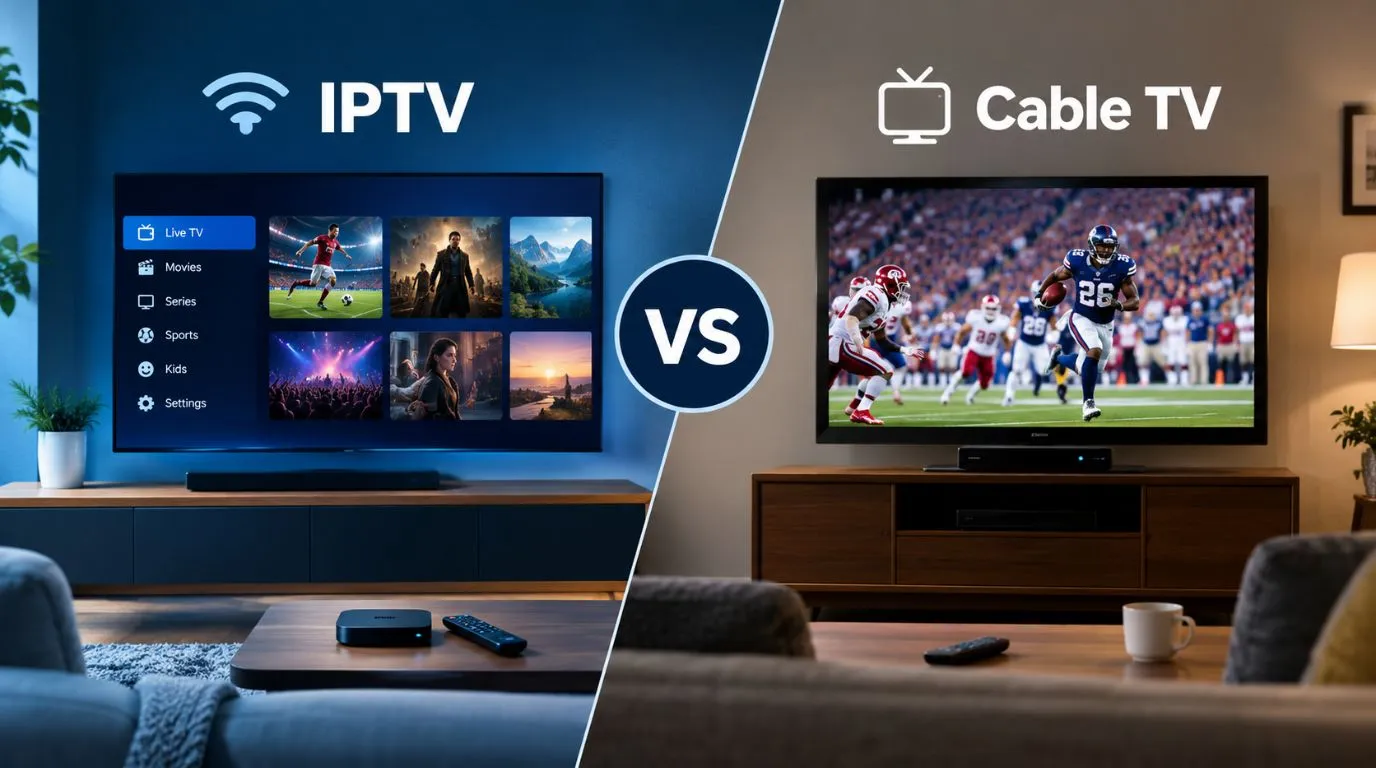
Choosing between IPTV and traditional cable TV can be confusing, especially when both can provide live channels, sports, news, movies, and other entertainment. The main difference is how the television service reaches your home: IPTV uses an internet connection, while traditional cable TV delivers programming through a cable network.
If you are comparing IPTV vs cable, the right choice depends on more than the advertised monthly price. Equipment, internet requirements, channel availability, contracts, picture quality, and viewing habits can all affect which option fits your household.
This guide breaks down IPTV vs cable TV so you can compare the two based on the factors that matter in everyday use.
Table of Contents
IPTV vs Cable at a Glance
| Factor | IPTV | Cable TV |
|---|---|---|
| Delivery method | Internet Protocol (IP) over a broadband connection | Cable television network |
| Internet required | Yes | Traditional cable TV does not necessarily require internet |
| Typical equipment | Compatible app, Smart TV, streaming device, or other supported hardware | Usually a cable box or provider equipment |
| Viewing devices | Often supports multiple compatible devices, depending on provider | Commonly centered around provider-supported equipment |
| Channel selection | Depends on the IPTV service and plan | Depends on the cable provider and package |
| Contracts | Varies by provider | Varies by provider |
| Portability | Can be more flexible, depending on service terms | Generally tied to the service address |
| Installation | Often limited to configuring compatible equipment | May require professional installation |
| Reliability | Depends on internet and network performance | Depends on cable infrastructure and service |
| DVR/on-demand | Depends on provider and service | Often available through provider equipment or plans |
The important point is that neither technology automatically determines the quality or value of the service. The specific provider, plan, network, equipment, and content rights matter.
What Is the Difference Between IPTV and Cable?
The fundamental difference between IPTV and traditional cable television is the network used to deliver television programming.
IPTV, or Internet Protocol Television, delivers television content using IP-based networks. In a typical home setup, the service reaches your device through your internet connection and is displayed using compatible software or hardware.
Traditional cable TV uses a cable television network operated by a cable provider. Programming is delivered through that network to equipment in your home, commonly including a set-top box.
For viewers, the technical distinction becomes practical in several ways:
- IPTV depends on an internet connection.
- Traditional cable TV can operate independently of your internet service.
- IPTV can support app-based or multi-device viewing when the provider allows it.
- Cable TV commonly relies on provider-specific equipment.
- Both can offer live television, depending on the package and provider.
- Channel availability depends on the service rather than the delivery technology alone.
If you want a deeper explanation of IPTV technology, see ViviMate’s guide to how IPTV works.
IPTV vs Cable: Cost Comparison
Cost is one of the biggest reasons people research cable TV vs IPTV, but comparing advertised subscription prices alone can be misleading.
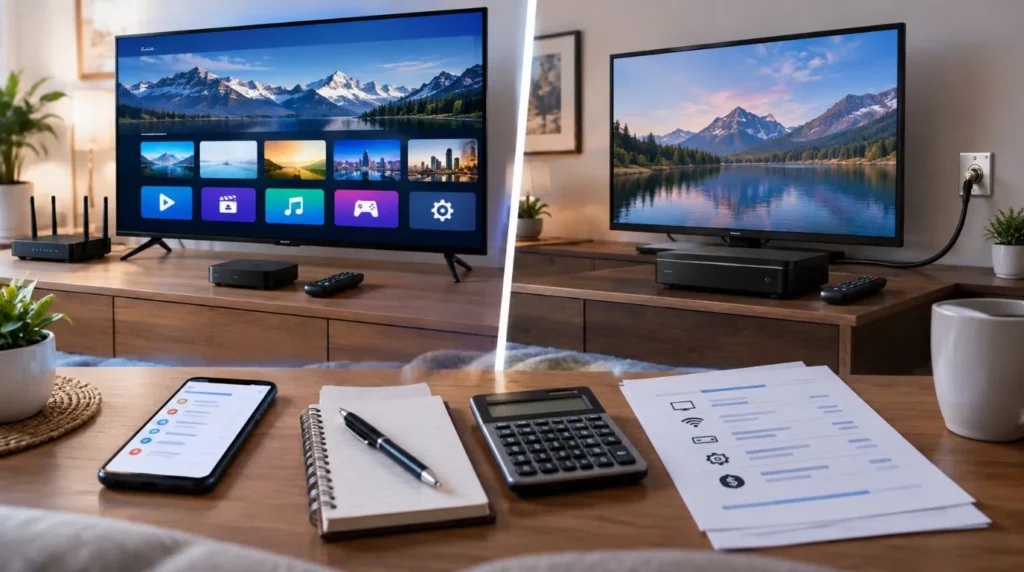
A cable package might come with equipment charges, installation costs, premium-channel fees, taxes, or other charges. An IPTV subscription may have a different pricing structure, but you may also need an internet connection and compatible equipment.
A more useful calculation is:
Total monthly television cost = TV service + required internet + equipment + applicable fees
For someone who already pays for reliable broadband internet, the calculation may look different from someone who would need to purchase internet service specifically to use IPTV.
Cable TV costs
Depending on the provider and plan, a cable customer may encounter:
- Monthly TV subscription charges
- Equipment or set-top-box fees
- DVR charges
- Premium-channel charges
- Installation fees
- Taxes and other applicable fees
- Promotional pricing that later changes
IPTV costs
An IPTV user may need to consider:
- IPTV subscription price
- Existing broadband internet cost
- Compatible streaming equipment, if necessary
- Optional premium features
- Any applicable taxes or service charges
The best comparison is therefore your actual expected monthly cost, rather than simply comparing two headline prices.
Channel Selection: IPTV vs Cable TV
Channel availability is another major consideration.
Cable providers typically organize channels into packages. IPTV services can also offer packages or channel collections, but the lineup varies significantly between services.
Before switching, make a list of the channels and content you actually watch.
Consider:
- Local broadcast channels
- National news
- Sports networks
- Entertainment channels
- Children’s programming
- Movies
- Premium networks
- International channels
- On-demand programming
Do not assume that a service includes a particular network simply because it is advertised as IPTV.
This is especially important for sports. Live sports can involve regional restrictions, broadcasting rights, and service-specific availability. Always check the current channel lineup and applicable restrictions before subscribing.
ViviMate’s IPTV channels guide can be useful when researching channel options.
Equipment and Device Compatibility
The hardware experience can be noticeably different between IPTV and cable.
IPTV equipment
Depending on the service, IPTV may be available through compatible:
- Smart TVs
- Streaming devices
- Smartphones
- Tablets
- Computers
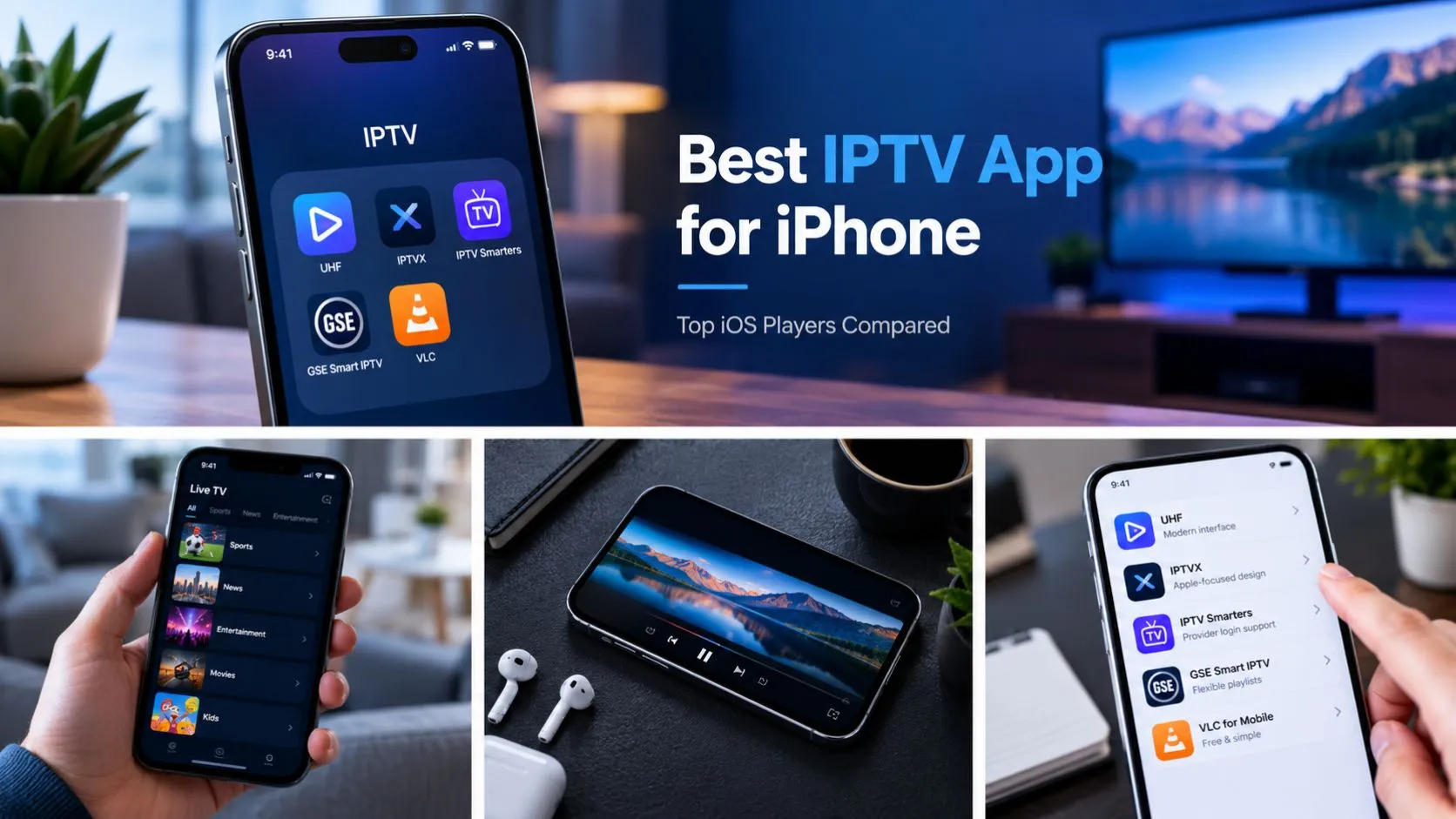
- IPTV players or applications
The exact supported devices depend on the service. An IPTV subscription does not automatically mean that every app or television will be compatible.
Before subscribing, check the provider’s supported-device list.
Cable TV equipment
Cable television commonly uses provider-supplied hardware such as:
- Set-top boxes
- DVRs
- Remote controls
- Cable modems or gateways for bundled services
The advantage of this model is that the provider generally controls the television hardware and service configuration. The tradeoff can be less flexibility in how and where you access the service.
If you are considering IPTV, ViviMate’s IPTV setup guide can help you understand the setup process and device considerations.
Internet Requirements and Reliability
Internet dependence is one of the most important differences when comparing IPTV vs traditional TV.
Because IPTV uses an IP network, your home internet connection becomes part of the viewing experience.
That means factors such as these can matter:
- Internet speed
- Connection stability
- Wi-Fi coverage
- Network congestion
- Router performance
- Device performance
- The IPTV provider’s infrastructure
A fast internet plan does not automatically guarantee perfect streaming. The connection between your device, home network, internet service, and IPTV provider can all affect performance.
Cable television has a different delivery model. Traditional cable TV signals are delivered through the cable provider’s television network rather than relying on your internet connection for the television signal itself.
However, that does not mean cable service is immune to outages or technical problems. Both technologies depend on infrastructure that can experience interruptions.
Picture Quality and Streaming Performance
There is no universal rule that IPTV has better picture quality than cable, or vice versa.
Actual viewing quality can depend on:
- The resolution offered by the provider
- Source video quality
- Compression
- Network performance
- Device capabilities
- Television display quality
- Available bandwidth
- The provider’s infrastructure
Some services may support HD or 4K content, but the availability of those formats depends on the specific service and content.
For IPTV, a stable connection is particularly important because the television stream travels through the IP network. A weak Wi-Fi connection, network congestion, or unstable internet service can affect playback.
For cable, the quality of the delivered signal and the provider’s infrastructure are important factors.
When comparing services, look beyond labels such as “HD” or “4K.” Check whether the specific channels or programs you watch are actually offered at the desired resolution.
Contracts and Flexibility
Contract terms can make a substantial difference to the overall experience.
Some cable providers offer promotional pricing, bundles, or contracts with specific terms. Others may offer different arrangements depending on the market and package.
IPTV services also have their own subscription terms. Some may offer monthly plans, while others may use different billing periods.
Before signing up, check:
- Minimum subscription period
- Cancellation terms
- Refund policy
- Promotional pricing
- Renewal terms
- Equipment obligations
- Whether pricing can change
- Whether the service is tied to a specific location
The flexibility of IPTV can be particularly relevant for consumers who prefer app-based viewing or want to use compatible devices rather than provider-specific television hardware. However, portability is still subject to the provider’s terms and applicable content rights.
IPTV vs Cable for Different Viewing Habits
There is no single setup that works for every household. Your viewing habits can help determine which characteristics matter most.
If You Already Have Reliable Internet
IPTV may be worth investigating if you already maintain a stable broadband connection and are comfortable watching television through compatible connected devices.
The important calculation is your combined internet and television costs.
If You Prefer Traditional Cable Equipment
Cable can be a straightforward choice for households that prefer a conventional television setup with provider-supplied equipment, a traditional remote, and a service designed around the TV in the home.
If You Watch on Multiple Devices
IPTV can provide more device flexibility when the specific service supports multiple compatible devices.
This can be useful for households that watch television on Smart TVs, streaming devices, computers, or mobile devices.
However, always check the provider’s simultaneous-stream and device policies.
If Live Sports Are Important
Sports viewers should focus less on the delivery technology and more on the actual rights and channels included with the service.
Check:
- Which sports networks are included
- Whether regional sports are available
- Regional restrictions
- Blackout policies
- Whether particular leagues or events are included
- Whether the service supports the devices you intend to use
A lower subscription price is not useful if it does not include the programming you actually watch.
IPTV vs Satellite: How Does It Compare?
The IPTV vs satellite comparison involves a third television-delivery model.
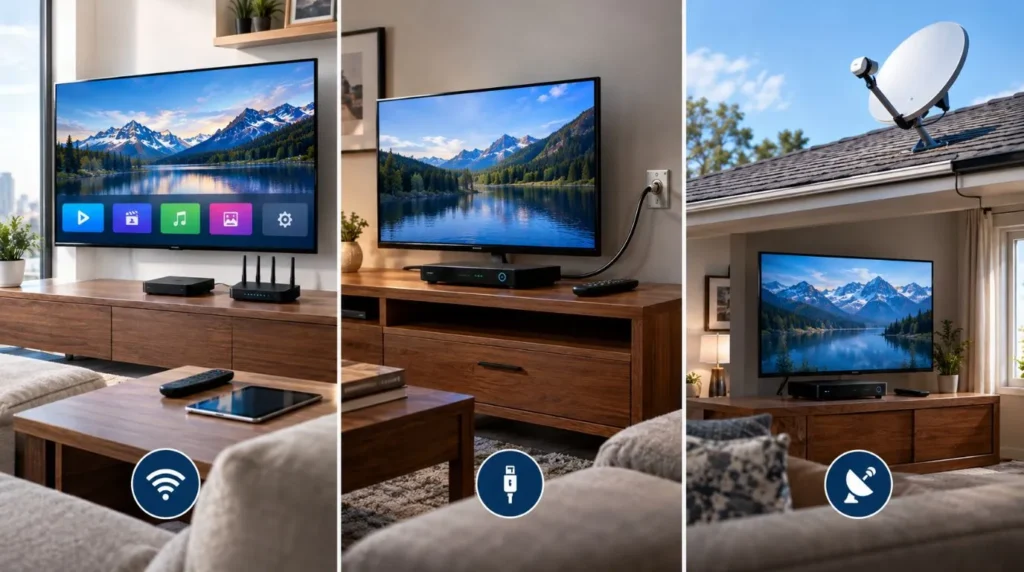
Satellite TV delivers programming through a satellite signal received by a dish installed at the viewing location. IPTV instead uses an IP network and internet connection.
| Factor | IPTV | Cable | Satellite |
|---|---|---|---|
| Delivery | Internet/IP network | Cable network | Satellite signal |
| Internet required | Yes | Not necessarily for traditional TV | Not necessarily for traditional TV |
| Installation | Usually equipment/app setup | May require provider installation | Typically requires a satellite dish |
| Portability | Can be flexible depending on service | Usually tied to service location | Equipment and location dependent |
| Weather considerations | Depends on internet/network conditions | Depends on cable infrastructure | Severe weather can affect satellite reception |
| Device flexibility | Depends on service | Often provider-equipment focused | Usually centered around satellite equipment |
Satellite can be particularly relevant in locations where other television infrastructure is limited. IPTV, meanwhile, depends on having suitable internet access.
The right comparison therefore depends on the infrastructure available at your home as well as the programming you need.
Switching From Cable to IPTV: What to Check First
If you’re considering switching from cable to IPTV, avoid cancelling your existing service before confirming that the replacement meets your needs.
Use this checklist:
1. Review your current cable bill
Identify the actual cost of television, equipment, premium channels, taxes, and any bundled services.
2. Separate TV and internet costs
If your cable provider also supplies your internet, determine what your broadband service will cost after changing your television arrangement.
3. Check your internet connection
Make sure your internet service is reliable enough for the way you plan to use IPTV.
4. List the channels you actually watch
Focus on your must-have channels rather than comparing large channel counts that include programming you rarely use.
5. Verify channel availability
Check the prospective IPTV service’s current lineup, especially for local channels, sports, news, and premium programming.
6. Check device compatibility
Confirm that the service works with your Smart TV, streaming device, phone, computer, or other intended hardware.
7. Review subscription terms
Look at billing periods, cancellation conditions, refunds, renewals, and any equipment requirements.
8. Calculate the total cost
Include internet, IPTV service, equipment, and applicable fees.
9. Consider your household’s viewing habits
A service that works well for one person may not suit a household with several simultaneous viewers or specialized sports and channel requirements.
10. Test the setup before making a permanent change
If the provider offers a legitimate trial or testing period, use it to verify compatibility, channel availability, and performance before cancelling your existing service. You can learn more about ViviMate’s IPTV free trial if that option is available to you.
Is IPTV Legal and Safe?
The term “IPTV” describes a method of delivering television over IP networks. It does not, by itself, determine whether a particular service is authorized to distribute the content it provides.
Legality can depend on factors including:
- Whether the provider has appropriate content rights
- Licensing and authorization
- The jurisdiction involved
- How the service is used
Consumers should therefore evaluate the specific IPTV provider rather than assuming that every service marketed as IPTV has the same legal status.
For more information, see ViviMate’s guide to IPTV legality and safety.
Which Factors Matter Most When Comparing IPTV and Cable?
The most useful way to approach IPTV compared to cable is to build your decision around your actual household requirements.
Consider these questions:
- Do I already have reliable broadband internet?
- What channels do I actually watch?
- Do I need local channels?
- Do I watch live sports?
- How many devices do I use?
- Do I want provider-specific equipment or app-based viewing?
- What is my total monthly cost?
- Am I comfortable with internet-dependent television?
- Does the service have the subscription terms I want?
- Are the channels and content I need properly authorized and available?
Once these questions are answered, the differences between IPTV and cable become much easier to evaluate.
The Bottom Line on IPTV vs Cable
IPTV vs cable is ultimately a comparison between two different ways of delivering television.
IPTV uses an internet connection and can offer flexible, device-based viewing depending on the service. Traditional cable uses a dedicated cable television network and typically relies more heavily on provider-specific equipment.
The better fit for a particular household depends on factors such as internet reliability, total cost, channel availability, equipment preferences, contracts, and viewing habits.
If you’re exploring IPTV for the first time, you can learn more about ViviMate IPTV or review the available IPTV subscription options before deciding whether an internet-based TV setup fits your needs.