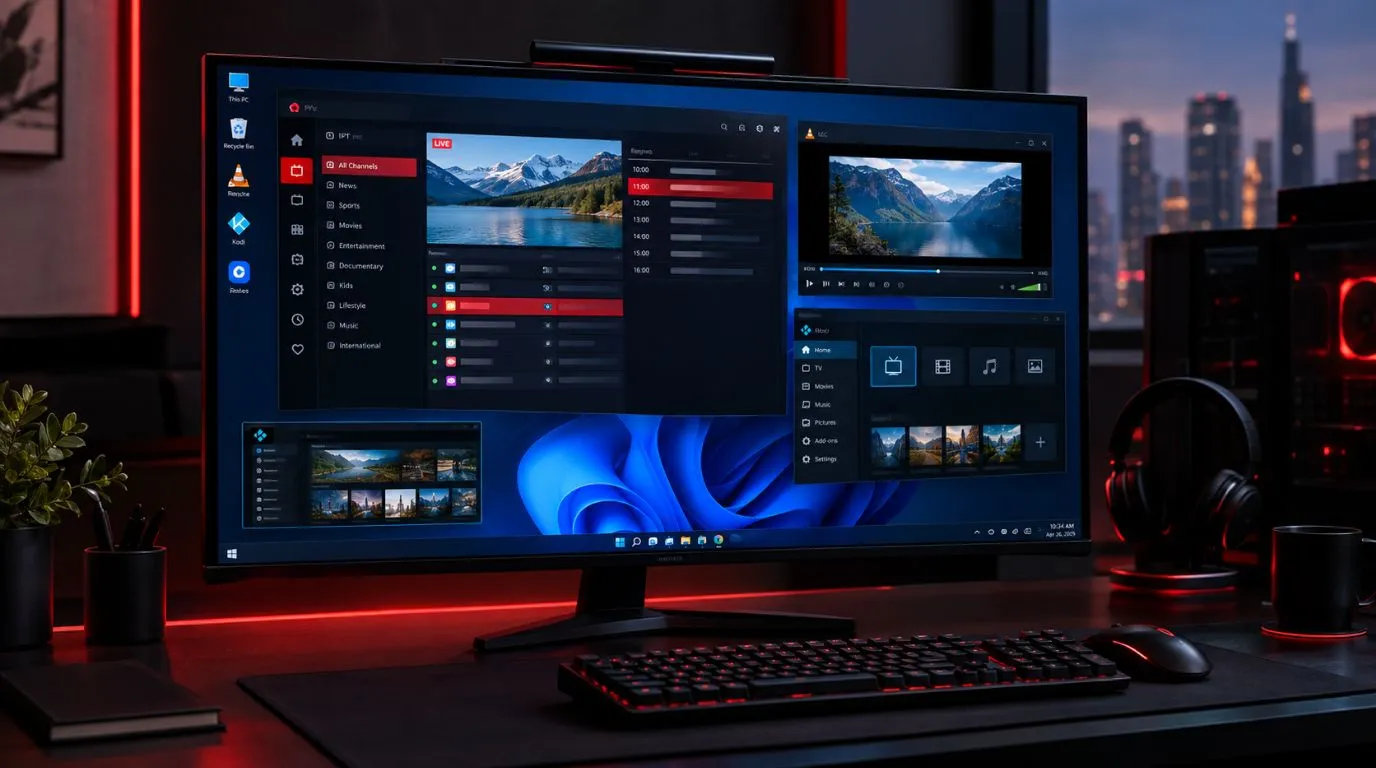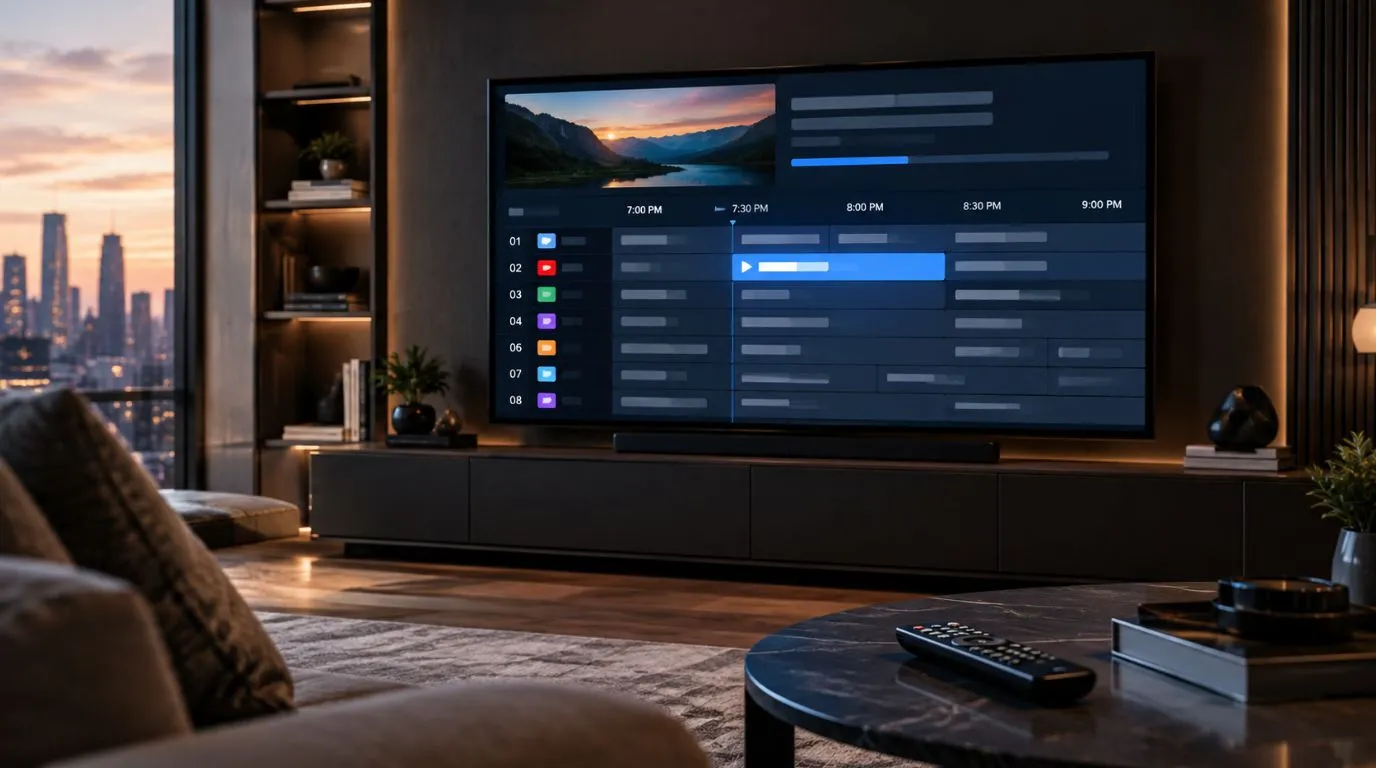
An IPTV schedule makes it easier to see what is playing now, what is coming next, and when your favorite programs are scheduled to air. Instead of browsing through channels without knowing what is on, you can use an electronic program guide (EPG) to view live programming in a familiar TV-guide format.
For viewers who watch live sports, news, movies, entertainment, or international programming, a well-organized schedule can make a large IPTV channel lineup much easier to navigate.
This guide explains how IPTV schedules work, what EPG information means, how to find upcoming programs, and what to check when schedule information is missing or inaccurate.
Table of Contents
How an IPTV Schedule Works
An IPTV schedule displays programming information associated with the live TV channels in an IPTV service or player.
Depending on the service and EPG data available, a schedule can show:
- Channel names and numbers
- The program currently airing
- Upcoming programs
- Start and end times
- Program titles
- Short descriptions
- Categories such as sports, news, movies, or entertainment
- Progress indicators showing how far a current program has progressed
The schedule is generally presented through an IPTV player’s program guide. You can move between channels and time periods to see what is currently airing and what is scheduled later.
The amount and accuracy of information can vary between services, channels, EPG sources, and IPTV players.
What Information Does an IPTV Schedule Show?
A typical listing might look something like this:
| Schedule information | What it tells you |
|---|---|
| Channel | Which channel is broadcasting the program |
| Current program | What is playing right now |
| Start time | When the program began or will begin |
| End time | When the program is expected to finish |
| Next program | What is scheduled afterward |
| Description | Additional information about the program |
| Category | The type of content being shown |
Some IPTV players also provide a visual timeline, allowing you to scroll horizontally through upcoming programming.
IPTV Schedule vs. EPG: What’s the Difference?
The terms IPTV schedule and EPG are closely related, but they are not exactly the same thing.
EPG stands for Electronic Program Guide. It is the structured program information that allows an IPTV application or player to display TV listings.
An IPTV schedule is what you actually use to see that information.
For example, an EPG may contain information about a program’s title, start time, end time, channel, and description. Your IPTV player can use that information to display a schedule or program guide on your screen.
In simple terms:
EPG data → IPTV player → TV schedule
This is why you may see terms such as IPTV program guide, EPG, channel guide, and IPTV schedule used when discussing essentially the same viewing experience.
The important difference is that an EPG is the underlying program information, while the schedule is the viewer-facing guide built from that information.
How to Use an IPTV TV Schedule
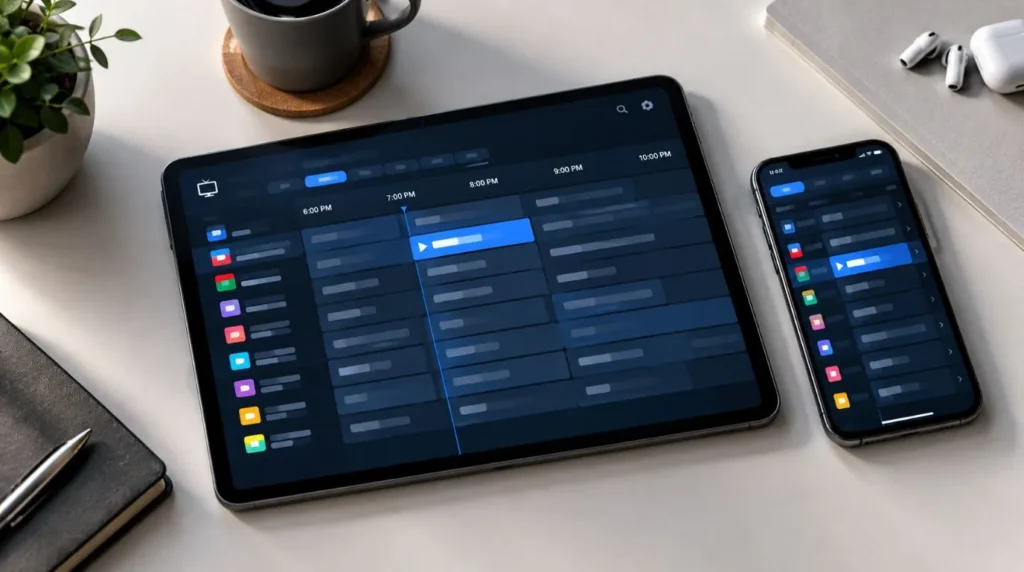
Once your IPTV player has loaded schedule information, navigating it is generally straightforward.
Find What Is Playing Now
Open the channel guide and look for the program marked as currently airing. Many IPTV players indicate the current program with a progress bar or a visual highlight.
This is particularly useful when you have a large number of channels and want to quickly determine which ones are showing something relevant.
Instead of opening channels one by one, you can scan the guide and compare the current programs across multiple channels.
Check What’s Coming Next
An IPTV schedule is also useful for planning what you want to watch later.
Move forward through the program guide to see upcoming broadcasts. Depending on the available EPG data, you may be able to view several hours or multiple days of programming.
Schedule coverage is not necessarily identical for every channel. Some channels may have detailed listings far into the future, while others may only show limited information.
Find a Program by Channel
If you already know where a program is expected to air, locate that channel in the guide and scroll through its listings.
This can be faster than searching the entire channel lineup.
For example, if you’re looking for a particular news broadcast, movie, or sports event, you can go directly to the relevant channel and check its upcoming schedule.
Navigate by Time
Many IPTV program guides let you move through the schedule according to time.
This allows you to answer questions such as:
- What’s on this evening?
- What starts after the current program?
- What’s scheduled tomorrow?
- Which programs are airing around a particular time?
This time-based navigation is one of the main reasons an EPG can be more useful than simply browsing a channel list.
What Makes a Useful IPTV Schedule?
Not all schedule information provides the same viewing experience. When evaluating an IPTV service or player, several practical factors are worth considering.
Accurate Program Information
Listings should correspond reasonably closely with the actual programming being broadcast.
Program schedules can change, however, especially for live events, breaking news, sports, or special programming. A schedule should therefore be treated as program information rather than an absolute guarantee of what will air at every moment.
Clear Time Information
A useful guide should make it easy to understand when programs start and finish.
Time-zone handling is particularly important for viewers watching channels from different regions. Your device, IPTV player, and EPG data may need to be configured consistently to avoid confusing time differences.
Good Channel Organization
A large number of channels can make a schedule difficult to navigate if everything appears in one long list.
Depending on the IPTV player, you may be able to organize channels into categories or favorites, making it easier to find the channels you actually watch.
Program Descriptions
Titles tell you what is playing, but descriptions provide additional context.
When available, descriptions can help you decide whether a movie, show, documentary, sports broadcast, or other program is worth watching before opening the channel.
How IPTV Schedules Help With Live Sports
Live sports are one situation where an accurate schedule can be particularly useful.
Instead of checking channels individually, viewers can use program listings to find scheduled broadcasts and identify when an event is expected to begin.
For example, a schedule may help you determine:
- Which channel is carrying an event
- When the broadcast is scheduled to begin
- What programming comes before the event
- What is scheduled afterward
- Whether multiple channels have related coverage
Keep in mind that live sports schedules can change. Events may run longer than expected, start later, or be replaced by other programming. The schedule should therefore be used as a guide rather than a guarantee.
For broader information about watching sports through IPTV, see the dedicated [IPTV for Sports guide](FUTURE INTERNAL LINK).
Why Is My IPTV Schedule Not Showing?
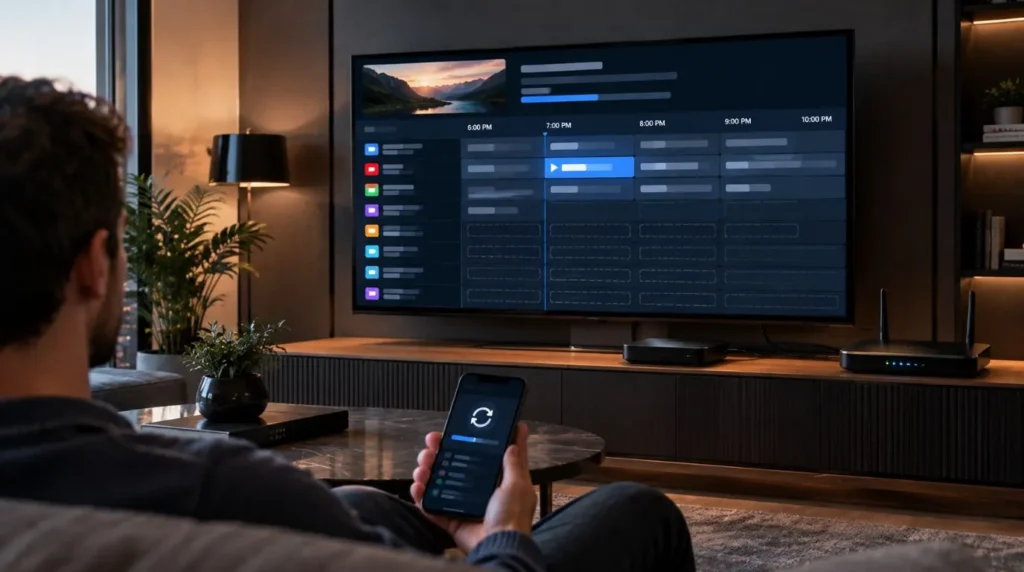
Sometimes the channels themselves work correctly while the program information is missing.
This does not necessarily mean the IPTV channel is unavailable. The issue may involve EPG data, the IPTV player, time settings, or the connection used to retrieve the guide.
Here are some common causes.
EPG Data Has Not Loaded
The IPTV player may need to retrieve program information separately from the channel playlist.
If the channel list appears but the schedule is empty, give the player time to load its EPG information and check whether a refresh option is available.
The Channel Has No EPG Information
Not every channel necessarily has complete program data.
You may encounter channels that display correctly but have limited, outdated, or no schedule information. This can depend on the EPG data available for that particular channel.
The Time Zone Is Incorrect
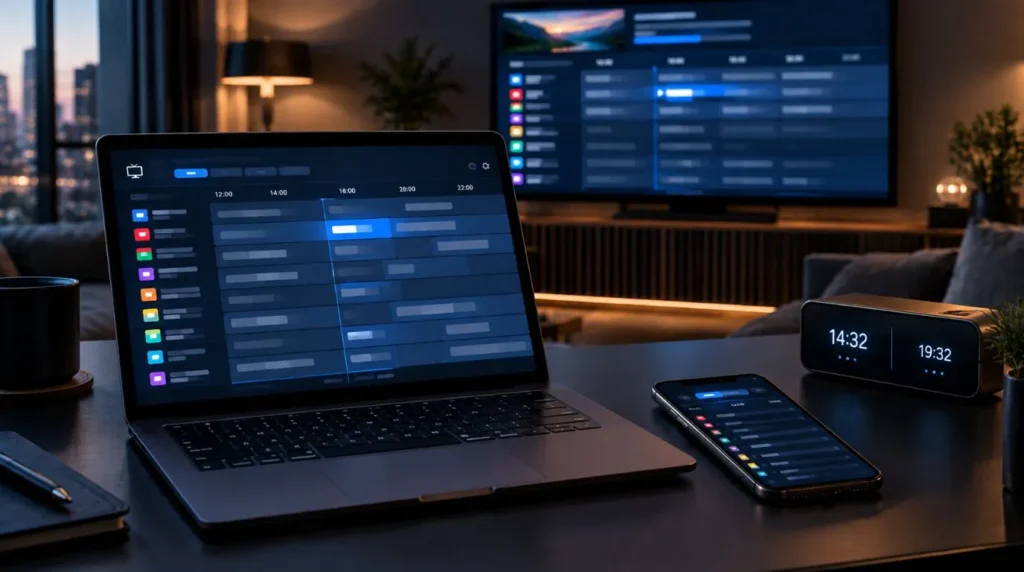
An incorrect device or player time zone can make an otherwise correct schedule appear wrong.
For example, programs may appear several hours earlier or later than expected.
Check your device’s date, time, and time-zone settings if the listings seem consistently shifted.
Program Data Is Outdated
EPG information can become outdated when the underlying schedule changes.
This is more noticeable with live sports, special broadcasts, breaking news, and other programming that does not always follow a fixed timetable.
Refreshing the guide can help when updated information is available.
Your IPTV Player Needs a Refresh
The player may have loaded the channels but failed to update the associated schedule.
Depending on the application, refreshing the playlist, refreshing EPG data, restarting the player, or reopening the channel guide may resolve the issue.
How to Refresh an IPTV Schedule
If your channel list works but the program guide is empty or outdated, try these steps:
- Open your IPTV player.
- Look for an option to refresh or reload the EPG.
- Check that your internet connection is working normally.
- Verify the device’s date, time, and time zone.
- Reopen the program guide.
- Restart the IPTV application if the information still does not appear.
- Allow the guide to finish loading before checking the listings again.
The exact menu names vary between IPTV applications and devices.
If you’re still setting up your IPTV application, the IPTV Setup guide provides broader information about getting IPTV running on compatible devices.
IPTV Schedule on Smart TVs, Streaming Devices, and Phones
The basic purpose of an IPTV schedule remains the same across devices, but the interface can differ significantly.
Smart TVs
On a Smart TV, the guide is typically designed for remote-control navigation. A larger screen can make it easier to see multiple channels and time periods simultaneously.
Android TV and Streaming Devices
Streaming devices can provide a TV-style program guide through compatible IPTV applications. Navigation generally involves moving between channels and time periods using the remote.
Smartphones and Tablets
Mobile IPTV applications usually display the same underlying program information in a more compact interface.
You may need to scroll vertically or horizontally to browse channels and upcoming programs.
The important factor is not simply the device itself, but whether the IPTV application supports the relevant EPG and schedule functionality.
How to Choose an IPTV Service With a Useful Schedule
If you’re comparing IPTV services, the channel count alone does not tell you how convenient the live TV experience will be.
Consider whether the service provides useful program information for the channels you care about.
Look at factors such as:
- EPG availability
- Schedule coverage
- Program title and description information
- Time-zone handling
- Channel organization
- Compatibility with your IPTV player
- How easily you can refresh schedule information
- Coverage for the channels you actually watch
A large channel lineup can be less useful if you cannot easily determine what’s currently playing or what is coming next.
For readers researching IPTV services more broadly, the ViviMate IPTV Channels page is the natural next step for exploring channel availability.
Can an IPTV Schedule Show Multiple Days?
It can, but the amount of schedule information depends on the available EPG data.
Some channels may provide detailed listings for upcoming days, while others may have shorter coverage. There is no universal schedule length that applies to every IPTV service or channel.
If you only see today’s programs, check whether the IPTV player has finished loading its EPG data and whether additional listings become available after refreshing the guide.
The same principle applies when comparing different IPTV services: schedule depth and accuracy can vary by channel and EPG source.
Can You Use an IPTV Schedule to Find Movies and TV Shows?
Yes. A program guide can make it easier to locate scheduled movies, television programs, documentaries, news broadcasts, and other live content.
Rather than searching through the entire channel list, you can use the schedule to see what each channel is broadcasting during a particular period.
For viewers who mainly want on-demand movies and series rather than scheduled broadcasts, an IPTV schedule serves a different purpose from a VOD library. Live TV schedules tell you when content is being broadcast, while VOD systems generally let you choose content independently of a broadcast timetable.
What If the IPTV Schedule and Actual Program Don’t Match?
Schedule information is not always perfectly synchronized with live broadcasting.
This can happen because:
- A live event runs longer than expected.
- A broadcast starts late.
- A program is replaced.
- Breaking news changes the planned schedule.
- The EPG information has not been updated.
- The channel has changed its programming.
If the difference is occasional, it may simply reflect a programming change. If every channel appears consistently shifted by the same amount of time, checking your device and IPTV player’s time-zone settings is a sensible first step.
IPTV Schedule and the Live TV Experience
A channel list tells you what is available. An IPTV schedule adds another layer by showing what is happening on those channels and when.
That distinction becomes increasingly important as the number of channels grows.
A useful program guide lets you quickly move from:
Channel → Current program → Upcoming program → Viewing decision
without having to open every channel individually.
For users who rely heavily on live TV, schedule information can therefore be one of the most practical parts of an IPTV setup.
Final Thoughts
An IPTV schedule provides a simple way to navigate live television by showing current and upcoming programming across your channels. Behind that experience, EPG data supplies the program information that IPTV players use to build their electronic program guides.
For everyday viewing, the most useful features are straightforward: seeing what’s on now, checking what’s coming next, finding programs by channel or time, and quickly identifying problems when listings are missing or inaccurate.
If you’re exploring the available live TV lineup, visit the ViviMate IPTV Channels page to learn more about the channels and viewing experience.