If you have a 4K television and want to get the most from live TV streaming, IPTV 4K is worth understanding before choosing a service or changing your setup.
4K IPTV can deliver significantly more image detail than standard HD, but resolution is only one part of the equation. Your TV, streaming device, internet connection, IPTV player, video source, and stream bitrate can all affect the final picture.
This guide explains how 4K IPTV streaming works, what you need for reliable playback, how much bandwidth to consider, why some 4K streams may look disappointing, and what to check when evaluating a 4K IPTV service.
Table of Contents
What Is IPTV 4K?
IPTV 4K refers to television content delivered over an internet connection at 4K Ultra HD resolution, typically 3840 × 2160 pixels for consumer displays.
That provides four times as many pixels as Full HD 1920 × 1080. On a suitable screen, the additional resolution can make fine details, text, scenery, and fast-moving content appear sharper.
However, a stream being labeled “4K” does not automatically guarantee the best possible picture.
Actual image quality depends on several factors, including:
- The original video source
- Resolution
- Video bitrate
- Compression
- Video codec
- Internet stability
- Streaming device capabilities
- TV output settings
- The quality of the IPTV delivery itself
This is why two streams that are both described as 4K can look noticeably different.
How 4K IPTV Streaming Works
A 4K IPTV stream passes through several stages before appearing on your television.
Content source → video encoding → IPTV delivery → internet connection → streaming device → TV display
Each stage can affect the final result.
1. The content source
The original program needs to be available in a suitable resolution. If the source is only HD, simply displaying it on a 4K television does not turn it into native 4K content.
Some TVs and streaming devices can upscale lower-resolution video, which may improve its appearance, but upscaling is different from receiving a native 4K source.
2. Video encoding and compression
Video is compressed so that it can be transmitted efficiently over the internet.
Compression reduces the amount of data required, but excessive compression can remove visual detail and introduce artifacts.
This makes bitrate important.
Bitrate describes how much video data is transmitted over time. In general, a higher bitrate gives an encoder more information to preserve image detail, although bitrate alone does not determine quality.
3. Internet delivery
The encoded stream is delivered to your device through your internet connection.
A connection can have enough advertised download speed but still experience problems caused by Wi-Fi interference, congestion, other devices using the network, or inconsistent throughput.
4. Device decoding
Your streaming device or television needs to decode the video and output it at the appropriate resolution.
A device may support IPTV playback while still having limitations with particular resolutions, codecs, or high-bitrate streams.
5. Your television
Finally, the display needs to support the incoming resolution.
A 4K television can display 4K content, but you should also make sure the connected device is actually outputting the desired resolution.
What Do You Need for 4K IPTV?
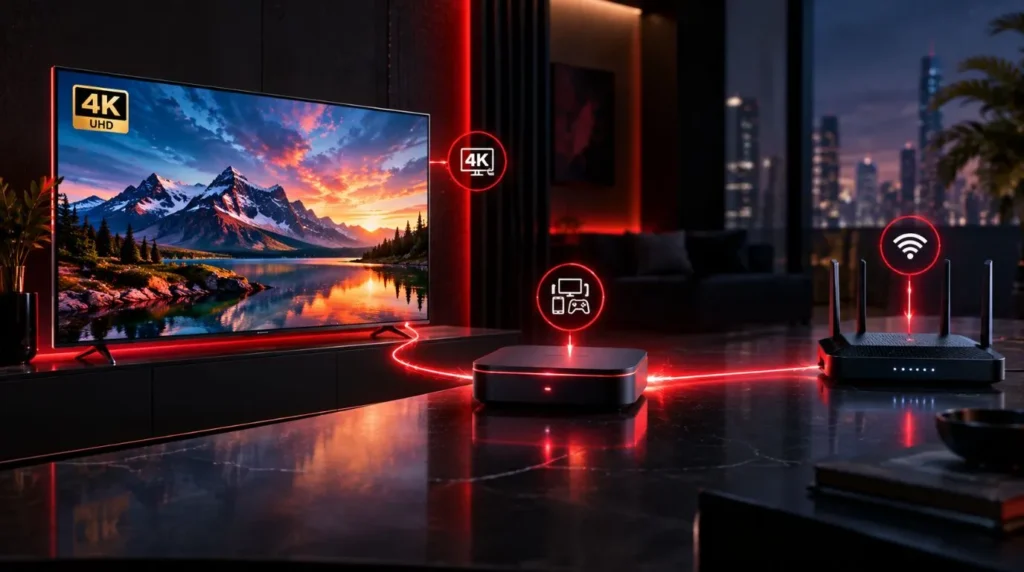
A reliable 4K setup does not require complicated equipment, but several components need to work together.
A 4K-compatible TV
For the full benefit of 4K content, you need a television with a native 4K/UHD display.
Check the TV specifications for:
- 3840 × 2160 native resolution
- Supported refresh rates
- HDR support if relevant to the content
- HDMI input capabilities
- Supported video formats
If your television is only 1080p, it can still display IPTV, but it cannot show the full detail of a native 4K signal.
A compatible streaming device
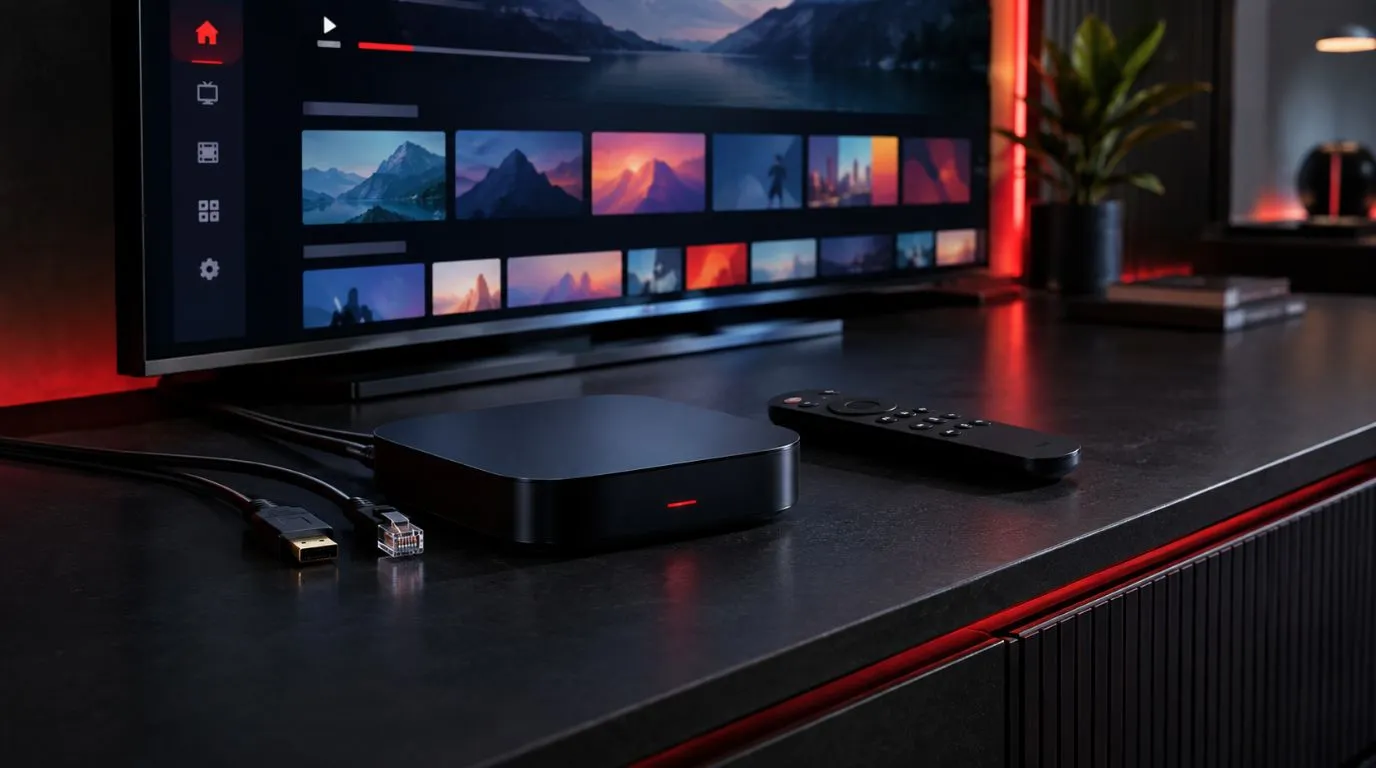
If you use a separate streaming box or stick, check that it supports 4K video output and the relevant video formats.
The device can become a bottleneck if it cannot decode or output a particular stream properly.
When evaluating hardware, consider:
- 4K output support
- Supported codecs
- Hardware decoding
- HDMI capabilities
- Operating system compatibility
- IPTV player compatibility
You do not necessarily need the most expensive streaming device. The important point is that the hardware supports the type of 4K stream you intend to watch.
If you are configuring IPTV on a new television or streaming device, you can also follow our IPTV setup guide for additional setup and configuration information.
A stable internet connection
4K video requires more data than lower-resolution streaming.
The important factors are not just the advertised download speed, but also consistency and available bandwidth while the stream is playing.
If several people in your household are simultaneously streaming video, gaming, downloading large files, or using cloud services, your IPTV stream may have less bandwidth available.
A suitable network connection
Wi-Fi can work well for 4K streaming when the signal is strong and the network is not congested.
Ethernet can be useful when your streaming device is close enough to the router to connect directly. A wired connection removes many variables associated with wireless interference and signal strength.
How Much Internet Speed Does IPTV 4K Need?
There is no single internet-speed number that guarantees perfect 4K IPTV.
The actual requirement depends on the stream’s bitrate, codec, compression, network overhead, and how much other activity is taking place on your connection.
As a practical rule, 4K streaming requires substantially more sustained bandwidth than HD streaming.
Consider these factors when evaluating your connection:
| Factor | Why it matters |
|---|---|
| Download bandwidth | Determines how much data can reach your device |
| Stream bitrate | Higher-bitrate video requires more bandwidth |
| Wi-Fi signal | A weak or unstable signal can interrupt playback |
| Network congestion | Other users and devices consume available capacity |
| Connection consistency | Fluctuations can cause buffering or quality problems |
| Multiple streams | Several simultaneous streams require additional bandwidth |
A speed test can tell you what your connection is capable of at a particular moment, but it does not guarantee that every IPTV stream will perform identically.
If 4K playback repeatedly buffers, look beyond the headline speed. Network congestion, Wi-Fi conditions, device limitations, and the stream itself may all be contributing factors.
4K IPTV vs. HD IPTV

The main difference is resolution, but there are other practical differences to consider.
| Feature | HD IPTV | 4K IPTV |
|---|---|---|
| Typical resolution | 1280 × 720 or 1920 × 1080 | 3840 × 2160 |
| Image detail | Lower | Higher |
| Bandwidth demand | Generally lower | Generally higher |
| Hardware requirements | More modest | More demanding |
| Storage/data usage | Generally lower | Generally higher |
| Sensitivity to network problems | Lower | Higher |
| 4K display required | No | Yes, for native 4K viewing |
The difference can be especially noticeable on larger televisions and when sitting relatively close to the screen.
However, the improvement is not simply about the number of pixels. A high-quality HD stream can look better than a heavily compressed 4K stream.
For this reason, resolution and overall stream quality should be evaluated separately.
Why Does My 4K IPTV Look Blurry?

If you expected sharp 4K IPTV but the picture looks soft or pixelated, there are several possible explanations.
The source may not be native 4K
The first thing to consider is the source.
A television can upscale HD video to fit a 4K screen, but that does not make the original source native 4K.
If only certain channels or programs look less detailed while others look sharp, the source quality may be the difference.
The bitrate may be too low
Resolution tells you how many pixels are present. Bitrate helps determine how much data is available to represent those pixels.
A highly compressed 4K stream may contain substantially less visual information than a well-encoded 4K stream.
Look for differences such as:
- Blocky areas
- Loss of fine detail
- Smearing during movement
- Compression artifacts
- Soft-looking textures
Your network may be unstable
A connection can have sufficient average speed while still experiencing temporary problems.
Check whether poor quality occurs:
- At particular times of day
- Only over Wi-Fi
- When other household devices are active
- Across multiple IPTV channels
- Only with high-resolution streams
If lower-resolution streams work normally but 4K streams consistently struggle, bandwidth or network stability deserves closer attention.
The device may be limiting playback
Your streaming device needs enough processing capability to decode the stream.
An older device may support basic IPTV playback but struggle with higher-resolution or higher-bitrate video.
Check whether the device officially supports the resolution and codecs used by the stream.
The TV or device may be outputting the wrong resolution
Open your device’s display settings and verify that the output is configured appropriately.
Some devices automatically select an output mode, while others allow you to select resolution manually.
Also check the TV’s information panel where available. Many televisions can display information about the incoming signal.
How to Check Whether IPTV Is Really Streaming in 4K
One of the most useful things you can do is verify the signal instead of relying only on a “4K” label.
Depending on your television and streaming device, you may be able to check:
- Current input resolution
- Output resolution
- Playback statistics
- Video information
- Stream details
- Codec information
For example, if your TV reports that the incoming signal is 3840 × 2160, that confirms the display is receiving a 4K-resolution signal.
However, resolution is still only one part of quality.
A 3840 × 2160 stream can be heavily compressed or have a low bitrate. Likewise, a 4K-capable device does not prove that the particular program being watched is being delivered in native 4K.
The most reliable evaluation considers resolution, bitrate, source quality, and playback stability together.
What Makes a Good 4K IPTV Service?
If you are comparing a 4K IPTV service, look beyond the number of channels advertised.
Useful factors to investigate include:
Actual 4K availability
Check whether 4K content is clearly identified and whether the service explains which channels or programs are available in 4K.
Do not assume that every channel in a large lineup is available at 4K resolution.
Consistent stream quality
A useful service should provide streams that remain watchable under normal network conditions.
Look for information about supported resolutions and playback requirements rather than relying solely on marketing labels.
Device compatibility
Confirm that the service works with the device and IPTV player you intend to use.
Compatibility can matter as much as resolution if you already have a specific Smart TV, streaming box, or media player.
If you are evaluating the player side of your setup, our guide to the best IPTV player can help you understand the features and compatibility factors to consider.
EPG support
An electronic program guide can make live TV easier to navigate by showing current and upcoming programming.
If you want to understand how EPG functionality fits into an IPTV setup, a dedicated IPTV EPG guide can provide more detail.
Channel selection
4K quality is useful only if the service provides the content you actually want to watch.
Before choosing a service, review the available IPTV channels and check whether the programming you care about is included.
Clear service information
Look for transparent information about supported devices, streaming quality, setup requirements, and subscription terms.
If you’re comparing providers more broadly, you can also review our guide to the best IPTV service to understand the wider factors that can matter when evaluating a provider.
Be cautious of claims that rely entirely on phrases such as “ultra HD” or “4K quality” without explaining what is actually provided.
Is 4K IPTV Worth It for Your Setup?
Whether 4K IPTV makes sense depends on your equipment, network, and viewing habits.
4K may be a good fit if you:
- Have a native 4K television
- Have sufficient and stable internet bandwidth
- Use a device capable of 4K playback
- Watch content where additional image detail is noticeable
- Want to take advantage of a large UHD display
HD may be sufficient if you:
- Have a 1080p television
- Have limited bandwidth
- Use older streaming hardware
- Mostly watch content that is only available in HD
- Do not notice a meaningful difference at your normal viewing distance
There is also no reason to force every stream into 4K simply because your television supports it. The quality of the original source and the reliability of playback matter more than the label alone.
How to Get Better IPTV 4K Streaming Performance
Once your hardware supports 4K, a few practical changes can help improve the experience.
1. Check your network
Run a speed test and repeat it at different times if performance changes throughout the day.
2. Reduce unnecessary network traffic
Large downloads, cloud backups, game updates, and other high-bandwidth activities can compete with IPTV streaming.
3. Consider Ethernet
If practical, connect your streaming device directly to the router. This can provide a more consistent connection than a weak or congested Wi-Fi network.
4. Keep your device updated
Firmware, operating-system, and IPTV-player updates can improve compatibility and playback stability.
5. Verify display settings
Confirm that your streaming device is capable of 4K output and that the TV is receiving the expected signal.
6. Compare different streams
If one channel looks poor while another 4K channel plays clearly, the issue may be related to the particular source or stream rather than your entire setup.
IPTV 4K and Legality
IPTV is a method of delivering television content over an internet connection. The legality of a particular IPTV service depends on factors such as licensing, authorization, content rights, jurisdiction, and how the service is operated.
A service advertising 4K channels is not automatically authorized simply because it uses legitimate streaming technology.
When choosing a provider, consider whether it has the appropriate rights or authorization to distribute the content it offers.
Final Takeaway
A good IPTV 4K experience involves much more than having a 4K television.
The source needs to provide appropriate content, the stream needs suitable encoding and bitrate, your internet connection needs enough consistent bandwidth, and your streaming device needs to decode and output the video correctly.
If you are troubleshooting poor 4K IPTV quality, work through the complete chain: source, stream, network, device, and display. This makes it easier to identify whether the problem is caused by the service, your connection, your hardware, or your TV settings.
If you are still researching your options, reviewing the available IPTV channels is a useful next step. It lets you consider the content you actually want alongside the technical requirements of your 4K setup.