If you’re wondering how to get IPTV, the process is usually simpler than it first appears. You need three main things: a compatible device, an IPTV service, and a compatible IPTV player or app. From there, you subscribe to the service, receive your access information, and connect it to your chosen device.
The important part is knowing what you actually need before you subscribe. An IPTV service, an IPTV player, and a streaming device are different things, and understanding how they work together can save you time and confusion.
This beginner’s guide explains how to get IPTV, what to look for when choosing a service, which devices you can use, and what to do after subscribing.
Table of Contents
What Do You Need to Get IPTV?
Getting started with IPTV generally involves four basic components:
- A compatible device — such as a Smart TV, streaming device, smartphone, tablet, or computer.
- An IPTV service — the service that provides access to television or video content.
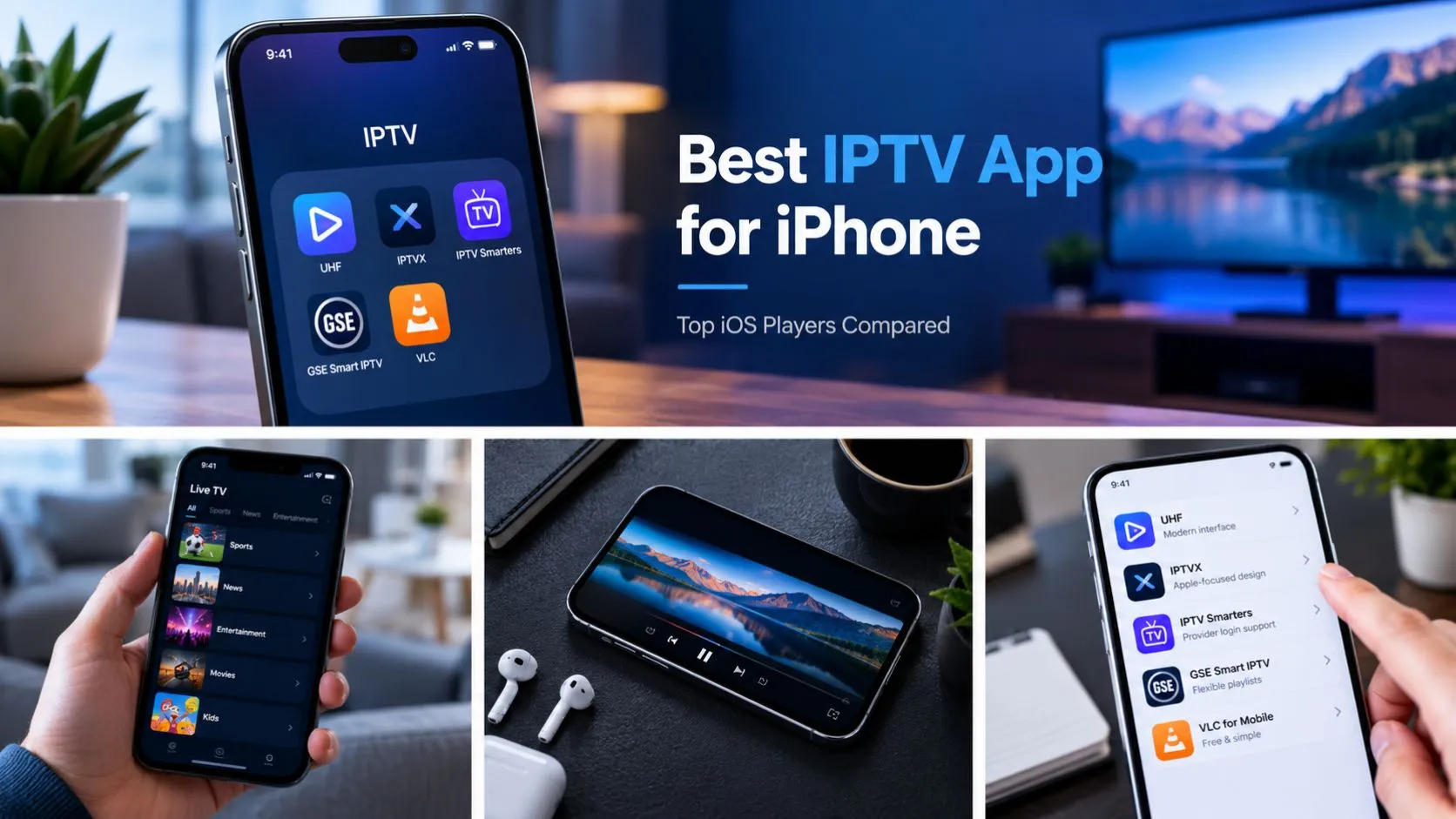
- An IPTV player or compatible app — the software used to access and play the service.
- A reliable internet connection — IPTV content is delivered over the internet.
These components have different roles.
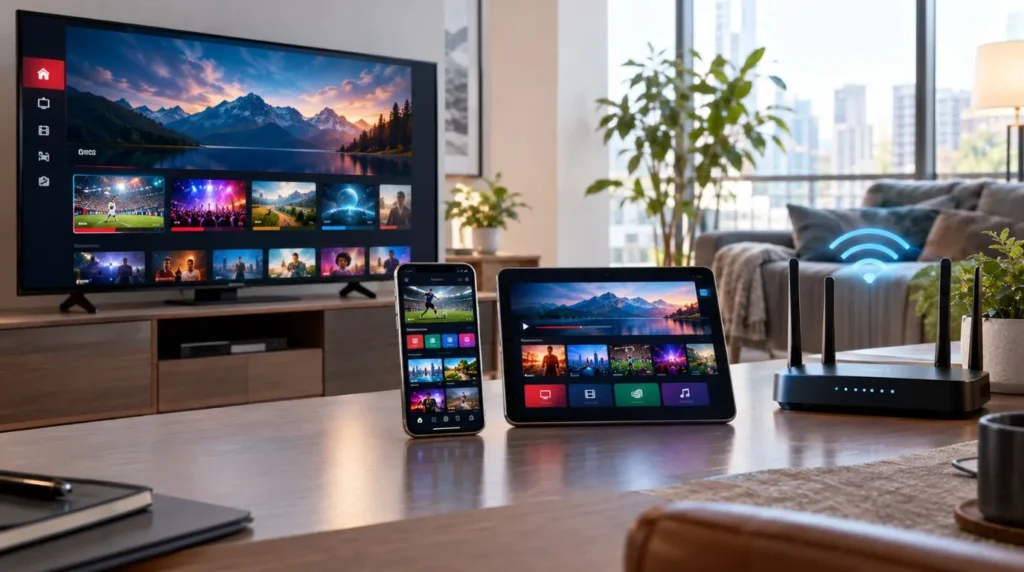
For example, buying an IPTV player does not automatically give you access to TV channels. Likewise, owning a Smart TV does not necessarily mean that an IPTV service is already included.
If you want a broader introduction to the technology itself, you can learn more from ViviMate’s IPTV service resources.
How to Get IPTV Step by Step
If you’re asking, “How do I get IPTV?”, the process can be broken down into a few straightforward steps.
1. Choose the Device You Want to Use
Start with the device you already own, if possible.
Depending on the service and application, IPTV can be used on devices such as:
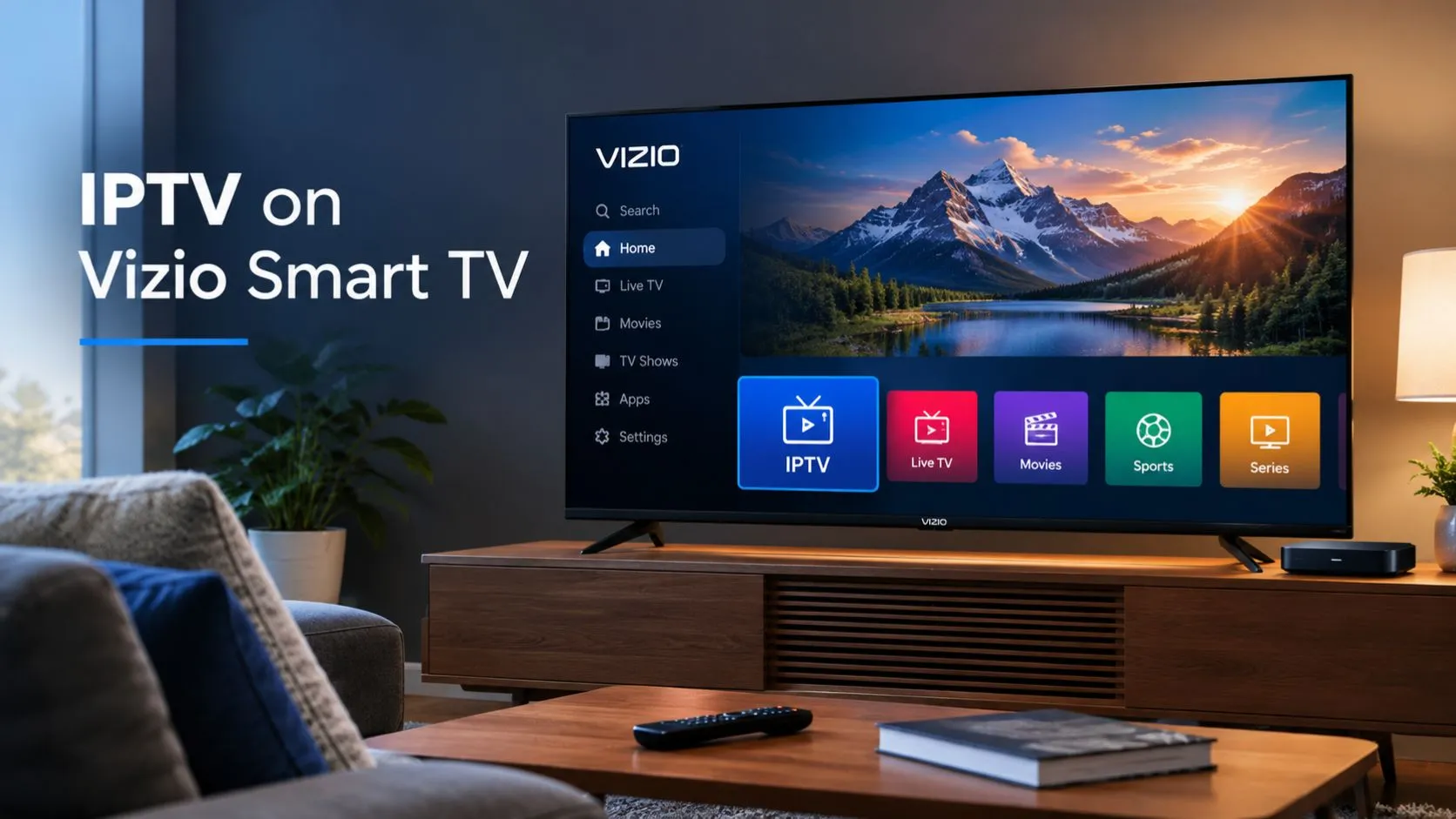
- Smart TVs
- Android TV and Google TV devices
- Fire TV-type streaming devices
- Smartphones
- Tablets
- Windows computers
- Mac computers
Compatibility varies between services and applications, so check the requirements before subscribing.
If your television already supports a compatible IPTV application, you may not need to purchase additional hardware. If it does not, a compatible streaming device may provide another way to access the service.
The goal is simple: know where you plan to watch IPTV before choosing your service.
2. Choose an IPTV Service
The next step is choosing an IPTV service that fits your needs.
When comparing services, don’t focus only on the number of channels advertised. Consider the overall service and whether it is appropriate for your device and viewing habits.
Useful factors to check include:
- Supported devices
- Available content and channel categories
- Subscription options
- Pricing and billing terms
- Trial availability
- Customer support
- Account and privacy practices
- Cancellation or refund policies
- Clear information about the service and its content
A service that looks attractive on paper may not be suitable if it does not support your preferred device or if its subscription terms are unclear.
You can explore ViviMate’s IPTV subscription options to understand how a subscription fits into the overall process.
3. Select a Subscription
Once you’ve found a service that meets your requirements, the next step is choosing an appropriate subscription.
Before completing payment, review the important details:
- How long does the subscription last?
- Is billing one-time or recurring?
- Which devices are supported?
- What content is included?
- Are there cancellation or refund conditions?
- Is customer support available?
Don’t assume that every IPTV service works in exactly the same way. Subscription features, supported applications, account information, and device compatibility can vary.
If a provider offers a trial, it can also be a practical way to check whether the service works with your intended setup before committing to a longer subscription.
For users who want to explore that option, see the IPTV free trial.
4. Receive Your IPTV Access Information
After subscribing, the service will provide the information you need to connect your account.
Depending on the service, this could include information such as:
- A username and password
- An M3U playlist URL
- Server or portal information
- Xtream Codes API details
- Other account-specific connection information
You should keep these details private and use them only with compatible applications or devices.
The exact information you receive depends on the service. There is no single access method that every IPTV provider uses.
5. Connect the Service to a Compatible Player
Once you have your access information, you generally need a compatible IPTV player or application.
This is an important distinction for beginners:
The IPTV service provides the access and content, while the player is the software you use to access and play it.
The player may allow you to organize live TV, video-on-demand content, electronic program guide information, and other supported features, depending on the service and application.
For detailed instructions on the technical side, continue with the ViviMate IPTV setup guide.
How to Choose an IPTV Service
Knowing how to get IPTV service is only part of the process. You also need to determine whether a particular service is suitable for you.
Check Device Compatibility
This should be one of your first checks.
If you plan to watch on a Smart TV, make sure the service and player you intend to use support that television’s operating system.
The same applies to Android TV, Google TV, Fire TV devices, computers, phones, and tablets.
Don’t purchase a subscription based solely on the assumption that IPTV works on every device.
Review the Subscription Terms
Look for straightforward information about:
- Price
- Subscription duration
- Renewal terms
- Cancellation
- Refunds
- Supported devices
- Customer support
Clear terms make it easier to understand what you’re actually purchasing.
Look at the Available Content
Different services may organize and provide content differently.
Depending on the service, you may find categories such as:
- Live TV
- Sports
- News
- Entertainment
- Movies
- Series
- International channels
- Video on demand
If particular channels or categories are important to you, check the service’s current information rather than assuming they are included.
You can also review ViviMate’s IPTV channels information to explore the content side of the service.
Consider Support
Beginners may occasionally need help with account information, application compatibility, or setup.
A provider with clear documentation and accessible support can make the process easier, particularly if this is your first IPTV subscription.
Consider a Trial When Available
A trial can help you determine whether the service works with your intended device and whether its interface and content meet your expectations.
A trial is not a substitute for checking the service’s terms, but it can reduce uncertainty before purchasing a longer subscription.
What Devices Can You Use for IPTV?
One of the most common questions when getting started is whether IPTV will work on an existing device.
Smart TVs
Many modern Smart TVs can run streaming applications, although the specific applications available depend on the TV’s operating system and app store.
Before subscribing, check whether the IPTV player you intend to use is available for your television.
Android TV and Google TV
Android TV and Google TV devices can support a range of streaming applications.
This can be a convenient option for users who want to connect IPTV to a television without replacing the TV itself.
Fire TV Devices
Compatible Fire TV devices can also be used for IPTV through supported applications.
The exact installation and configuration process depends on the application and device, so check the relevant setup instructions before proceeding.
Smartphones and Tablets
IPTV can also be accessed on compatible mobile devices.
This can be useful when you want to watch away from your television, provided your service and chosen player support the device.
Windows and Mac Computers
A computer can also serve as an IPTV viewing device when a compatible player or web-based option is available.
The same basic principle applies: you need a service, a compatible way to access it, and an internet connection.
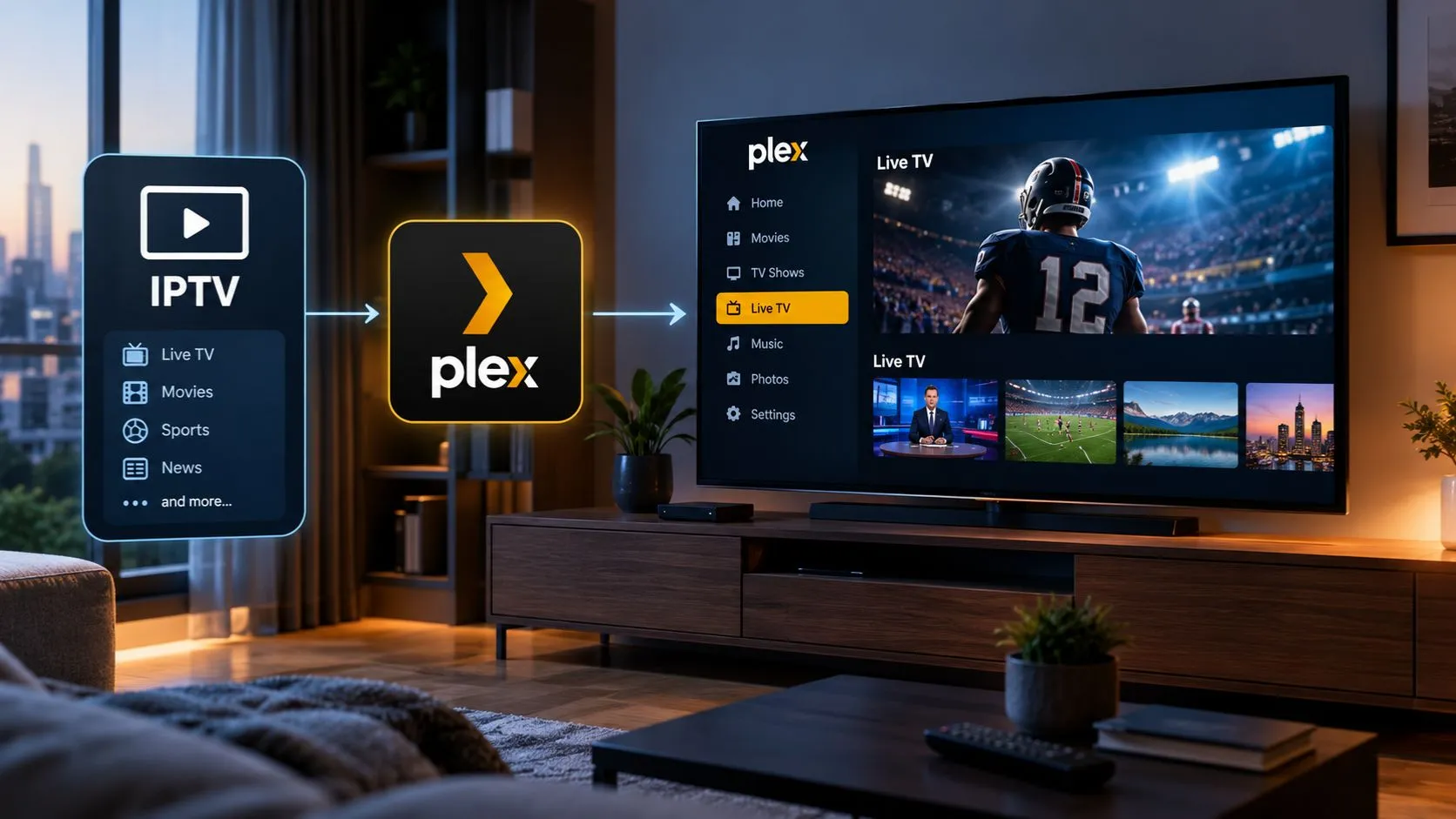
IPTV Service vs. IPTV Player: What’s the Difference?
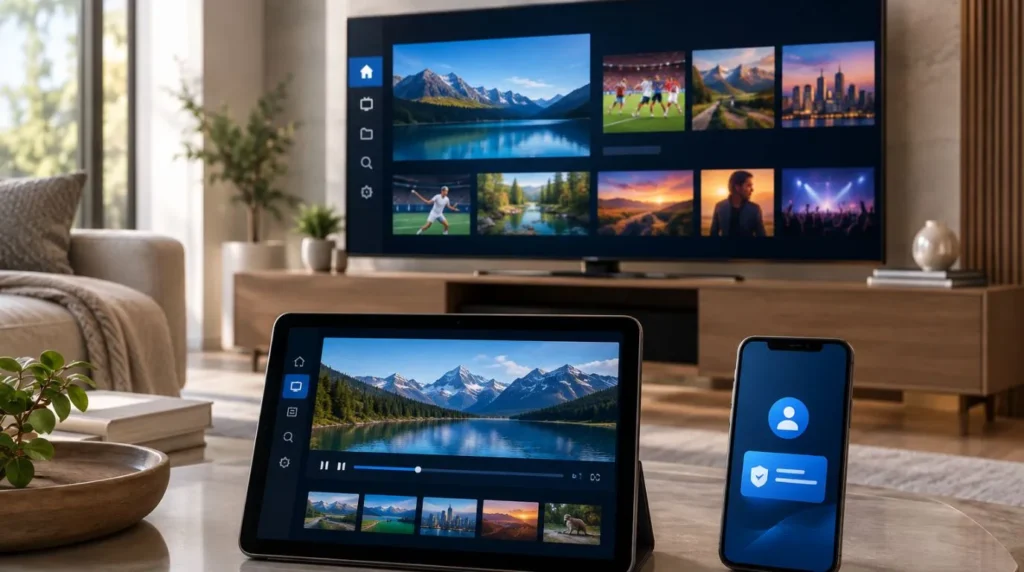
This distinction is especially important when you’re getting started with IPTV.
| Component | Purpose |
|---|---|
| IPTV service | Provides access to the available TV or video content |
| IPTV player | Software used to load and play the service |
| Streaming device | Hardware that runs the application |
| Internet connection | Delivers the video stream over the internet |
Think of it as a chain.
The service supplies the access.
The player provides the interface for using that access.
The device runs the player.
The internet connection delivers the stream.
This is why downloading an IPTV player alone does not necessarily give you access to TV channels. The player and the content service are separate components.
If you’re specifically researching player options, you can explore ViviMate’s IPTV player guide.
What Information Do You Need to Start IPTV?
The exact requirements depend on the service and device, but beginners will typically want to have the following ready:
- A compatible TV, streaming device, computer, phone, or tablet
- A stable internet connection
- An active IPTV subscription
- The login or connection details provided by the service
- A compatible IPTV player or application
You may also need to know your device’s operating system and available storage before installing an application.
If you are unsure whether your current equipment is suitable, checking compatibility before subscribing is usually easier than trying to solve the issue afterward.
What Happens After You Get IPTV?
Once you’ve subscribed and received your access information, the process generally moves from getting the service to setting it up.
The basic sequence looks like this:
Choose a device → choose a service → subscribe → receive access details → use a compatible player → configure the service → start streaming.
The configuration stage is where device-specific instructions become important.
For example, the steps for setting up IPTV on a Smart TV may differ from those used on an Android TV device, Fire TV device, smartphone, or computer.
That’s why the technical setup process is best handled separately from the initial decision about which IPTV service to get.
For the next step, use the IPTV setup guide for installation and configuration instructions.
How to Get IPTV Safely
When deciding how to start IPTV, it is worth taking a few basic precautions.
First, research the service before subscribing. Look for clear information about pricing, terms, supported devices, customer support, and the content being offered.
Second, pay attention to how a provider describes its content and authorization. IPTV is a technology for delivering television and video over internet networks; the legality of a particular service depends on factors such as licensing, authorization, jurisdiction, and how the content is provided and used.
Third, protect your account information. Don’t share usernames, passwords, playlist URLs, or other private access details unnecessarily.
Finally, be cautious with services that provide unclear pricing, vague terms, or requests for unnecessary personal information.
The goal isn’t simply to find a way to stream content. It’s to understand what you’re subscribing to and how it fits into your devices and viewing needs.
How Do You Get IPTV If You’re a Complete Beginner?
If you’re starting from scratch, you don’t need to understand every IPTV term before getting started.
A simple approach is:
- Choose where you want to watch.
Decide whether you’ll use a Smart TV, streaming device, computer, phone, or tablet. - Check compatibility.
Make sure the service and player you are considering support that device. - Compare IPTV services.
Review content, pricing, subscription terms, supported devices, trial options, and support. - Choose a subscription.
Select the plan that matches your needs and review its terms before paying. - Save your access information.
Keep the credentials or connection details supplied by the service secure. - Install or open a compatible player.
Use an application that supports the access method provided by your service. - Complete the setup.
Enter the required information and configure the service according to your device. - Start streaming.
Once the service is successfully connected, you can use the available features and content.
This approach keeps the process manageable and prevents a common beginner mistake: trying to solve technical setup problems before deciding what service and device combination you actually want to use.
Getting Started With IPTV: The Simple Version
For most beginners, the answer to “How do I get IPTV?” comes down to understanding the relationship between four things:
Your device + an IPTV service + a compatible player + an internet connection.
You don’t necessarily need specialized hardware. You may already have a suitable Smart TV, computer, mobile device, or streaming device.
The more important decision is choosing a service that clearly explains its subscription terms, supports your preferred device, provides the access information you need, and offers the content and features you are looking for.
Once you have your service, the next stage is technical configuration. That process varies by device and application, which is why it makes sense to treat getting IPTV and setting up IPTV as two separate steps.
If you’re ready to move from choosing a service to configuring it, the ViviMate IPTV setup guide is the natural next step.