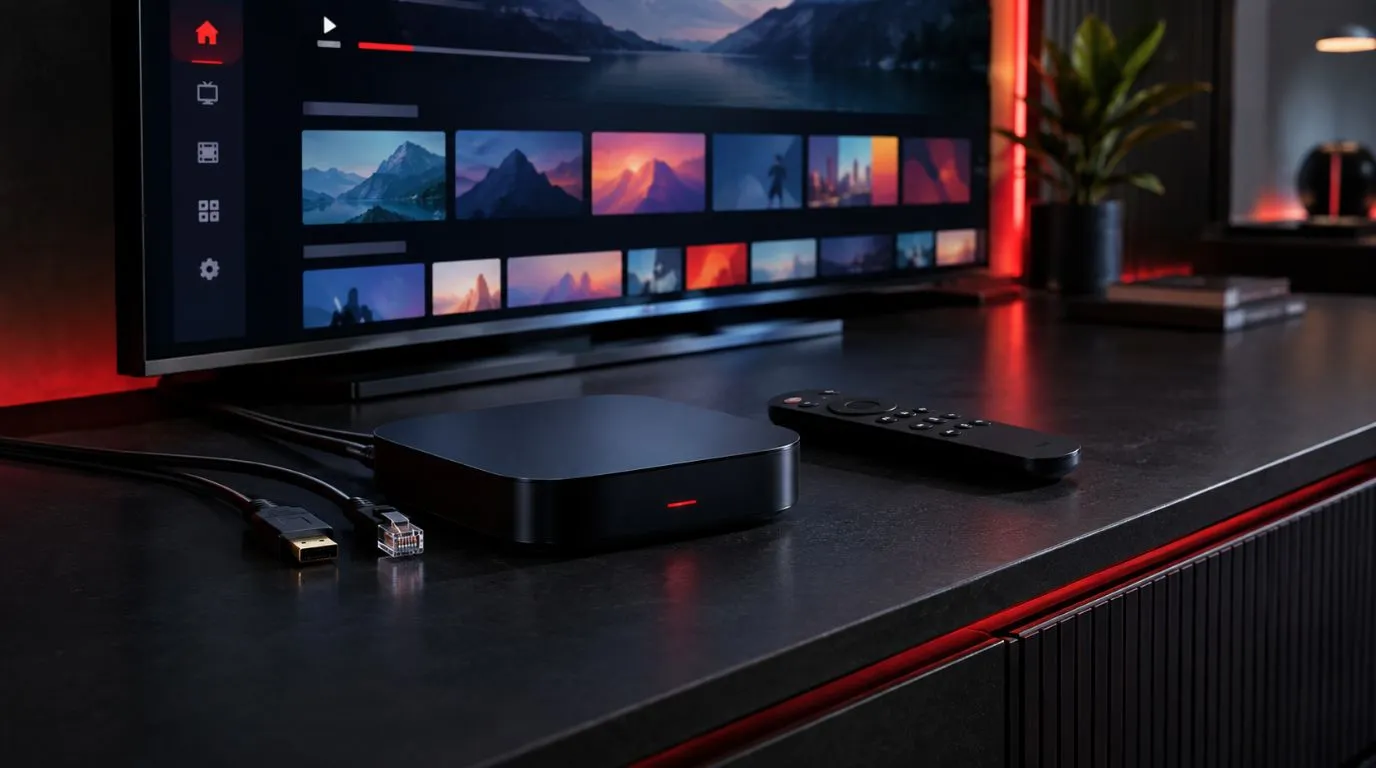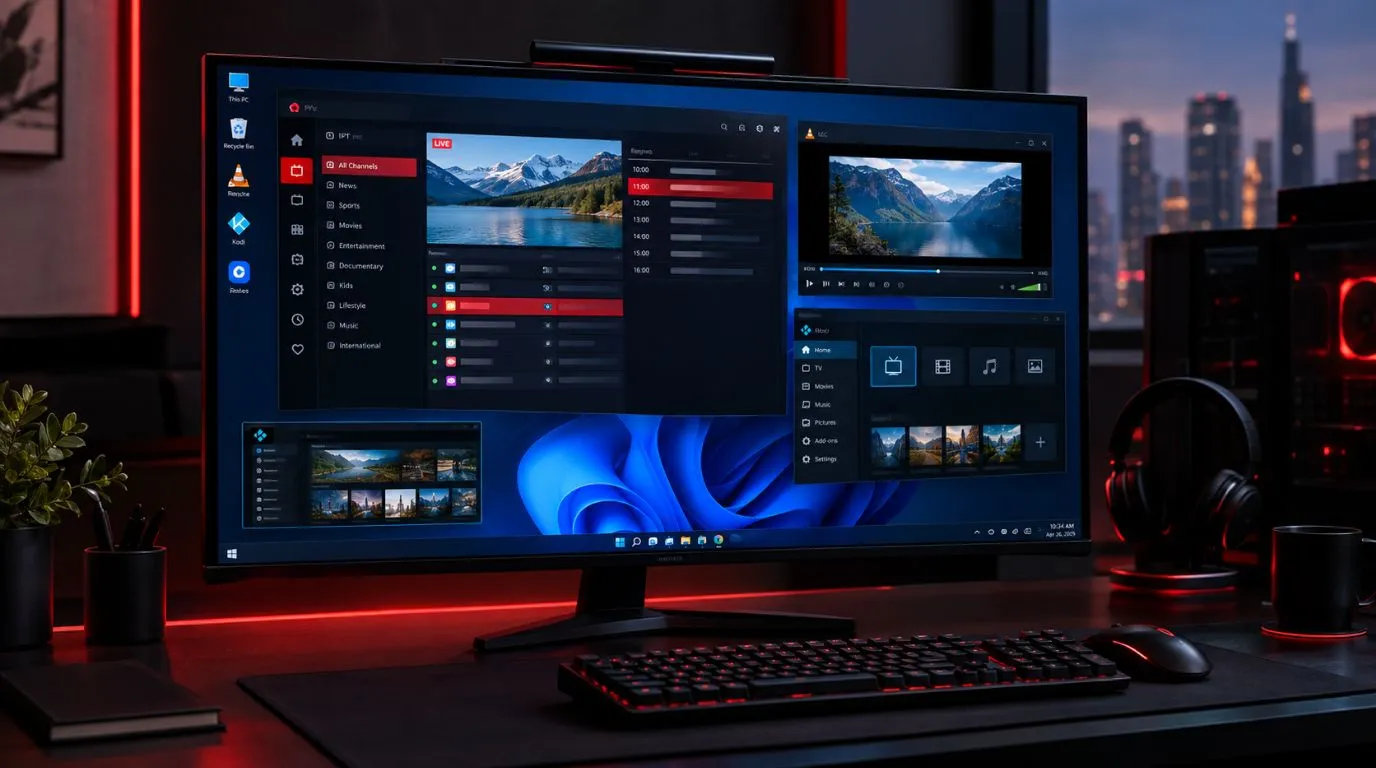
Choosing the best IPTV for Firestick depends on more than simply finding an app that can be installed. The right IPTV player should work smoothly with your Fire TV device, provide easy remote navigation, support your playlist format, and offer the features you actually use.
For Firestick users, popular options include TiviMate, IPTV Smarters Pro, Flix IPTV, Smart IPTV, and OTT Navigator IPTV. Each takes a different approach to playlist management, live TV, EPG, VOD, and customization.
This guide compares the main options so you can choose an IPTV app for Firestick based on your setup rather than relying on a one-size-fits-all recommendation.
Table of Contents
Best IPTV Apps for Firestick Compared
| IPTV App | Firestick Use | EPG Support | VOD Support | Playlist Management | Best Suited For |
|---|---|---|---|---|---|
| TiviMate | Yes | Yes | Yes | Advanced | Users who want a TV-style interface |
| IPTV Smarters Pro | Yes | Yes | Yes | Good | Straightforward all-in-one use |
| Flix IPTV | Compatible on supported Fire TV setups | Yes | Yes | Good | Users wanting a simple interface |
| Smart IPTV | Compatible on supported devices | Yes | Depends on service/setup | Playlist-based | Users familiar with manual setup |
| OTT Navigator IPTV | Yes on supported Fire TV setups | Yes | Yes | Advanced | Experienced users wanting customization |
Features and availability can change between app versions and devices, so check the current app requirements before installation.
1. TiviMate
TiviMate is one of the most recognizable IPTV players among users who want a traditional television-style interface on Firestick.
Its interface is designed around live TV browsing, making it particularly useful for people who regularly switch between channels and use an electronic program guide.
Why Firestick users consider TiviMate
- TV-style channel navigation
- EPG support
- Multiple playlist management
- VOD and series organization
- Favorites and categories
- Remote-friendly interface
- Additional features through its premium version
TiviMate is particularly appealing if you want your IPTV setup to feel closer to a conventional cable or satellite television experience.
Its interface can also make large channel lists easier to navigate than a basic playlist viewer.
Best for: Firestick users who prioritize a polished live-TV experience and advanced playlist organization.
If you’re specifically comparing an IPTV service for use with TiviMate, see the dedicated Best IPTV for TiviMate guide when available.
2. IPTV Smarters Pro
IPTV Smarters Pro is another widely used option for people looking for a versatile best IPTV app Firestick setup.
Rather than focusing exclusively on live television, the application can organize different types of IPTV content, including live channels, movies, and series, depending on the service and configuration.
Key features
- Live TV organization
- VOD and movie sections
- Series support
- EPG functionality
- Multiple content categories
- Familiar interface for IPTV users
- Fire TV compatibility on supported versions
One advantage of this type of all-in-one player is that users can keep live TV and on-demand content within the same application.
Best for: Users who want a straightforward player capable of organizing live TV, movies, and series in one interface.
3. Flix IPTV
Flix IPTV is another option worth considering when comparing an IPTV app for Firestick.
Its approach is relatively straightforward: users configure their IPTV service or playlist within the application and then use the player to browse available content.
Depending on the current version and device compatibility, features can include:
- Live TV playback
- EPG support
- Favorites
- VOD access
- Playlist management
- Multiple-language interface options
The exact experience depends on the application version, Fire TV environment, and IPTV service being used.
Best for: Users looking for a relatively simple IPTV player with standard live TV and on-demand functionality.
4. Smart IPTV
Smart IPTV is another established IPTV player that uses a playlist-based approach.
It is important to understand that an IPTV player and an IPTV service are not the same thing. Smart IPTV provides the application used to access content, while the actual channels and programming come from the IPTV service or playlist configured by the user.
What to consider
Smart IPTV can make sense for users who are comfortable with a more manual configuration process. Its suitability depends on the Fire TV device, current application availability, and the playlist or service being used.
Best for: Users who already understand IPTV playlist configuration and prefer a straightforward player environment.
5. OTT Navigator IPTV
OTT Navigator IPTV is aimed more toward users who want extensive control over how their IPTV content is organized.
Compared with simpler players, it can provide more customization and advanced playlist-management options.
Potential features include:
- Multiple playlists
- EPG support
- Advanced channel organization
- Favorites
- VOD and series organization
- Customizable viewing experience
- Advanced playback and interface controls
That flexibility can be useful for experienced IPTV users, although a more feature-heavy interface may be unnecessary if you only need basic live TV.
Best for: Experienced users who want greater control over playlists, categories, and IPTV organization.
How to Choose the Best IPTV Player for Firestick
The best IPTV player for Firestick is ultimately the one that matches how you use your device.
Instead of choosing based solely on the number of features, consider the following factors.
1. Check Firestick Compatibility
Before installing an application, verify that its current version supports your Fire TV device and operating system.
Fire TV hardware has changed over the years, and application availability can also change. A player that was previously available through one installation method may have different requirements today.
Compatibility should therefore be your first check.
2. Look for Remote-Friendly Navigation
This is one of the biggest differences between using an IPTV player on a Firestick and using one on a phone or computer.
You will generally navigate with a Fire TV remote rather than a touchscreen or mouse.
A good interface should make it easy to:
- Move between categories
- Change channels
- Open the EPG
- Browse favorites
- Select VOD content
- Return to the previous screen
A complicated interface can become frustrating when you use it every day.
3. Check Playlist Support
Your IPTV service may provide access through a specific playlist or login method.
Before choosing a player, check which configuration methods it supports.
Common IPTV configuration methods can include:
- M3U playlists
- Xtream Codes-based credentials
- Other provider-specific login systems
Not every application supports every method in exactly the same way.
4. Consider EPG Support
An electronic program guide can make a major difference if you primarily watch live television.
Instead of browsing an unorganized channel list, an EPG can show programming information and help you understand what is currently airing or scheduled.
If you watch a large number of live channels, EPG functionality should be one of your main comparison criteria.
5. Look at Live TV, VOD and Series Support
Different users have different viewing habits.
If you mainly watch live channels, prioritize:
- Fast channel navigation
- Favorites
- EPG
- Channel categories
- Reliable playback controls
If you also watch movies and series, look for a player that organizes VOD content effectively.
The right choice depends on how your IPTV service delivers its content.
6. Compare Free and Premium Features
Some IPTV players offer free functionality while reserving advanced features for a paid version.
Before paying for an application, determine which features you actually need.
For example, basic users may only need:
- Playlist loading
- Channel playback
- Favorites
- EPG
More advanced users may want:
- Multiple playlists
- Advanced organization
- Additional customization
- Expanded playback controls
Paying for a premium version only makes sense if its additional features are useful to your setup.
How to Install an IPTV App on Firestick
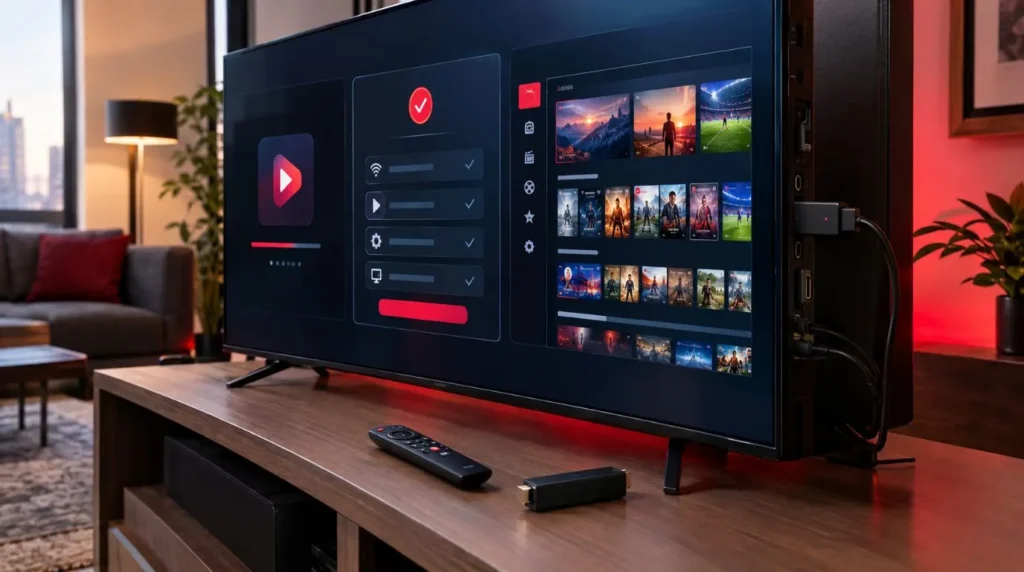
The exact installation process depends on the application and its current availability on Fire TV.
For an app available directly through the Amazon app ecosystem, the general process is straightforward:
- Open your Firestick home screen.
- Select the search option.
- Search for the IPTV player.
- Select the appropriate application.
- Install it on your Fire TV device.
- Open the application after installation.
- Enter the login details or playlist information provided by your IPTV service.
- Configure the EPG if supported.
- Test your live channels and VOD sections.
If an application is not distributed through the standard Amazon app store, its installation requirements may be different. Always follow the application’s current documentation and only use legitimate software sources.
For broader installation guidance, you can also use the ViviMate IPTV Setup guide.
IPTV Player vs. IPTV Service on Firestick
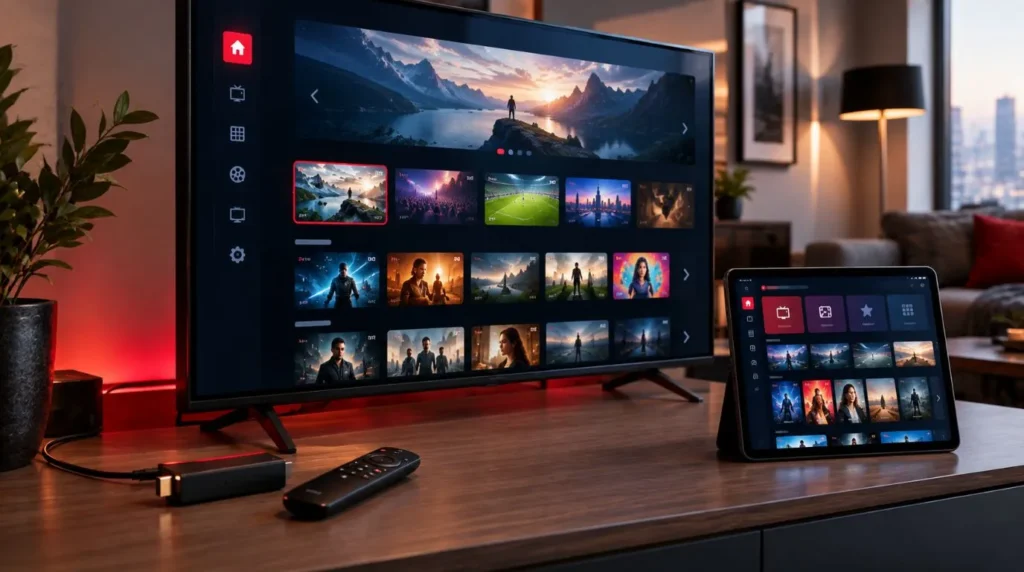
One of the most important things to understand when searching for the best IPTV for Firestick is that an IPTV app and an IPTV service perform different jobs.
An IPTV player is the application installed on your Firestick. It provides the interface for browsing and playing your content.
An IPTV service provides the actual television channels, movies, series, or other programming available through your subscription.
The relationship can be simplified as:
Firestick → IPTV player → IPTV service/content
For example, you might install an IPTV player on your Firestick and then configure it using the credentials or playlist supplied by your IPTV provider.
The player itself does not automatically provide a legal source of television programming.
Can You Use an IPTV Service With Any Firestick Player?
Not necessarily.
Compatibility depends on the IPTV service’s supported connection method and the features provided by the player.
Before subscribing, check:
- Which player applications are supported
- Which login method is provided
- Whether M3U or Xtream Codes access is available
- Whether EPG information is supported
- Whether live TV, VOD, and series are included
- Whether your Fire TV device is compatible
This can prevent a common problem where a user subscribes to a service first and only later discovers that their preferred application does not support the required configuration method.
If you are evaluating the service itself, you can review the ViviMate IPTV Subscription options and compatibility information.
Which IPTV App Should You Use on Firestick?
There is no single IPTV player that is ideal for every Firestick user.
Your priorities should determine the choice.
Choose TiviMate if your priority is a traditional live-TV interface, EPG navigation, and advanced playlist organization.
Consider IPTV Smarters Pro if you want an all-in-one interface for live TV, movies, and series.
Consider Flix IPTV if you prefer a relatively straightforward player with standard IPTV functionality.
Consider Smart IPTV if you are comfortable with playlist-based configuration and want a simple player environment.
Consider OTT Navigator IPTV if advanced organization and customization are more important to you than simplicity.
The important point is to choose the player based on your Firestick workflow, then make sure your IPTV service supports the player and configuration method you intend to use.
Test Your Firestick IPTV Setup Before Subscribing
Once your player is installed, testing the complete setup is useful.
Check several areas rather than simply opening one channel:
- Live channel playback
- Channel switching
- EPG loading
- VOD playback
- Series navigation
- Favorites
- Remote responsiveness
- Picture quality
- Audio synchronization
If everything works as expected, you have a better indication of whether the combination of your Firestick, IPTV player, internet connection, and IPTV service meets your needs.
If you want to evaluate an IPTV service before committing to a longer subscription, you can explore the ViviMate IPTV Free Trial.
Final Considerations for Firestick Users
Finding the best IPTV for Firestick is really about matching the right player to your viewing habits.
For live-TV-focused users, EPG quality and remote navigation may matter most. Users who watch movies and series may place greater importance on VOD organization. More experienced users may prioritize playlist management and customization.
Before installing or subscribing, verify three things:
Your Firestick supports the player.
The player supports your IPTV service’s configuration method.
The service provides the content and features you actually want to use.
With those points checked, choosing an IPTV app becomes much easier than simply selecting the first player that appears in a search.