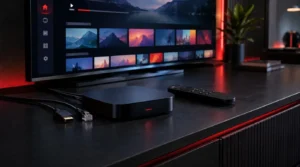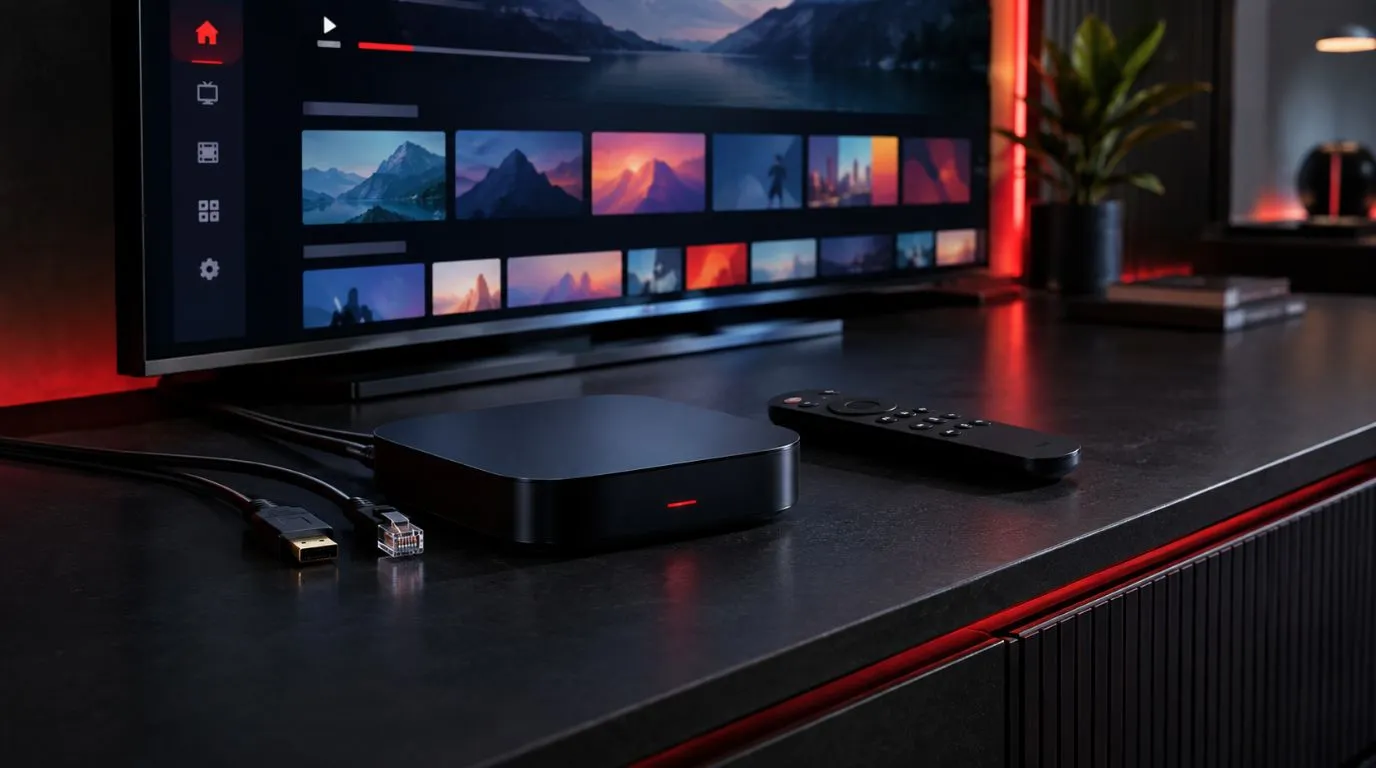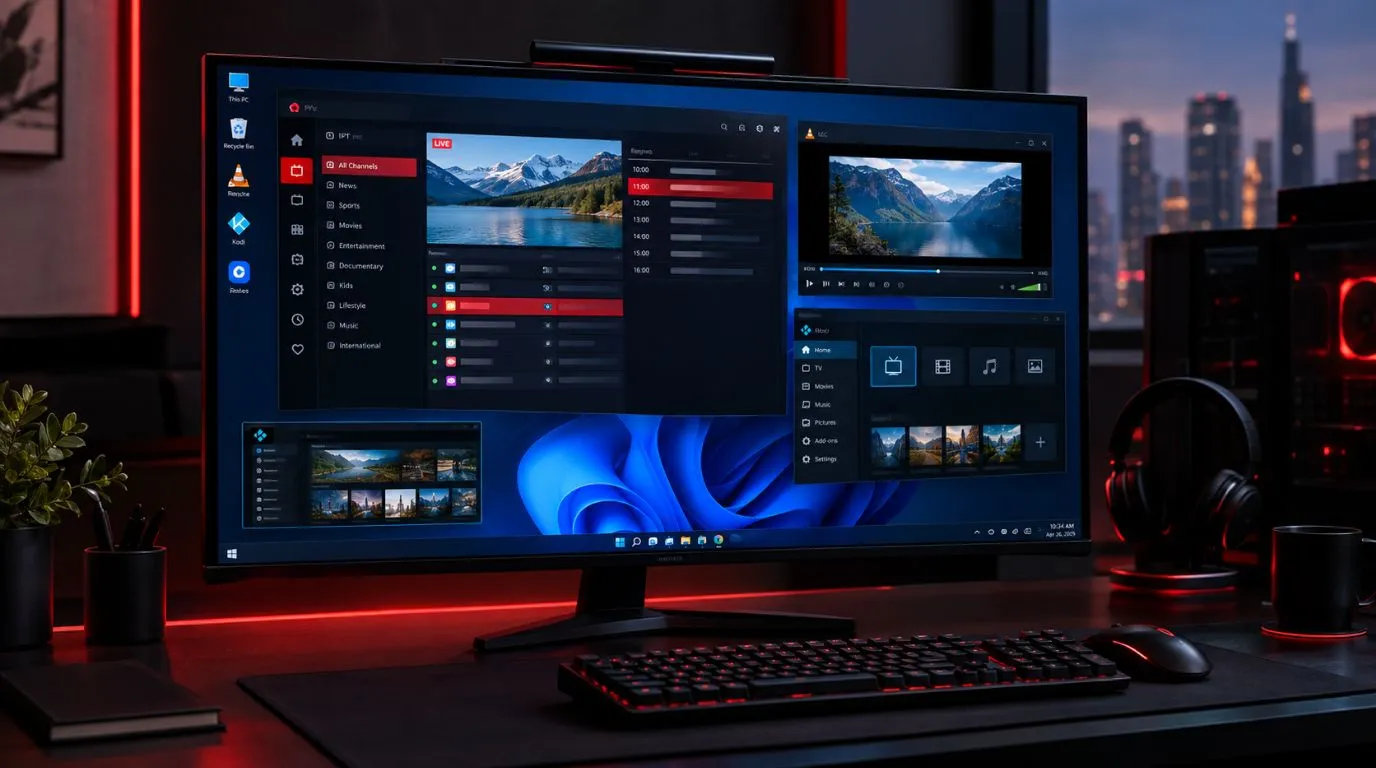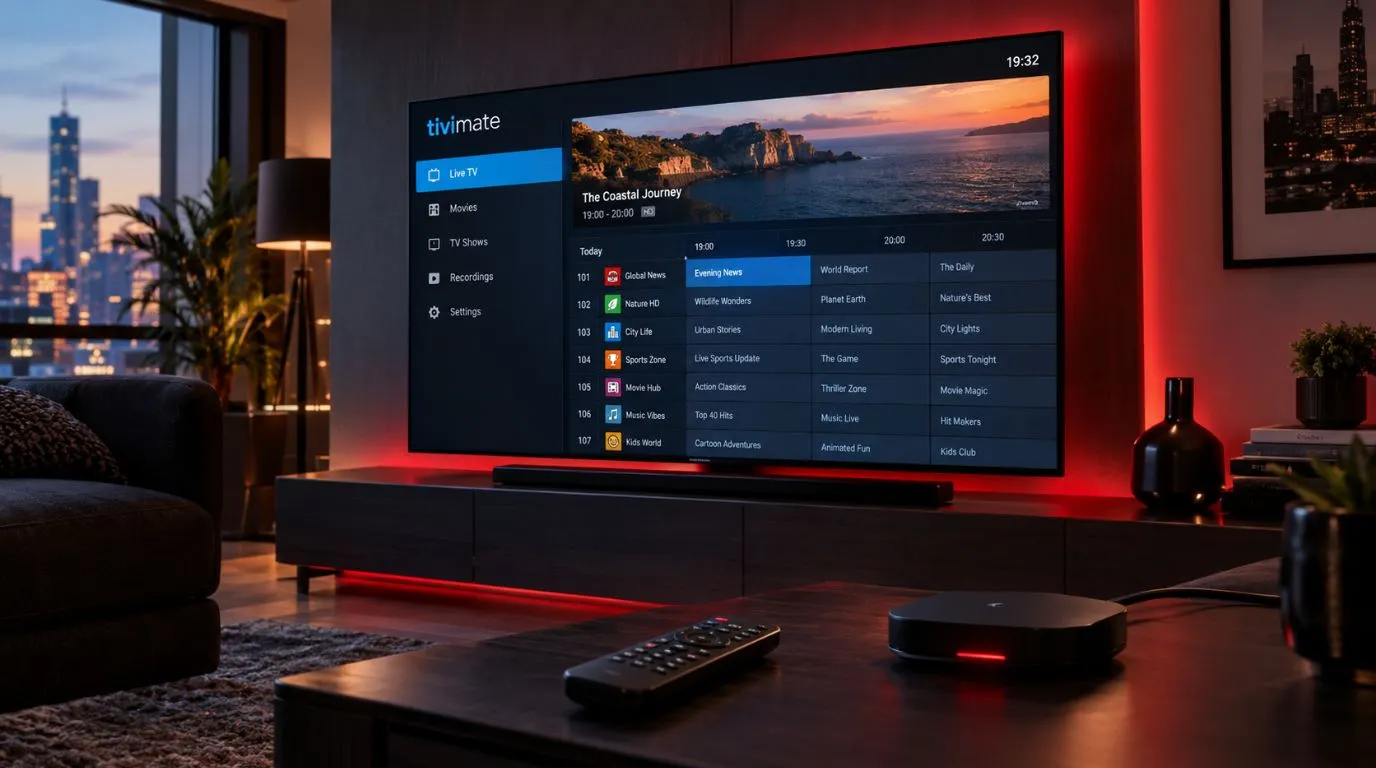
TiviMate is one of the most popular ways to organize and watch IPTV on compatible Android TV and streaming devices. But the app itself does not provide television channels. You need a separate IPTV service that supplies the playlist, channel data, and other content that TiviMate displays.
That makes choosing the best IPTV for TiviMate less about finding a particular app and more about evaluating how well an IPTV service works with TiviMate. Playlist compatibility, EPG accuracy, channel stability, VOD organization, device support, and customer assistance can all affect the experience.
This guide explains what to look for in an IPTV service for TiviMate, how to test a service before committing to a longer subscription, and which features matter most.
Table of Contents
What Makes an IPTV Service Good for TiviMate?
TiviMate is a player and organizer for IPTV content. It can work with supported playlist and portal formats, while the IPTV provider supplies the actual television streams and associated data.
A good IPTV for TiviMate should therefore provide more than a large channel list. The service should give you usable connection information, well-organized channel data, reliable streams, and guide information that works properly with the player.
Here are the main factors to evaluate:
| What to check | Why it matters in TiviMate |
|---|---|
| Playlist compatibility | Determines whether the service can be added correctly |
| EPG data | Provides program information in the TV guide |
| Stream stability | Affects uninterrupted live viewing |
| Channel organization | Makes browsing and finding channels easier |
| VOD organization | Improves the movie and series experience |
| Device compatibility | Ensures the setup works with your hardware |
| Trial availability | Lets you evaluate the service before a longer plan |
| Customer support | Helps resolve login or playlist problems |
The most important point is that TiviMate and the IPTV service have different roles. TiviMate handles the playback and organization, while the service supplies the content.
How TiviMate Works With an IPTV Service
TiviMate does not function like a traditional cable provider. It needs a compatible playlist or connection from an IPTV service.
The basic relationship looks like this:
IPTV service → playlist or login details → TiviMate → compatible streaming device
Depending on the service, connection information may be provided through formats such as M3U, Xtream Codes, or a supported portal. TiviMate’s Google Play listing identifies support for M3U, Xtream Codes, and Stalker Portal playlists. It also lists features including EPG support, multiple playlists, catch-up, recording, search, and multiview.
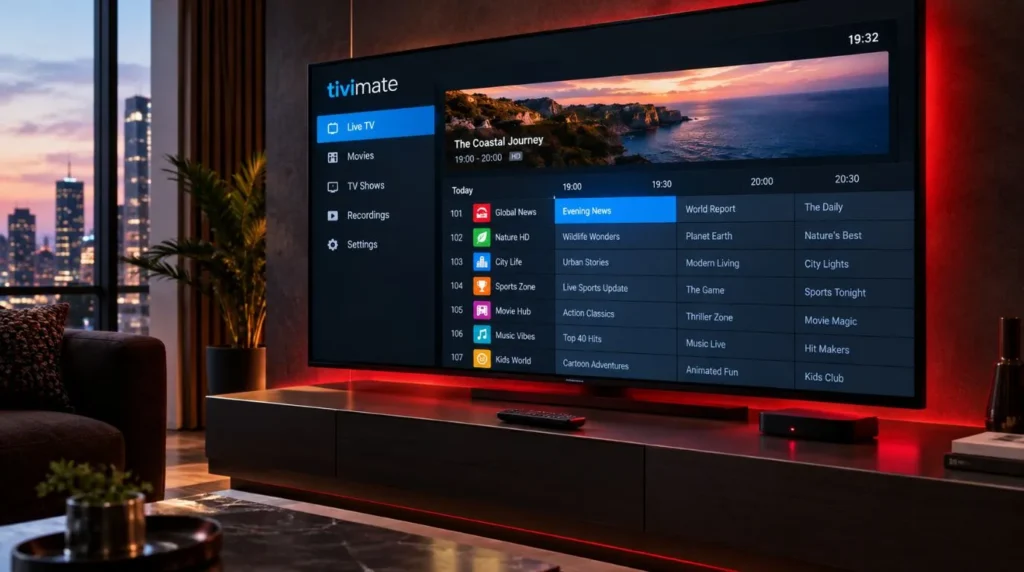
This distinction is important when comparing IPTV services for TiviMate. Installing TiviMate alone does not give you a collection of TV channels. You still need an authorized content source.
What to Look for in the Best IPTV for TiviMate
1. Compatible Playlist or Login Method
The first requirement is simple: the service needs to provide connection information that TiviMate can use.
Before subscribing, check what the provider supplies. Depending on the service, you may receive:
- An M3U playlist URL
- Xtream Codes credentials
- A supported portal connection
- Server information
- Username and password details
A provider should give clear setup information rather than leaving you to guess which details belong in each field.
If the login information is incomplete or incorrectly formatted, even a technically capable IPTV service can become difficult to use.
2. Accurate EPG Data
EPG stands for Electronic Program Guide. It is the information that tells TiviMate what programs are currently airing and what is scheduled next.
A strong EPG can make a substantial difference when browsing live television.
Look for:
- Accurate program names
- Correct start and end times
- Consistent channel matching
- Regularly updated information
- Appropriate time-zone settings
- Minimal missing guide data
An IPTV service may have a large channel list but still provide a poor viewing experience if the associated guide information is incomplete.
This is one reason EPG quality should be evaluated separately from the number of channels advertised.
3. Stable Live Streams
Channel stability is another important consideration.
Instead of focusing only on how many channels a service lists, test whether the channels you actually watch remain stable during normal viewing.
Pay attention to:
- Channel loading time
- Unexpected playback interruptions
- Frequent stream disconnects
- Channel switching behavior
- Performance during busy viewing periods
No provider can realistically guarantee that every stream will perform perfectly under every network condition. Your own internet connection, Wi-Fi environment, device, and network congestion can also affect playback.
For that reason, testing the service on your intended device is more useful than relying solely on a channel-count claim.
4. Well-Organized Channels
A large IPTV playlist can become difficult to navigate if channels are poorly categorized.
A useful service should organize content in a logical way, such as:
- United States
- Sports
- News
- Entertainment
- Movies
- Kids
- International
- Other regional categories
The exact categories will vary between services, but the principle is the same: organization matters.
TiviMate provides tools for managing playlists and browsing channels, so the quality of the information supplied by the IPTV service can directly affect how easy the library is to navigate.
5. VOD Organization
If your IPTV subscription includes movies or TV series, look beyond the live-channel experience.
A well-structured VOD library should make it reasonably easy to find content through categories, search, and available metadata.
Check whether:
- Movies are separated from TV series
- Genres are organized clearly
- Titles are searchable
- Metadata is populated where supplied
- Categories load correctly
- VOD playback is stable
The quality of the VOD experience depends on both the service’s underlying content data and how TiviMate handles that information.
6. Device Compatibility
TiviMate is designed around compatible Android TV and related streaming environments. Your specific device should therefore be checked before choosing an IPTV service.
Consider the device you actually intend to use rather than assuming that a service will perform identically everywhere.
For example, you may be using:
- Android TV
- Google TV
- A compatible TV box
- A compatible Fire TV environment
The IPTV service, player, device, operating system, and internet connection all form part of the overall setup.
How to Test an IPTV Service on TiviMate
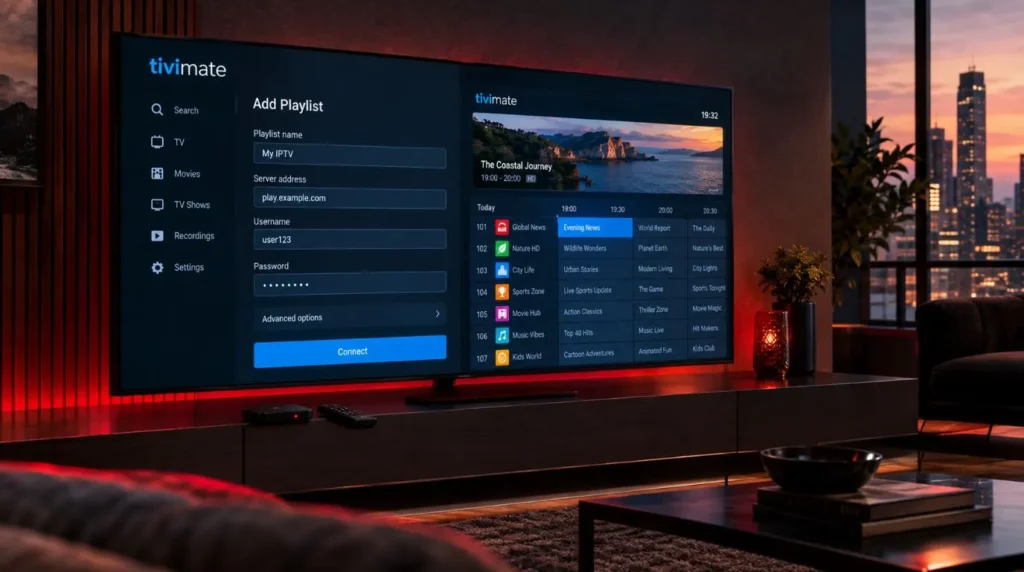
A trial or short-term subscription can be particularly useful when evaluating an IPTV service for TiviMate.
Instead of judging a provider solely from its advertised channel count, test the service yourself.
Step 1: Add the Service to TiviMate
Use the connection information supplied by the provider and add the playlist or supported login method to TiviMate.
The exact fields depend on the connection method provided.
Step 2: Check the Channel List
After the playlist loads, browse several categories.
Don’t just check whether the playlist opens. Look at whether the channels are organized in a way that makes sense for your viewing habits.
Step 3: Check the EPG
Open the program guide and verify whether the information corresponds with the channels you’re viewing.
Check several different channels rather than relying on one example.
Step 4: Test Your Most-Used Channels
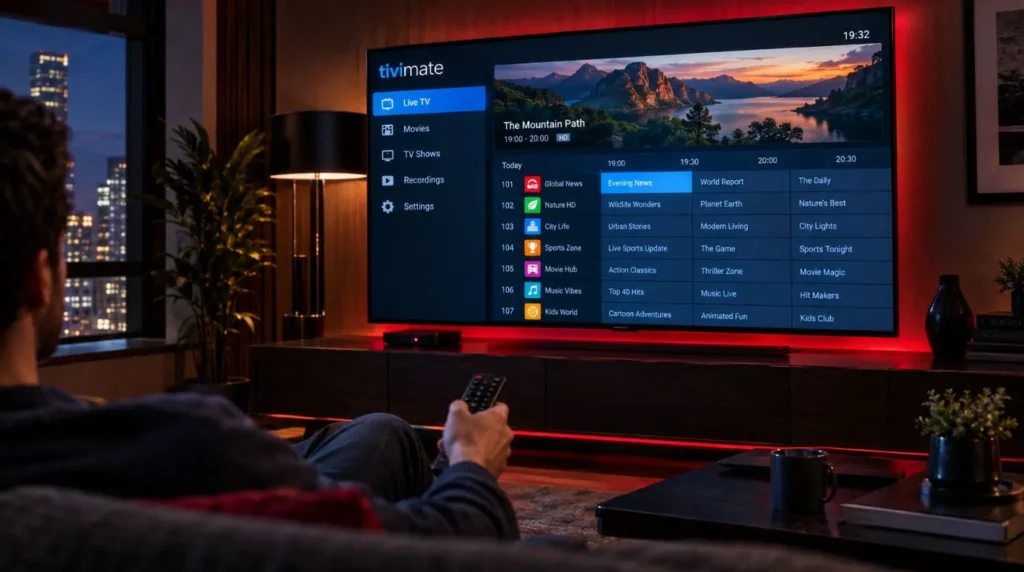
Spend time watching the channels that matter most to you.
For example, if you primarily watch US news, entertainment, or sports content, prioritize those categories during your test.
Step 5: Test VOD If Included
If your subscription includes movies or series, browse several categories and test playback.
Look at both organization and actual playback performance.
Step 6: Test at Different Times
A service can behave differently depending on network conditions and overall traffic.
If possible, test it at more than one time of day instead of making your decision after a few minutes.
Step 7: Evaluate Support
If you encounter a login, playlist, or configuration issue during the trial, contact the provider.
The quality and clarity of the support process can be just as important as the initial setup instructions.
IPTV for TiviMate vs. Choosing a TiviMate Alternative
These are two different decisions.
If you’re searching for IPTV for TiviMate, you have already selected the player and are looking for a compatible IPTV service.
If you’re comparing TiviMate with other IPTV players, that’s a separate question.
For a broader comparison of IPTV player applications and their different use cases, see the Best IPTV Player guide.
Keeping these two decisions separate makes the selection process easier:
Player decision: Which application should I use?
Service decision: Which IPTV service should I connect to that application?
This article focuses on the second question.
Is ViviMate Suitable as a TiviMate IPTV Service?
For users who have chosen TiviMate and are now looking for an IPTV subscription, ViviMate provides a natural option to evaluate against the criteria above.
The important approach is to test the actual service rather than assuming that any provider will perform identically for every user.
Before choosing a plan, check:
- How the service provides connection credentials
- Which devices you intend to use
- How the live channels perform on your connection
- Whether the available channel categories match your needs
- How the EPG behaves in your setup
- Whether VOD is included in the plan you are considering
- What support is available if you experience setup problems
If you want to evaluate the service before choosing a longer subscription, you can start with the ViviMate IPTV free trial.
Once you’ve decided that the service meets your requirements, you can review the available IPTV subscription plans.
TiviMate Setup Requirements
Getting an IPTV service working correctly involves several components.
You’ll generally need:
- A compatible device
- TiviMate installed on that device
- IPTV connection information from your service
- A stable internet connection
- EPG information if supplied by the service
The exact setup process depends on the connection method and device.
If you need help with the broader installation process, the ViviMate IPTV setup guide provides additional setup information.
The key is to separate configuration problems from streaming problems. If the playlist will not load at all, the issue may involve credentials or configuration. If the playlist loads but individual streams struggle, network or stream performance may be involved.
What Should You Check Before Buying an IPTV Service for TiviMate?
A quick evaluation can help you avoid choosing a service based only on marketing claims.
Check compatibility
Confirm that the provider supplies a connection method supported by your setup.
Check the guide
Load the EPG and verify that the information is accurate for channels you actually watch.
Check live playback
Test several important channels instead of relying on one stream.
Check VOD
If movies and series matter to you, browse and test those sections separately.
Check your device
Use the same device and network you expect to use after subscribing.
Check the trial
A trial gives you an opportunity to evaluate the service under your own conditions before committing to a longer plan.
Check support
Make sure you understand how to contact the provider if credentials or configuration information do not work as expected.
How to Choose the Right TiviMate IPTV Service
There is no single feature that determines whether an IPTV service is right for every TiviMate user.
Your decision should be based on how the service performs for the content and devices you actually use.
A practical checklist is:
| Question | What to look for |
|---|---|
| Can I add the service to TiviMate? | Supported playlist or login method |
| Does the EPG work correctly? | Accurate and consistent guide data |
| Are my important channels stable? | Reliable playback on your device |
| Is the channel list easy to navigate? | Logical categories and organization |
| Does VOD work well? | Searchable, organized content where included |
| Does it work on my device? | Compatibility with your specific setup |
| Can I test it first? | Trial or short-term option |
| Is support available? | Clear assistance for setup and account issues |
This approach is more useful than choosing an IPTV provider based purely on the number of channels advertised.
IPTV Service Compatibility and Legality
IPTV is a technology for delivering television and video content over an internet connection. The legality of a particular IPTV service depends on factors such as licensing, authorization, jurisdiction, and how the service distributes or accesses content.
Using TiviMate as a player does not by itself determine whether a particular content source is authorized.
When selecting an IPTV service, consider whether the provider has the appropriate rights or authorization for the content it offers in your jurisdiction.
Final Thoughts
The best IPTV for TiviMate is not simply the service with the longest channel list. A better evaluation starts with compatibility, then looks at EPG quality, stream stability, organization, VOD performance, device support, and customer service.
TiviMate provides the interface for managing and watching IPTV content, while the IPTV service supplies the underlying content and playlist information. That means the quality of both components matters.
For users considering ViviMate, a trial can provide a practical way to test the service with TiviMate and the device and internet connection they actually plan to use. After testing the channels, guide, VOD, and overall stability, you can decide whether a longer subscription fits your needs.