IPTV streaming delivers television content over an internet connection instead of relying on traditional broadcast, cable, or satellite delivery. But having an internet connection is only the starting point. The quality of your viewing experience can depend on bandwidth, Wi-Fi stability, video quality, device performance, and the IPTV player you use.
Understanding how these pieces work together makes it easier to identify streaming problems and choose a setup that fits your home.
Whether you’re considering an IPTV streaming service or already watching live TV through an IPTV app, this guide explains the practical factors that influence playback quality.
Table of Contents
How IPTV Streaming Works in Practice
When you start a channel or video through an IPTV application, several components work together to deliver the content to your screen.
A simplified IPTV streaming path looks like this:
Content source → internet connection → home network → IPTV app/player → streaming device → TV
The stream is delivered as a continuous flow of video data. Your device receives enough data to play the video while also keeping a small amount available in a buffer.
If the connection temporarily cannot provide data quickly enough, playback may pause while the player waits for more information.
Live TV and On-Demand Streaming
Live IPTV and on-demand content have different characteristics.
With live TV, you’re receiving a stream as the program is being broadcast. This makes consistent delivery particularly important because you cannot simply download the entire program before watching it.
On-demand video gives the player more flexibility because the content is already available for playback. Depending on the platform and player, features such as seeking, pausing, and adaptive quality may also work differently.
For viewers, the practical takeaway is simple: stable data delivery matters throughout the viewing session, particularly when watching live channels.
What Affects IPTV Streaming Quality?
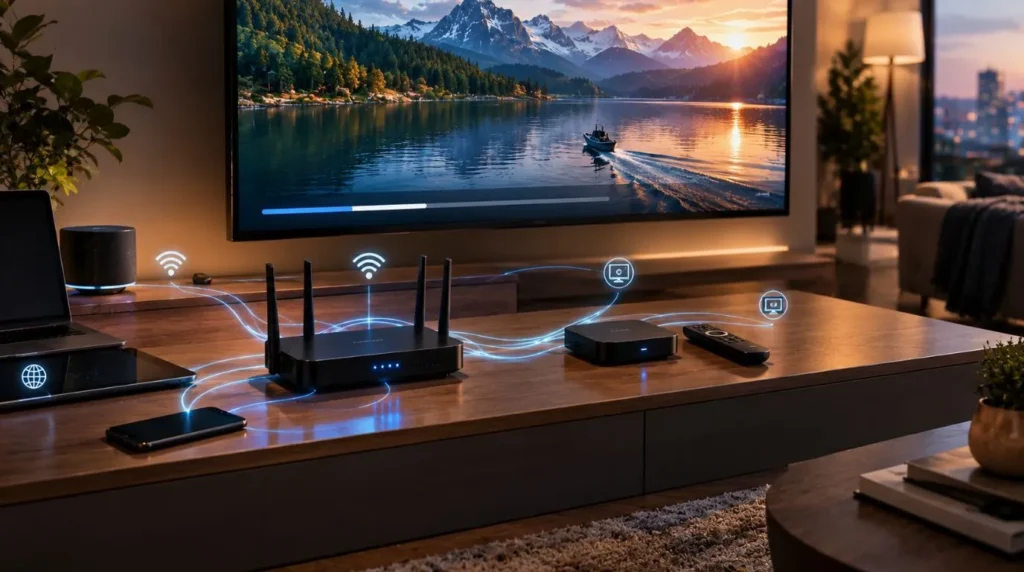
A smooth viewing experience isn’t determined by internet speed alone. Several factors can influence how an IPTV stream performs.
| Factor | How it can affect streaming |
|---|---|
| Internet bandwidth | Determines how much data can be transferred |
| Wi-Fi quality | Can introduce instability or inconsistent speeds |
| Network congestion | Other activity can compete for available bandwidth |
| Video bitrate | Higher-bitrate streams require more data |
| Resolution | Higher-resolution video generally requires more bandwidth |
| Device performance | Older or underpowered hardware may struggle with playback |
| IPTV player | The app handles decoding, buffering, and playback |
| Service infrastructure | Stream availability and delivery can affect consistency |
These factors can also interact. For example, a fast internet plan won’t necessarily solve a problem caused by weak Wi-Fi between the router and television.
Internet Speed
Your available download speed determines how much data your connection can receive, but the number shown by an internet provider doesn’t tell the entire story.
A household might have a high-speed internet plan while the television receives a weaker connection because of distance from the router, interference, network congestion, or limitations of the wireless hardware.
For IPTV streaming, consistent usable bandwidth is more important than simply having an impressive maximum speed on paper.
Wi-Fi Stability
Wi-Fi is convenient, especially when a television or streaming device is located away from the router. However, walls, distance, interference, and other wireless devices can affect the connection.
If possible, position the router where it can provide reliable coverage to your main viewing area. For a stationary streaming device, a wired Ethernet connection can also be worth considering when your equipment supports it.
Network Congestion
Your IPTV stream may be sharing your home connection with phones, computers, gaming consoles, cloud backups, video calls, and other streaming devices.
If several devices are transferring large amounts of data simultaneously, the available bandwidth can become more constrained.
This is particularly noticeable in households where multiple people stream high-resolution video at the same time.
How Much Internet Speed Does IPTV Streaming Need?
There isn’t one universal internet-speed number that guarantees perfect playback. Requirements vary according to the stream’s bitrate, resolution, compression, network conditions, and the number of devices using the connection.
As a general practical guide:
| Video quality | Typical consideration |
|---|---|
| SD | Relatively modest bandwidth requirements |
| HD | Requires a more consistent connection |
| Full HD | Needs additional sustained bandwidth |
| 4K | Requires substantially more bandwidth and capable hardware |
The important distinction is between available bandwidth and actual streaming conditions.
A connection may be fast enough under ideal conditions but still experience interruptions if the Wi-Fi signal is unstable or the network becomes congested.
If several people use the same connection, you also need to account for their activity rather than considering the IPTV device in isolation.
IPTV Streaming on Different Devices
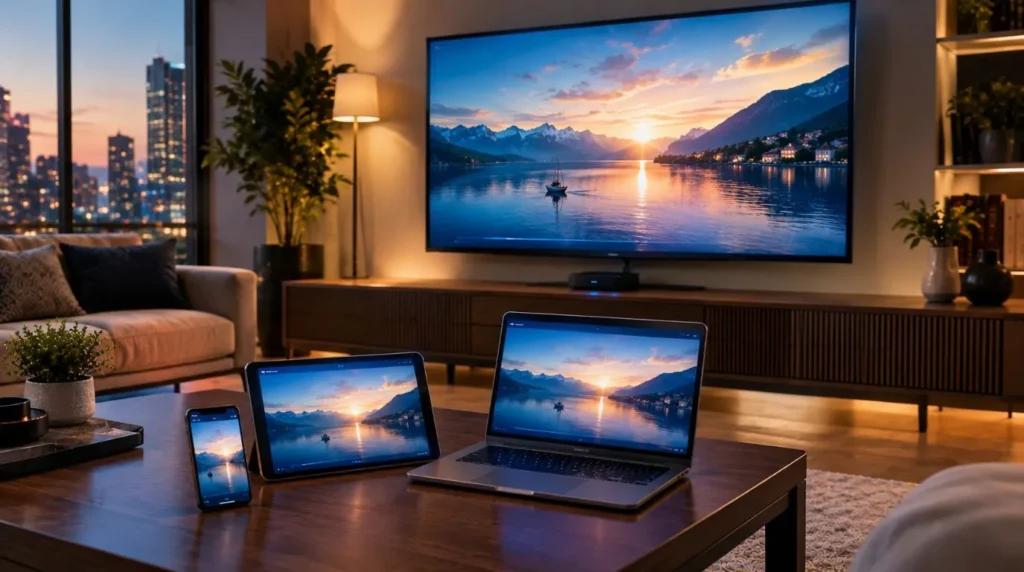
The device receiving the stream can have a meaningful impact on the viewing experience. Modern streaming hardware generally provides more capable processors and better support for current video formats than older equipment.
Smart TVs
Smart TVs are one of the most convenient ways to watch IPTV because the television itself can handle the application.
Before choosing this approach, check whether the IPTV player you intend to use supports your TV’s operating system and hardware.
An older television may also have more limited processing capabilities, which can become relevant with demanding video formats.
Dedicated Streaming Devices
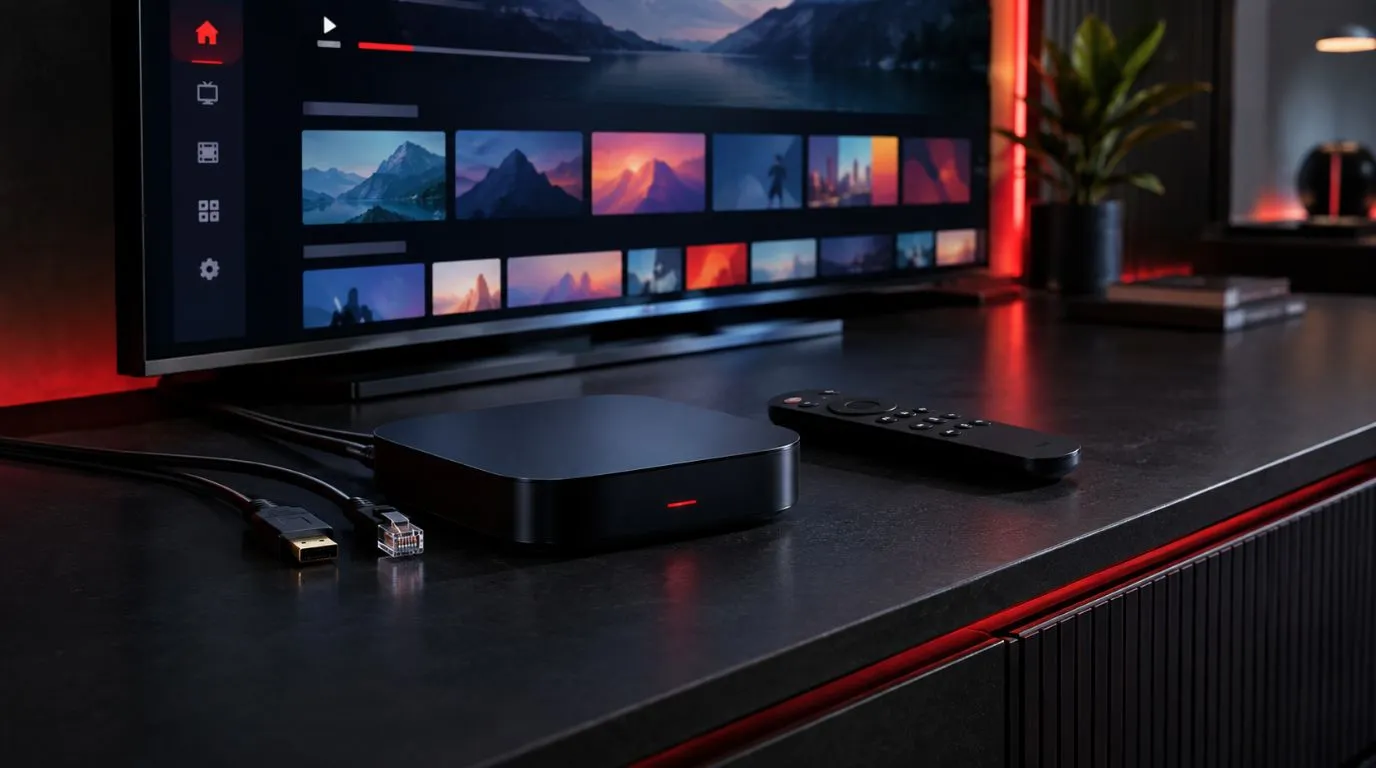
Android TV and Google TV devices, as well as other dedicated streaming hardware, can provide a flexible environment for IPTV applications.
A dedicated device can be useful when the television’s built-in operating system has limited app support or when you want to separate streaming hardware from the TV itself.
Phones, Tablets, and Computers
IPTV streaming isn’t limited to the living room.
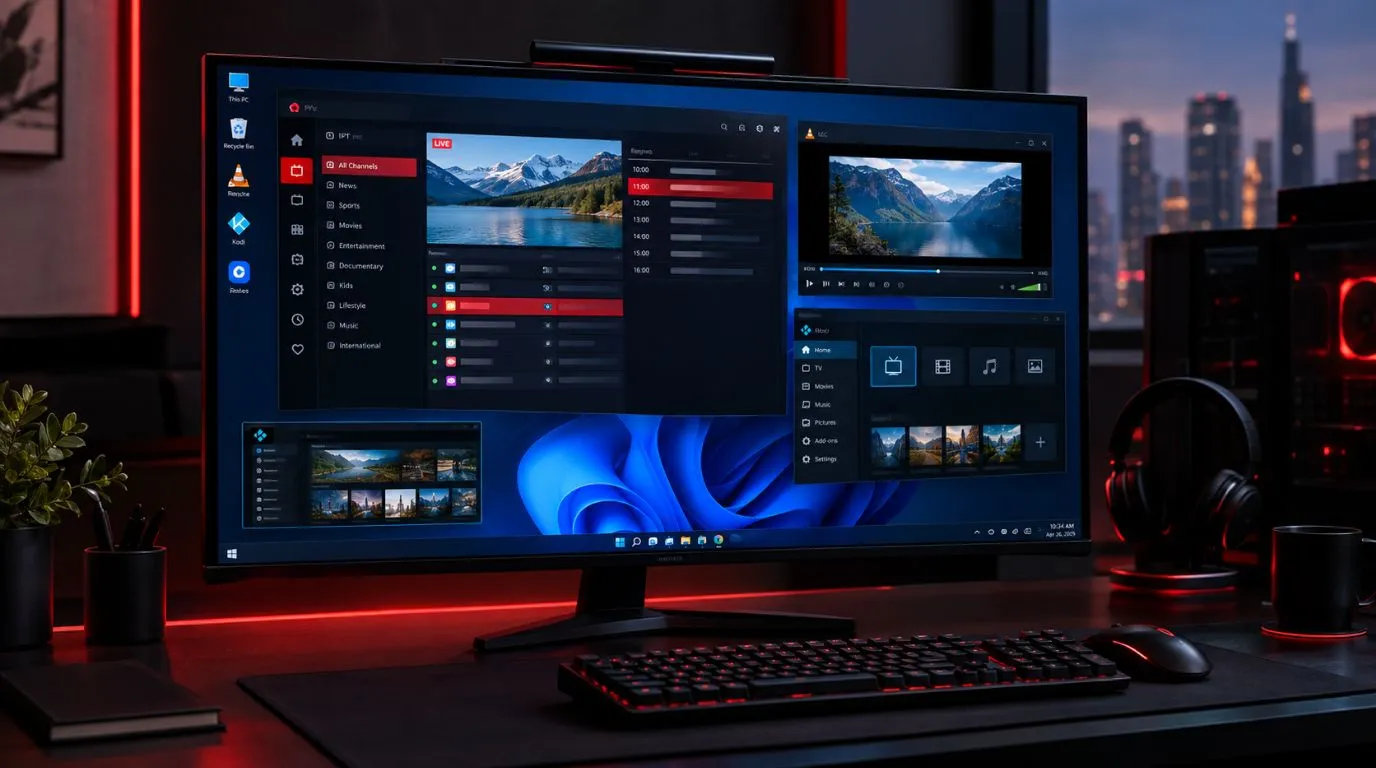
A phone or tablet can be convenient for mobile viewing, while a computer can provide a larger interface and additional flexibility.
The same fundamentals still apply: the device needs a compatible player, a stable internet connection, and sufficient hardware for the video being decoded.
For a more detailed look at compatible installation approaches, see the IPTV setup guide.
Why Does an IPTV Stream Buffer?
Buffering occurs when the player does not receive enough usable video data to continue playback normally.
The cause isn’t necessarily the IPTV service itself. Common possibilities include:
- Weak Wi-Fi
- Temporary network congestion
- Insufficient available bandwidth
- Heavy activity on the home network
- Device limitations
- Problems with the IPTV player
- Issues affecting a particular stream
- Service-side delivery problems
One useful troubleshooting clue is whether the problem affects every channel or only specific streams.
If everything buffers, your network, device, or player deserves closer attention. If only certain channels have problems while others play normally, the issue may be more specific to those streams or their delivery.
For a dedicated troubleshooting process, use a focused IPTV buffering guide rather than treating every playback problem as the same issue.
How Video Resolution Changes Streaming Requirements
Resolution describes the number of pixels used to create the video image. As resolution increases, the amount of information that needs to be processed and delivered can also increase.
Common viewing formats include:
- SD — standard-definition video
- HD — high-definition video
- Full HD — typically 1920 × 1080
- 4K UHD — typically 3840 × 2160
Resolution isn’t the only factor determining bandwidth. Compression technology and bitrate also matter.
For this reason, two streams with the same resolution can have different bandwidth requirements.
A practical IPTV setup should therefore balance video quality, available bandwidth, device capability, and network stability rather than automatically selecting the highest possible resolution.
What Makes an IPTV Streaming Service Reliable?
If you’re comparing IPTV streaming services, look beyond the number of channels advertised.
A useful evaluation should consider the complete viewing experience.
Consistent Stream Availability
A service should provide access to the content it advertises under its stated service conditions. Frequent interruptions or unavailable streams can make an otherwise attractive channel selection less useful.
Device Compatibility
Check whether the service works with the devices and IPTV players you actually intend to use.
Compatibility is particularly important if you plan to watch on multiple types of screens.
Appropriate Video Quality
A good service should offer video quality that matches the content and the capabilities of the viewing environment.
Higher resolution isn’t automatically better if the connection or hardware cannot handle it consistently.
Clear Subscription Information
Look for clear information about subscription terms, supported devices, available content, and what is included.
Transparent information makes it easier to compare an IPTV streaming service with alternatives without relying solely on promotional claims.
Customer Support
When something goes wrong, accessible support can be useful for installation, account questions, and basic troubleshooting.
The quality of support can be particularly important for users who are new to IPTV applications.
Practical Ways to Improve IPTV Streaming
Before replacing your entire setup, work through the basic variables that affect playback.
1. Check Your Connection
Run a speed test on or near the device you’re using for IPTV rather than assuming that the speed advertised by your internet provider is the speed reaching your television.
2. Improve Wi-Fi Conditions
If your streaming device uses Wi-Fi, reduce unnecessary distance from the router where possible and minimize physical obstructions or interference.
3. Consider Ethernet
For a stationary TV or streaming box, Ethernet can provide a direct network connection and eliminate some of the variability associated with wireless networking.
4. Reduce Competing Network Activity
If your household is simultaneously downloading large files, backing up data, gaming online, and streaming several videos, temporarily reducing some activity can help identify whether network congestion is contributing to the problem.
5. Keep Your Device and Player Updated
Updates can improve compatibility, security, stability, and support for newer operating-system components.
6. Match Quality to Your Setup
If your connection or device struggles with a high-resolution stream, a lower-quality option may provide more consistent playback.
The goal isn’t to maximize a specification. The goal is to achieve stable viewing at a quality your setup can sustain.
How to Choose an IPTV Streaming Service
Once you’ve established what your home setup can support, you can evaluate services more effectively.
Consider these questions:
- Does it support your preferred device?
- Does it work with your preferred IPTV player?
- Does its available content match what you actually watch?
- Are subscription terms clearly explained?
- Is the expected video quality appropriate for your connection?
- Is customer support available when you need assistance?
- Is there a trial or other way to evaluate the service before committing, when offered?
You can review the available ViviMate plans on the IPTV subscription page or explore the IPTV channels page to learn more about the content experience.
If you’d prefer to evaluate the service before choosing a longer subscription, you can also review the ViviMate IPTV free trial option.
A Simple IPTV Streaming Setup Checklist
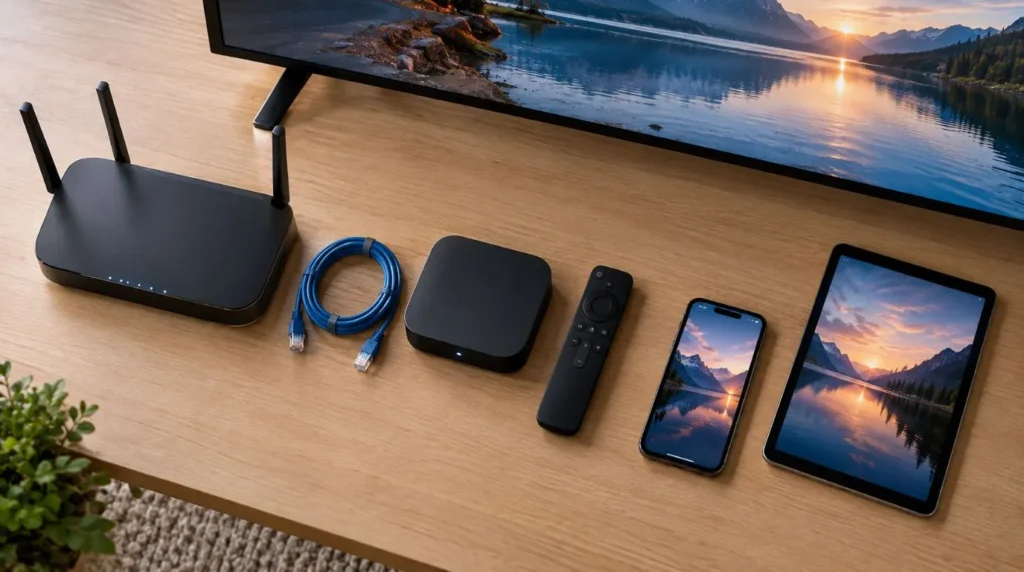
Before settling into regular IPTV viewing, check the fundamentals:
- Internet: Your connection provides enough consistent bandwidth.
- Wi-Fi: The streaming device receives a stable signal.
- Device: Your TV, streaming box, phone, tablet, or computer supports the required software and video formats.
- Player: Your IPTV application is compatible and up to date.
- Network: Other household activity isn’t unnecessarily consuming available bandwidth.
- Video quality: The selected resolution is appropriate for your connection and hardware.
- Service: The IPTV provider clearly explains its service, compatibility, and subscription terms.
Getting these basics right can eliminate many common sources of poor playback.
Final Takeaway
A good IPTV streaming experience depends on more than simply having a fast internet plan. The connection, Wi-Fi environment, video bitrate, resolution, device, IPTV player, and service infrastructure all contribute to how reliably a stream plays.
If you’re researching an IPTV streaming service, start with your own viewing requirements. Consider where you’ll watch, which devices you’ll use, what video quality you expect, and how your home network performs under normal usage.
Once those factors are clear, it’s much easier to choose an IPTV setup that fits your household and to troubleshoot problems when they occur.