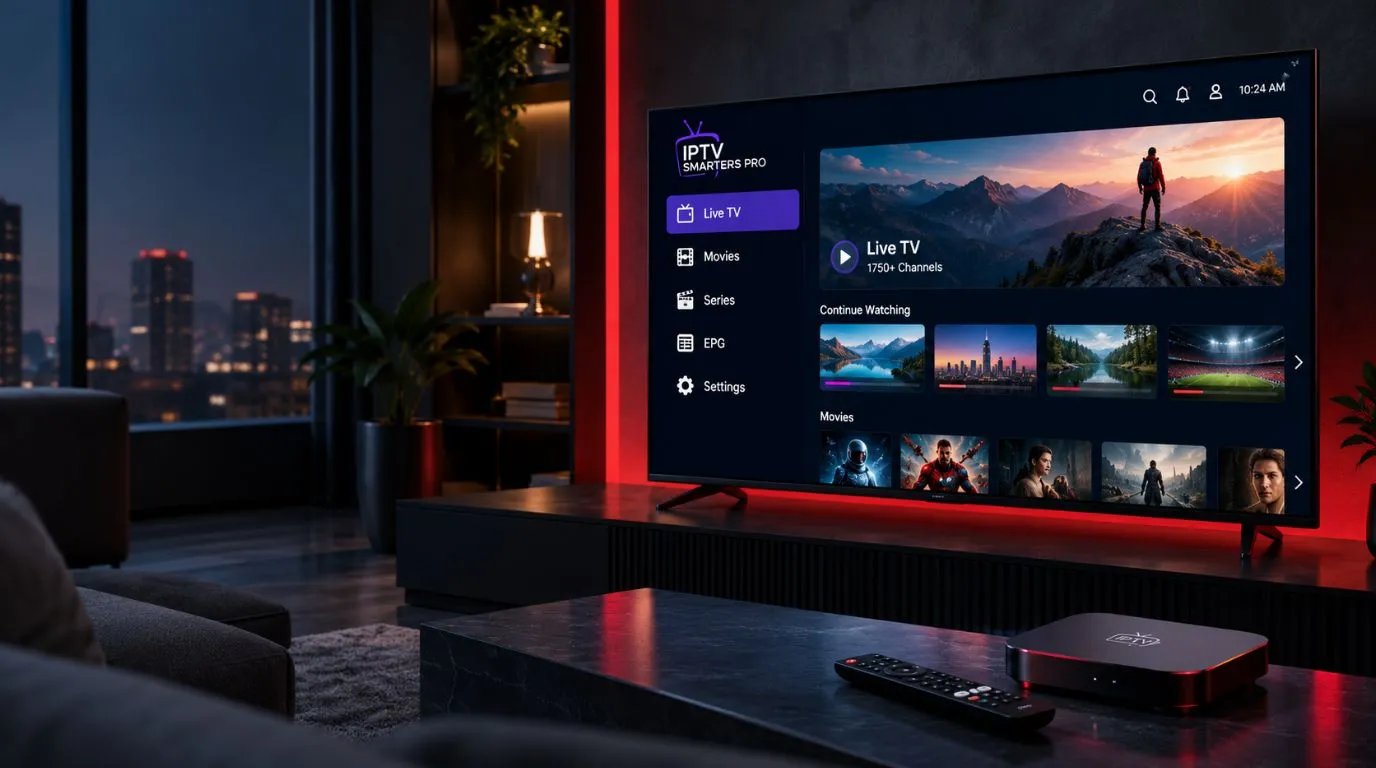
If you are searching for IPTV Smarters Pro, you are probably looking for a simple way to watch IPTV content on your TV, phone, tablet, or another compatible device.
The first thing to understand is that IPTV Smarters Pro is a media player application, not an IPTV service itself. The app provides the interface for accessing compatible playlists or streaming credentials supplied by your IPTV service or another authorized source. It does not automatically give you a collection of TV channels or movies.
That distinction makes the rest of the setup much easier to understand.
This guide explains what IPTV Smarters Pro does, what you need before using it, its main features, supported platforms, common playlist methods, and how it fits into a complete IPTV setup.
Table of Contents
What Is IPTV Smarters Pro?
IPTV Smarters Pro is an IPTV-focused media player designed to organize and play compatible streaming content from sources you provide.
Depending on the version and platform, the application can work with live television streams, movies, series, playlists, and electronic program guide information. The content itself comes from the connected media source rather than from the player.
Think of the setup as three separate pieces:
IPTV service or authorized media source → IPTV Smarters Pro → your streaming device
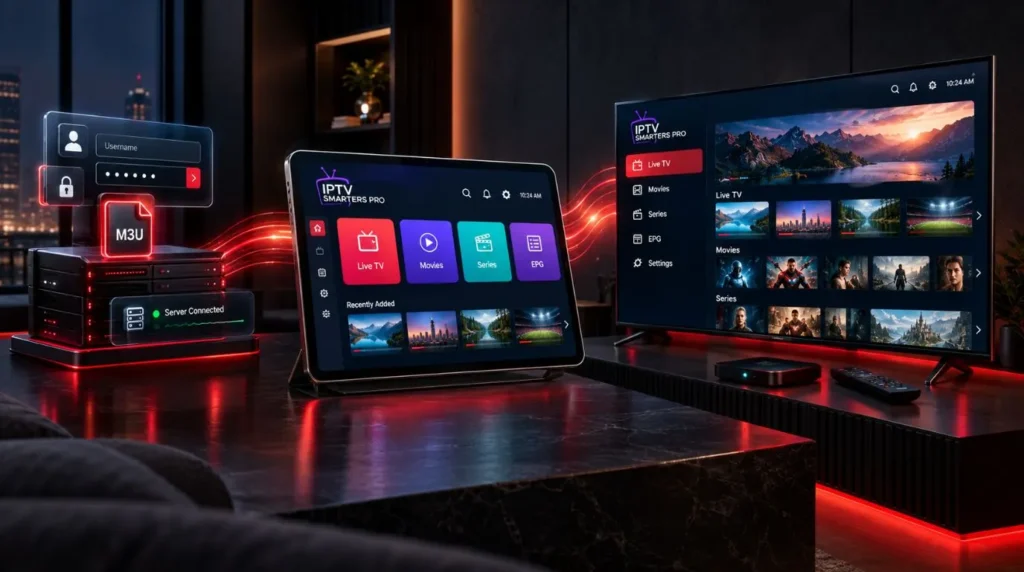
The application sits in the middle. It gives you an interface for organizing and playing the content your source makes available.
IPTV Player vs. IPTV Provider
An IPTV player and an IPTV provider serve different purposes.
An IPTV player is software that receives and plays compatible media streams.
An IPTV provider or content source supplies the actual channels, programs, playlists, or other media.
For example, installing IPTV Smarters Pro by itself does not automatically populate the app with live channels. You need a compatible playlist or login information from a source that is authorized to provide the content.
This is one of the most important things to know before installing any IPTV player.
How Does IPTV Smarters Pro Work?
The basic process is straightforward.
First, you install the player on a supported device. Next, you connect it to your compatible IPTV playlist or service credentials. The application then retrieves the available content and organizes it into categories such as live TV, movies, series, or other sections supported by the source.
Your exact options depend on the application version, device, and service you are connecting.
Common connection methods include:
- An M3U playlist or URL
- API-based credentials supported by the player
- Other compatible playlist or media-source formats
- Local media files on supported versions
Some versions of Smarters software specifically advertise support for M3U playlists and API-based logins.
What Is an M3U Playlist?
An M3U playlist is a file or URL that contains information used by a compatible media player to locate streams or media.
Instead of manually adding individual channels one at a time, an M3U playlist can provide the player with a structured list of available content.
Your IPTV provider or authorized content source may give you an M3U URL as part of your account information.
What Are IPTV API Credentials?
Some IPTV services provide login details that allow a compatible player to connect through an API.
Depending on the service and application, this may involve information such as:
- Username
- Password
- Server or portal URL
The terminology and available login methods can vary between providers and versions of IPTV Smarters, so use the connection method specified by your service.
What Can You Watch With IPTV Smarters Pro?
The player can organize different types of content when those categories are supplied by your connected source.
Live TV
Live television is one of the primary uses of IPTV player applications.
If your authorized IPTV source supplies live channels, IPTV Smarters Pro can organize those streams into a channel interface. Categories and channel information depend on the playlist or service.
Movies and VOD
Compatible sources can also provide on-demand movies.
The application can organize VOD content into categories, allowing you to browse available titles rather than treating every stream as an individual channel.
Series
Some IPTV services provide episodic content.
Where supported, the player can organize series and episodes so that users can browse seasons and individual programs more easily.
Electronic Program Guide
EPG stands for Electronic Program Guide.
When your source provides compatible EPG information, the player can display program schedules alongside channels. This can make live-TV navigation considerably easier because you can see what is currently airing and what is scheduled next.
An EPG is not necessarily included with every IPTV service. Its availability and accuracy depend on the information supplied by the source.
Key IPTV Smarters Pro Features
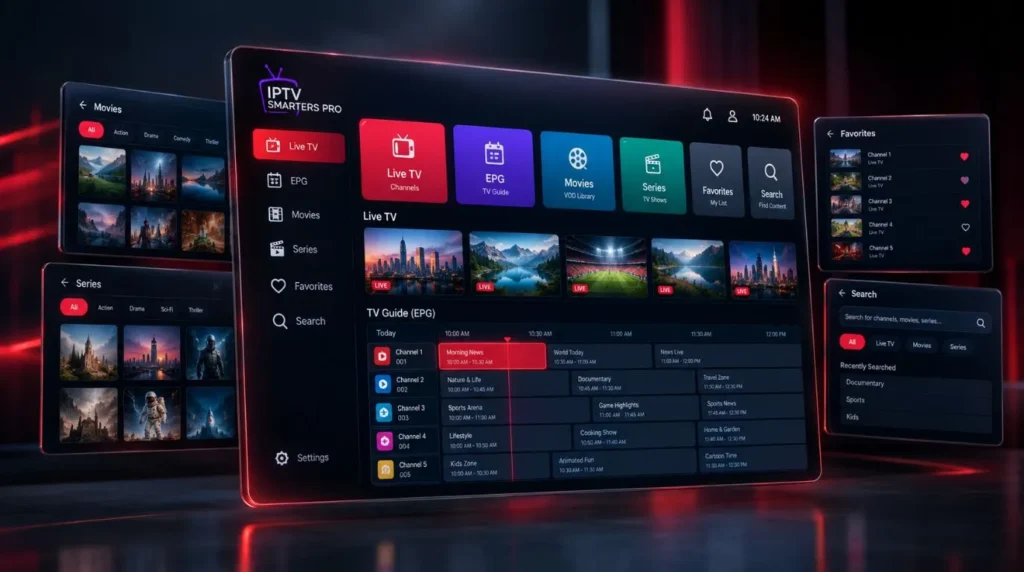
The exact feature set can vary by version and platform, but modern Smarters applications can provide a number of useful tools for managing IPTV content.
EPG and TV Guide
EPG support can turn a basic channel list into a more traditional TV-guide experience.
Instead of opening channels individually to find out what is playing, users can browse available schedule information when their source supplies it.
Favorites
Frequently watched channels or content can be saved as favorites on supported versions.
This is particularly useful when a playlist contains a large number of channels.
Search and Content Organization
Large IPTV playlists can become difficult to navigate without categories and search.
Supported versions may provide search functionality and separate sections for live channels, movies, series, and other available media.
Multiple Playlists
Some versions support multiple media sources or playlists.
This can be useful if you have more than one legitimate media source that you want to manage from the same application.
Picture-in-Picture and Multi-View
Certain versions and supported devices offer advanced viewing functions such as picture-in-picture or multi-view.
Whether these features are available depends on the specific application version, operating system, and device.
Parental Controls
Supported versions can include parental-control functionality for restricting access to selected content or sections.
This can be useful when an IPTV player is used on a shared household television.
Local Media Playback
Some Smarters applications also support playback of compatible local audio or video files stored on the device.
Which Devices Support IPTV Smarters Pro?
Smarters applications are available across several types of devices, although availability and features can differ by version and platform.
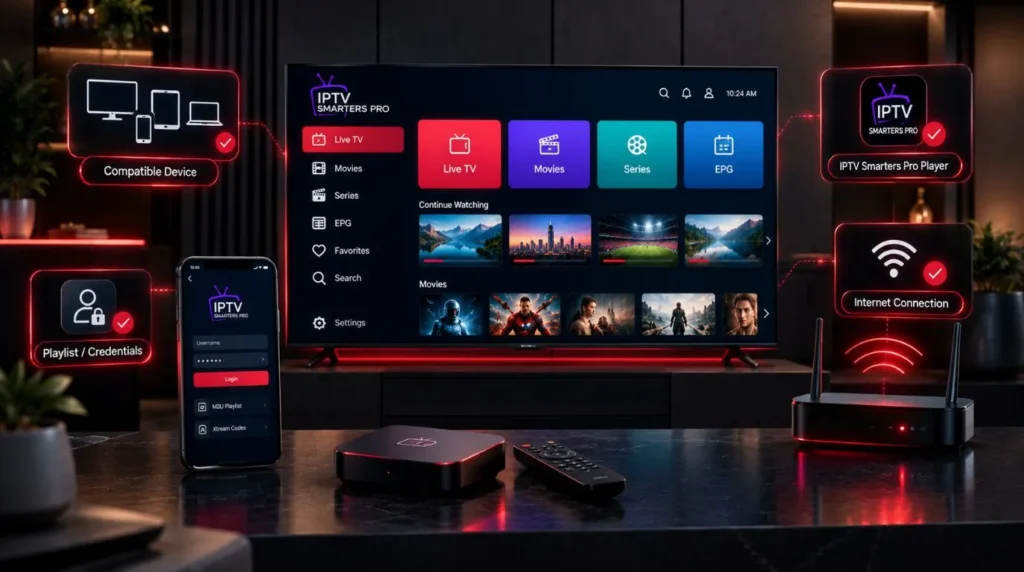
Current Smarters Pro information lists support for platforms including Android, Android TV, iOS, Apple TV, Windows, macOS, web playback, and selected Smart TV platforms.
Common device categories include:
| Device type | Typical use |
|---|---|
| Android phones | Mobile IPTV viewing |
| Android TV | IPTV on a television |
| Android TV boxes | Dedicated streaming setup |
| iPhone and iPad | Mobile or tablet viewing |
| Apple TV | IPTV on a television through Apple’s platform |
| Windows PCs | Desktop IPTV viewing |
| Mac computers | Desktop or laptop viewing |
| Supported Smart TVs | Direct TV-based playback |
| Fire TV devices | IPTV streaming on compatible Amazon devices |
Before installing an app, check the current app listing for your specific device. Application names and availability can change, and similarly named Smarters applications are not necessarily the same product.
If you are setting up IPTV for the first time, the IPTV setup guide provides the broader installation path for connecting IPTV to different types of devices.
What Do You Need Before Using IPTV Smarters Pro?
You generally need four things:
- A compatible streaming device
- The IPTV player application
- A compatible IPTV playlist or authorized media source
- A reliable internet connection
If your IPTV service provides login credentials, keep those details available before starting the setup.
Depending on the service, you may receive information such as:
- Username
- Password
- Server URL
- M3U playlist URL
- EPG information
Do not assume that every provider uses the same format.
If your provider gives you an M3U URL, use the playlist-based option supported by your version of the player. If it provides API credentials, select the corresponding login method if available.
How to Set Up IPTV Smarters Pro
The exact menus can vary between devices and versions, but the general process follows the same pattern.
1. Install the Player
Install the appropriate Smarters application for your device.
Use the official app listing or the application’s current official distribution method whenever possible. Be careful with unofficial APK downloads and websites using similar names.
2. Open IPTV Smarters Pro
Launch the application after installation.
The first screen may ask you to add a user, playlist, or media source.
3. Choose Your Connection Method
Select the option that matches the information supplied by your IPTV service.
Depending on the version, this may be an M3U playlist, API-based login, or another supported method.
4. Enter Your Service Information
Enter the requested details carefully.
A single typo in a username, password, playlist URL, or server address can prevent the player from connecting correctly.
5. Let the Playlist Load
Once your information has been accepted, the application can retrieve the categories and media supplied by your source.
The available sections might include:
- Live TV
- Movies
- Series
- EPG
- Favorites
The exact organization depends on your connected source and application version.
6. Start Watching
Select a channel, movie, or other available content to begin playback.
For a complete device-specific IPTV installation process, use the ViviMate IPTV setup guide rather than treating this article as a replacement for the main installation hub.
IPTV Smarters vs. IPTV Smarters Pro vs. Smarters Player
The Smarters name appears across multiple applications, websites, and versions, which can make the terminology confusing.
You may encounter terms such as:
- IPTV Smarters
- IPTV Smarters Pro
- IPTV Smarters Player
- Smarters IPTV
- IPTV Smarters Plus
- Smarters Pro
These names should not automatically be treated as interchangeable products.
Different applications can have different developers, interfaces, supported devices, licensing models, and features. Current Smarters-branded products also appear across different platforms and websites, making it especially important to verify the exact application before downloading it.
If you are searching for an app on your device, compare the developer information, platform compatibility, app description, and current version rather than relying only on the word “Smarters” in the name.
Is IPTV Smarters Pro Free?
The answer depends on the specific application and platform.
Some Smarters applications offer free downloads with optional paid features or licensing, while other versions or platforms may use different pricing models. For example, current App Store listings can include in-app purchases, while other Smarters products advertise separate licensing arrangements.
More importantly, the player and the IPTV service are separate.
Paying for an IPTV player does not automatically mean you have access to TV channels or other streaming content. The content comes from your connected media source.
Always check the current pricing and licensing information for the exact application you intend to use.
Does IPTV Smarters Pro Include Channels?
No. IPTV Smarters Pro functions as a media player and does not inherently provide a built-in collection of television channels, movies, or series.
The content displayed in the application comes from the playlists or media sources that you connect to it. Current Smarters documentation explicitly distinguishes the player from the content source.
This is why installing the application alone may leave you with an empty or unconfigured interface.
You need a compatible source containing content you are authorized to access.
Is IPTV Smarters Pro Legal?
The legality of IPTV use depends on several factors, including licensing, authorization, copyright law, jurisdiction, and the particular content or service being accessed.
The existence of an IPTV player does not determine whether a particular stream is legal.
A media player can be used with authorized content, but users should make sure that the IPTV service, playlist, and content they access are properly licensed or otherwise authorized for their use.
If you are choosing an IPTV service, look for clear information about its content rights and terms of service rather than assuming that every IPTV subscription has the same legal status.
IPTV Smarters Pro vs. Other IPTV Players
IPTV Smarters Pro is one option among many IPTV player applications.
Rather than asking which player is universally “best,” compare the features that matter for your particular setup.
| Feature | What to check |
|---|---|
| Device support | Does the app work on your TV, phone, box, or computer? |
| Playlist support | Does it accept the format supplied by your service? |
| EPG | Can it display your source’s program guide? |
| Navigation | Is it easy to browse channels and VOD? |
| Favorites | Can you quickly access frequently watched content? |
| Search | Can you find channels, movies, or series efficiently? |
| Playback features | Does it offer the controls you need? |
| Licensing | What does the application cost on your platform? |
| Updates | Is the application actively maintained? |
If you want to compare IPTV players more broadly, see the ViviMate guide to IPTV players for additional context.
Common IPTV Smarters Pro Questions
Does IPTV Smarters Pro provide an IPTV subscription?
No. The application is a media player. You need a separate authorized content source or IPTV service to provide the streams and playlists.
Can I use an M3U playlist with IPTV Smarters Pro?
Supported Smarters applications can work with M3U playlists, although the exact options depend on the version you install.
Does IPTV Smarters Pro support EPG?
Many current versions support EPG information when it is supplied by the connected source. The quality and completeness of the guide depend on that source.
Can I use IPTV Smarters Pro on a Smart TV?
Smarters applications are available on selected Smart TV platforms, but availability differs between operating systems and app versions. Check your TV’s app store and the current application’s supported-device information before installing.
Do I need an IPTV provider to use the player?
You need some compatible media source to display streaming content. That can be an IPTV service or another authorized playlist/source that the application supports.
Why is my IPTV Smarters Pro playlist empty?
An empty playlist can have several causes, including incorrect credentials, an invalid playlist URL, an expired source, or a problem with the content provider.
If the issue is specifically an authorization error, it is better handled by a dedicated troubleshooting guide rather than this general overview.
Getting Started With IPTV Smarters Pro
IPTV Smarters Pro is easiest to understand when you separate the player from the content source.
The application gives you the interface for organizing and playing compatible IPTV content. Your IPTV service or authorized media source provides the actual streams, playlists, credentials, and guide information.
The basic workflow is:
Choose a compatible device → install the player → add your authorized IPTV source → load the playlist → browse the available content → start streaming.
If you are ready to move from understanding the application to configuring your device, continue with the ViviMate IPTV setup guide.
For users still deciding which type of IPTV service fits their needs, you can also explore the ViviMate IPTV subscription options or learn more about the available IPTV channels.