Finding the right Indian IPTV service in the USA is about more than choosing a provider with a large channel count. If Indian programming is the main reason you are subscribing, the channel lineup, language selection, sports coverage, EPG, streaming quality, device compatibility, and overall reliability all matter.
A good service should make it easy to find the Indian channels you actually watch without forcing you to search through thousands of unrelated networks.
ViviMate’s current channel directory includes a dedicated selection of Indian-oriented programming, including Star Plus, Sony TV, Colors, Zee TV, Star Sports, DD National, Sony SAB, Star Bharat, Zee Cinema, and Sony Max. The directory is organized by channel and region so viewers can check the current lineup before choosing a plan.
For viewers in the United States, this guide explains what to look for in IPTV for Indian channels and how to evaluate whether a service fits your household.
Table of Contents
What Makes an IPTV Service Good for Indian Channels?
The best choice depends on what you actually watch. A service with a huge overall channel count may not be useful if it lacks the Indian networks, language options, or sports programming you want.
When comparing IPTV Indian channels, start with these factors.
Indian-language channel selection
Language is one of the most important considerations for Indian television viewers.
A household may primarily want Hindi programming, while another may be interested in a broader mix of Indian-language entertainment, news, movies, and sports. Instead of judging a service by its total number of channels, check whether its current lineup includes the networks that match your viewing habits.
This is particularly important for families where different members watch different types of Indian programming.
Entertainment and movie channels
Indian entertainment channels can cover serials, reality programming, comedy, drama, and other general programming, while movie networks provide a different type of viewing experience.
ViviMate’s current directory lists channels including Star Plus, Sony TV, Colors, Zee TV, Sony SAB, and Star Bharat, as well as Zee Cinema and Sony Max.
The practical approach is to identify the specific networks you care about and verify their current availability rather than relying on a generic promise of “Indian channels.”
Indian sports and cricket
Sports can be another major reason to look for Indian IPTV.
If cricket or other Indian sports programming is important to your household, check the sports portion of the channel lineup separately from entertainment channels. ViviMate’s current directory includes Star Sports among its listed Indian channels.
However, channel availability does not automatically mean that every competition, event, or broadcast is available. Sports rights can vary, so viewers should check the current lineup and relevant programming before subscribing.
Indian IPTV Channels Available Through ViviMate
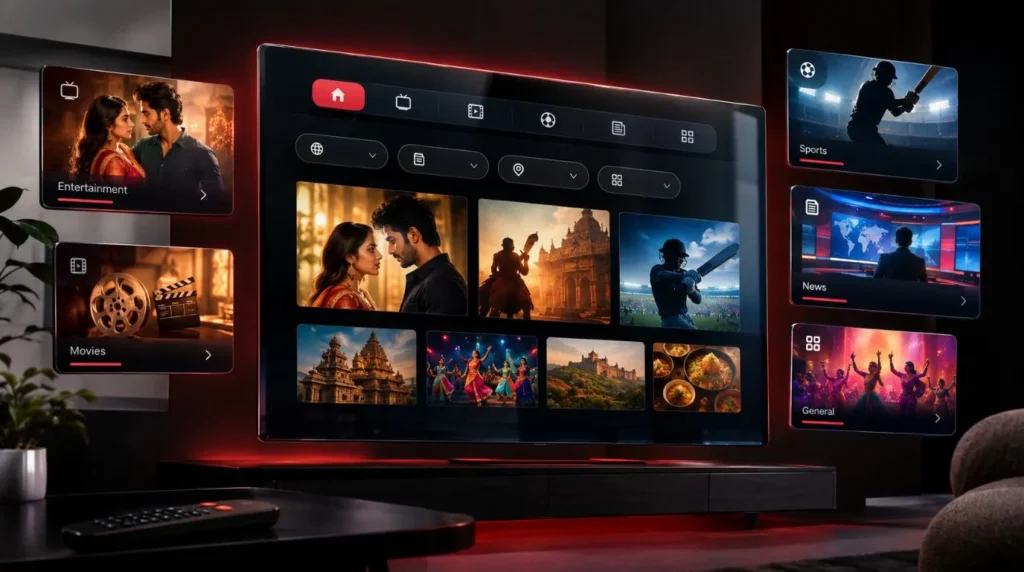
ViviMate’s channel directory is designed to let users browse the lineup by category, region, or language rather than treating the entire library as one long list. The current directory describes thousands of live channels across sports, movies, news, entertainment, kids, and international programming.
For Indian viewers, the currently listed selection includes:
| Category | Examples currently listed |
|---|---|
| Indian entertainment | Star Plus, Sony TV, Colors, Zee TV |
| General entertainment | Sony SAB, Star Bharat |
| Indian sports | Star Sports |
| Indian national programming | DD National |
| Indian movies | Zee Cinema, Sony Max |
These are examples from the current directory, not a claim that they represent every Indian channel available through the service. Channel lineups can change, so checking the live directory is the most reliable way to confirm availability.
Browse the current ViviMate IPTV channel list
Is Indian IPTV Available in the USA?
Yes, IPTV can be used by viewers in the United States when the service and content are available for their location and the necessary internet connection and compatible device are in place.
For someone searching for Indian IPTV in the USA, the more important question is not simply whether IPTV works in the country. It is whether the service provides the Indian programming you want and supports the devices you use at home.
Before subscribing, check:
- The current Indian channel lineup
- The languages represented
- Sports channels relevant to your viewing habits
- EPG or program-guide availability
- Supported streaming devices
- Available picture-quality options
- Service and technical support
- Current subscription terms
- Whether the content is appropriately licensed for your use and location
This approach helps avoid choosing a service based solely on a large headline channel count.
What to Check Before Choosing IPTV for Indian Channels
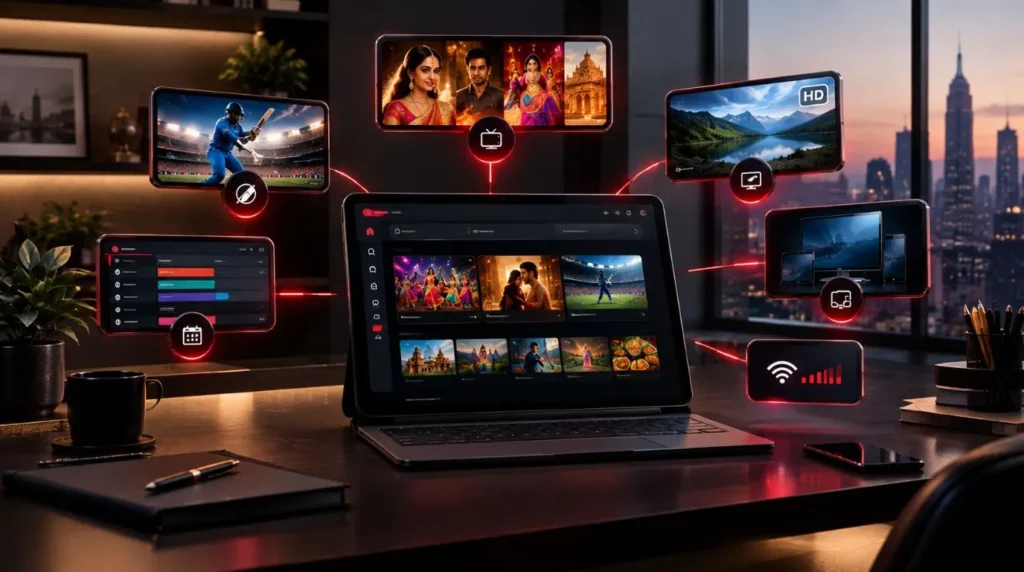
1. Check the actual channel selection
The most important question is simple:
Are the channels I want actually included?
Make a short list of your must-have networks before comparing services. For example, you might care about Indian entertainment, movies, news, sports, or a combination of all four.
Then compare that list against the provider’s current directory.
This is more useful than comparing two providers solely by their total number of channels.
2. Look at language coverage
Indian television is not limited to one language or one type of programming.
If your household watches primarily Hindi content, prioritize the Hindi networks you actually use. If your family watches programming from multiple regions, look for a broader language selection.
The important thing is to match the service to your household rather than assuming that a larger IPTV package automatically means better Indian coverage.
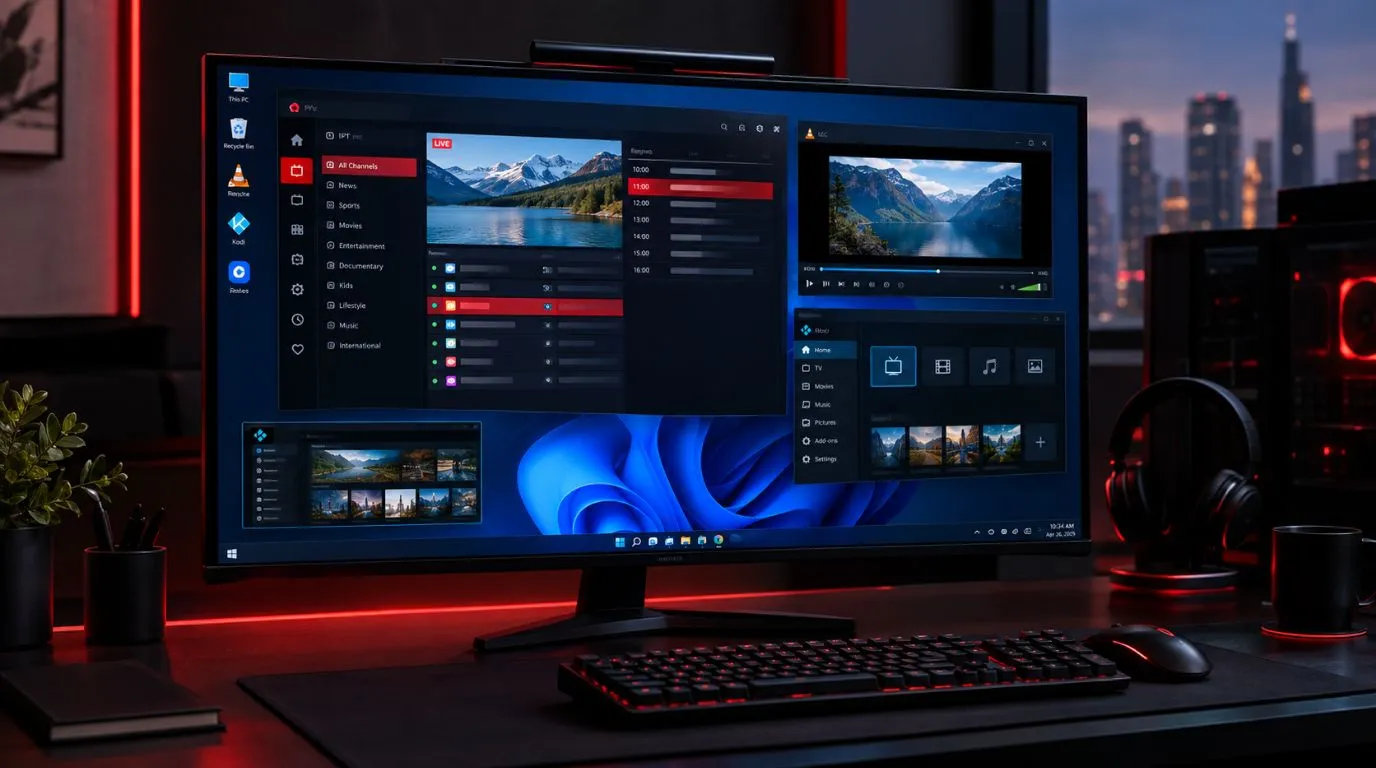
3. Consider the EPG
An electronic program guide can make a significant difference when you have a large channel library.
Without a useful guide, finding a particular show or live broadcast can mean opening channels one by one. An EPG organizes programming information so you can see what is currently airing and what is scheduled next.
For Indian programming, this can be especially useful when you regularly move between entertainment, movies, and sports.
If EPG functionality is important to you, check how the provider handles program information before subscribing.
4. Check streaming quality
Picture quality matters, particularly when watching live sports, movies, and high-production-value television.
Look for clearly stated quality options rather than assuming every channel will automatically be available in 4K.
Your actual viewing quality can depend on several factors, including:
- The source stream
- Your internet connection
- Your device
- Network congestion
- The IPTV player being used
- The resolution offered for the specific channel
A provider may advertise multiple quality levels while individual channels still vary.
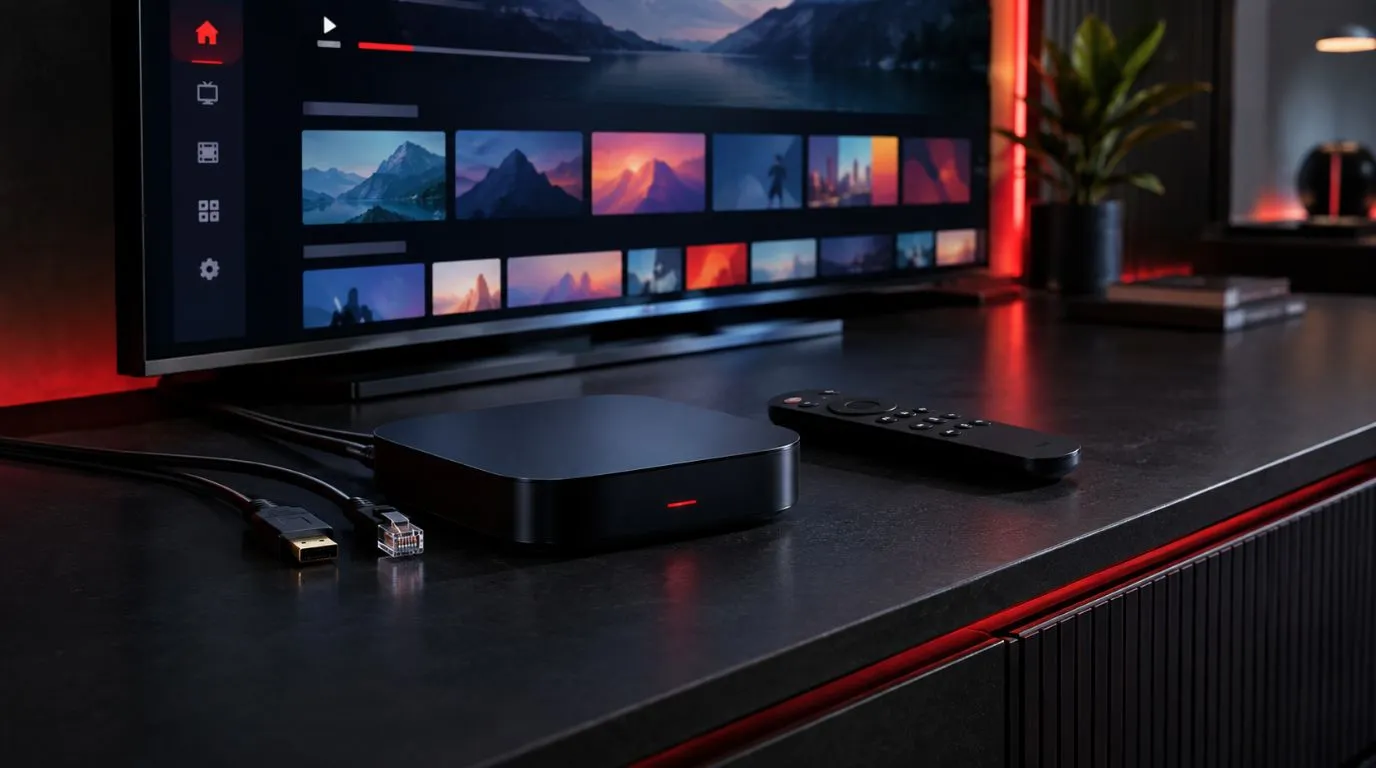
5. Make sure your device is supported
Your preferred viewing device should be part of the decision.
Common IPTV setups include:
- Smart TVs
- Fire TV devices
- Android TV
- Apple TV
- Smartphones
- Tablets
- Computers
ViviMate provides setup guides covering Smart TVs, Fire TV, Android, Apple TV, and other devices, as well as popular IPTV player applications such as TiviMate, IPTV Smarters Pro, and IBO Player.
See the ViviMate IPTV setup guides
6. Consider reliability
A large channel library is only useful if the service provides a practical viewing experience.
When evaluating a provider, consider how it handles:
- Channel loading
- Playback interruptions
- Playlist updates
- EPG updates
- Device setup
- Customer support
No provider should be assumed to be completely immune from buffering or service interruptions. Your internet connection and local network can also affect playback.
7. Use a trial when one is available
A trial can be particularly useful for Indian-channel viewers because it allows you to test the things that matter most to you.
Rather than spending the trial period browsing random channels, create a short checklist:
- Find your must-have Indian channels.
- Check the EPG information.
- Test the channels at different times.
- Try your preferred device.
- Check picture quality.
- See how quickly channels load.
- Evaluate whether the interface is easy for your household to navigate.
This gives you a much better basis for deciding whether a service fits your needs.
Check the current ViviMate IPTV free-trial option
Indian IPTV for Different Types of Viewers
Not every Indian IPTV user has the same priorities.
For Hindi-speaking households
If Hindi programming makes up most of your viewing, focus on the availability of the specific entertainment, movie, news, and general-interest channels your family watches.
Don’t choose based on the overall international channel count alone.
For Indian sports fans
Sports viewers should pay particular attention to the relevant sports networks and current programming information.
If cricket is a priority, check the current sports lineup and verify the programming you expect to watch rather than assuming that a channel name guarantees access to every tournament or match.
For families
Families often need a broader selection than an individual viewer.
One person may want Indian entertainment, another may prefer movies, while someone else may want sports or general programming. A larger, organized international lineup can therefore be useful if the household watches more than one type of content.
For viewers who want Indian and US channels
Some viewers do not want to replace their entire US television lineup. They simply want Indian programming alongside American and international channels.
In that case, look for a service that combines Indian content with the other categories your household already watches.
How to Watch Indian IPTV on Your TV
Once you have selected a service, the setup process generally involves choosing a compatible IPTV player, entering the credentials supplied with your subscription, and loading the playlist.
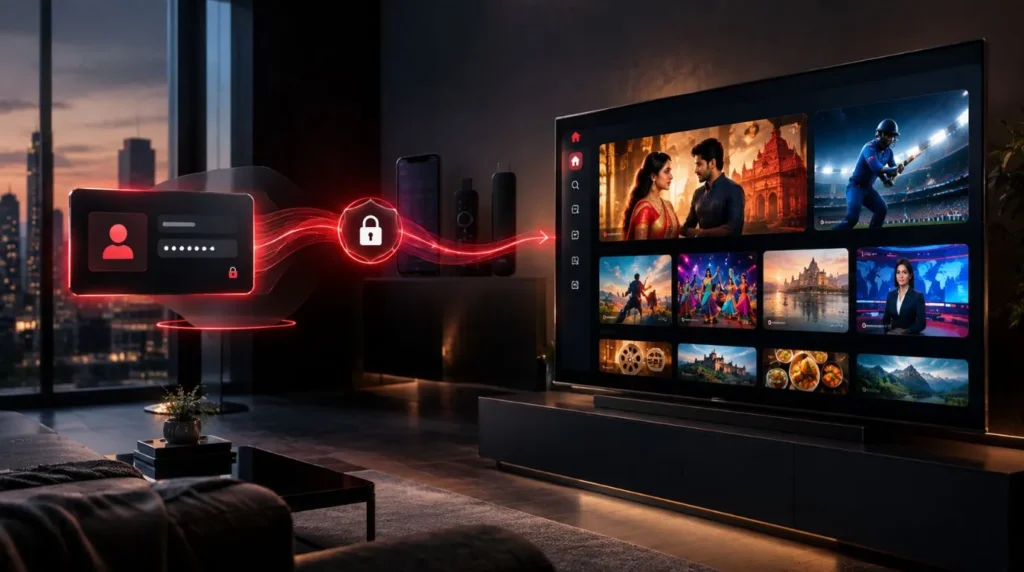
ViviMate’s setup documentation describes using credentials and either an M3U URL or Xtream Codes, followed by synchronization to load the channel list and EPG.
The exact steps depend on your device and player, so it is better to follow a device-specific guide than to use one generic tutorial for every TV.
For example, Smart TV, Fire TV, and Android TV setups can have different app-installation steps.
Follow the complete IPTV setup guide
Why ViviMate Can Be Considered for Indian IPTV
For someone specifically evaluating IPTV for Indian channels, ViviMate’s relevant advantage is that the service provides a broad international channel directory while also listing a dedicated group of Indian channels.
The current directory includes Star Plus, Sony TV, Colors, Zee TV, Star Sports, DD National, Sony SAB, Star Bharat, Zee Cinema, and Sony Max.
The lineup is also organized so users can browse and search for channels rather than manually navigating an unstructured list. The current channel page says its directory can be searched and filtered by sport, genre, region, or language.
That matters for households that want Indian programming without giving up access to other international and US channels.
The right way to evaluate the service, however, is still to check the current lineup for your specific needs.
Check the Current Indian Channel Lineup Before You Subscribe
If Indian programming is your main reason for choosing IPTV, start with the channels you actually watch.
Check whether they are currently listed, review the available categories, and consider the device you plan to use. You can then decide whether a trial or subscription makes sense for your household.
The ViviMate channel directory currently includes Indian entertainment, sports, movie, and general programming such as Star Plus, Sony TV, Colors, Zee TV, Star Sports, DD National, Sony SAB, Star Bharat, Zee Cinema, and Sony Max.
Explore the full IPTV channel lineup
If the lineup matches what you are looking for, the next step is to review the available subscription options or use the available trial to test the service on your preferred device.
View ViviMate IPTV subscription options
When comparing Indian IPTV in the USA, the best starting point is not the biggest channel number. It is the combination of the Indian channels you actually watch, the viewing experience you need, your preferred device, and the current lineup available to you.