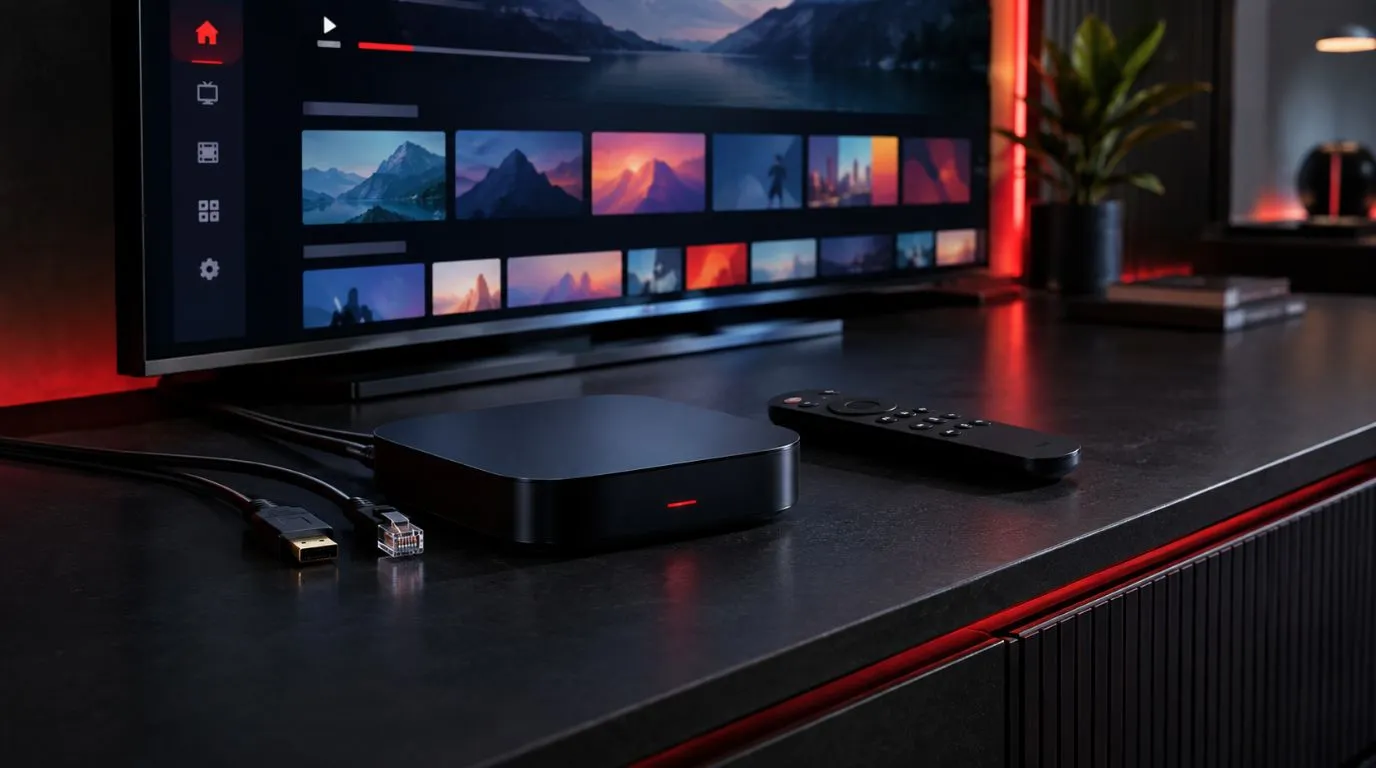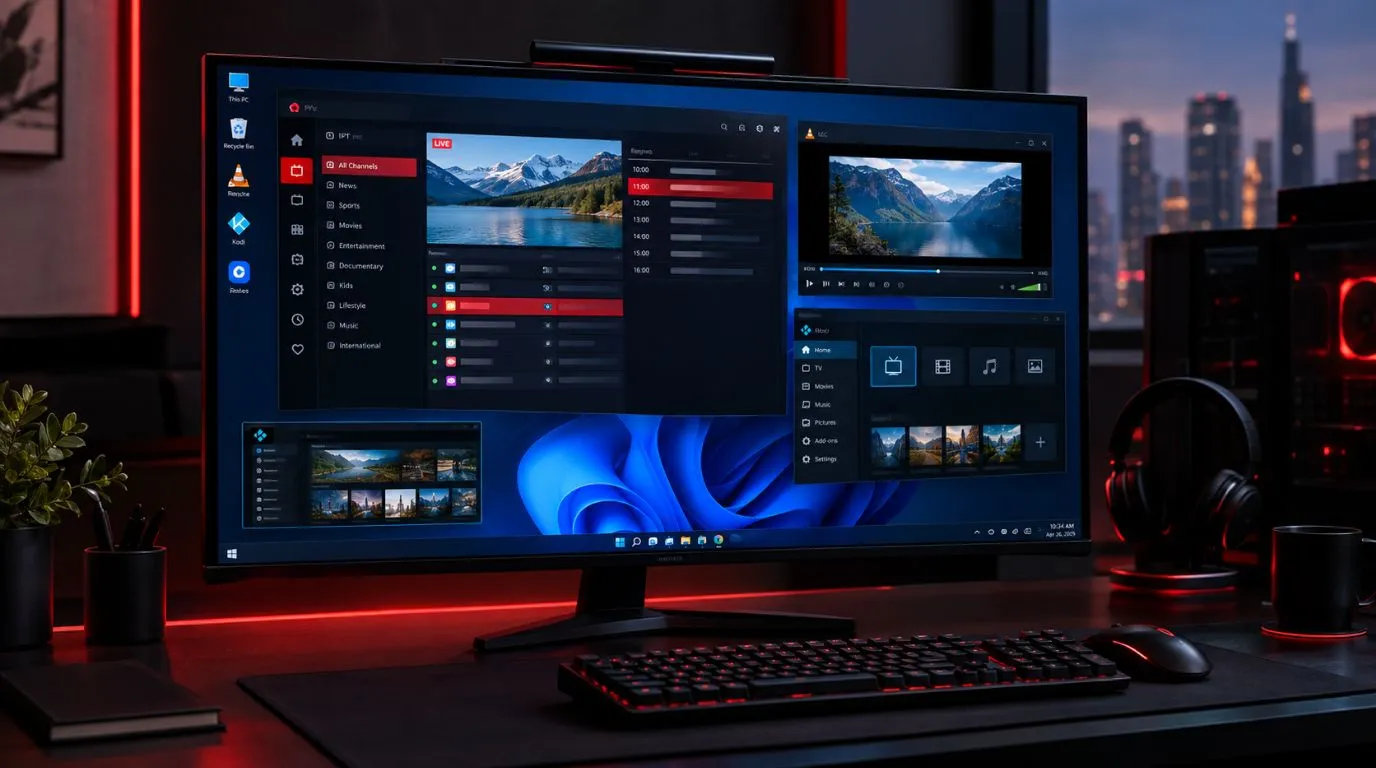
If you are looking for the best IPTV app for Apple TV, the biggest question is not simply which app has the longest feature list. The better question is which player works well with your Apple TV, supports your playlist or login method, and makes live TV, EPG, movies, and series easy to navigate with the Siri Remote.
Apple TV has several dedicated IPTV players, including iPlayTV, IPTVX, and UHF. Their features and pricing differ considerably, so choosing the right one depends on how you use IPTV and which features matter most to you. For example, iPlayTV is designed specifically for Apple TV, while IPTVX and UHF support Apple TV alongside other Apple devices.
This guide compares the main options and explains what to check before choosing an IPTV for Apple TV.
Table of Contents
Best IPTV Apps for Apple TV at a Glance
| IPTV App | Apple TV Support | M3U / M3U8 | Xtream Codes | EPG | VOD / Series | Pricing |
|---|---|---|---|---|---|---|
| UHF | Yes, tvOS 17+ | Yes | Yes | Yes | Yes | Free + optional Pro |
| iPlayTV | Yes | Yes | Yes | Yes | Yes | $5.99 |
| IPTVX | Yes, tvOS 16+ | Yes | Yes | Yes | Yes | Free + paid options |
| GSE SMART IPTV PRO | Apple-device support varies by current listing | Yes | Yes | Yes | Depends on playlist | $2.99 |
| Smarters Pro IPTV Player | iPhone/iPad listing; no native Apple TV shown in current US listing | Yes | Yes | Yes | Yes | Free + in-app purchases |
The availability and feature sets of IPTV applications can change, so check the current Apple App Store listing before installing. In particular, an iPhone or iPad version does not automatically mean that an app has a native Apple TV version.
What Makes a Good IPTV App for Apple TV?
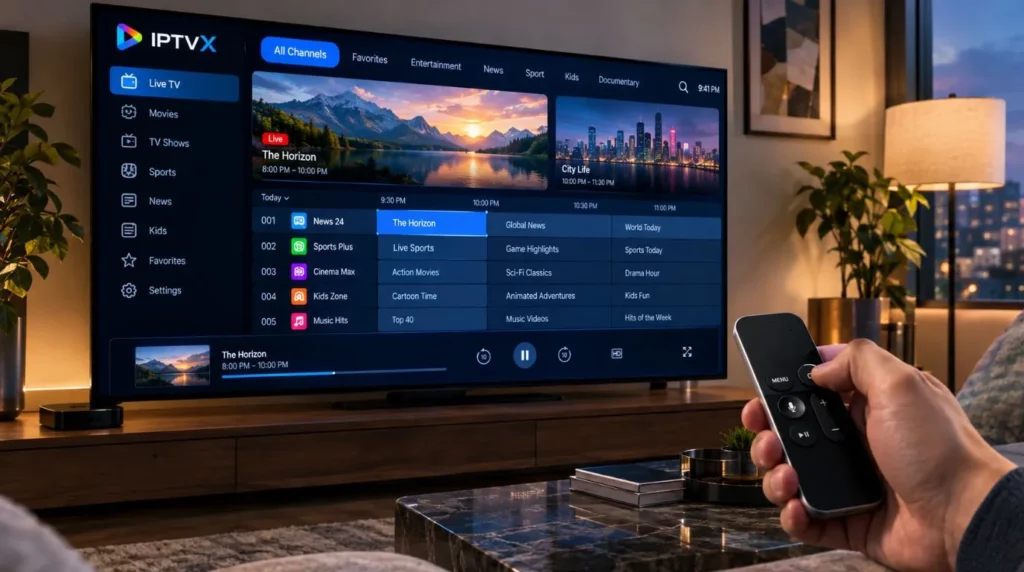
Apple TV changes what matters in an IPTV player. A feature that looks useful on a phone may be much less important when you are sitting several feet away from a television with a Siri Remote.
Here are the main things to consider.
Native Apple TV support
First, make sure the application actually supports Apple TV and tvOS.
This is different from simply supporting iPhone or iPad. iPlayTV, for example, is listed in the US App Store as an Apple TV-only application, while IPTVX currently supports Apple TV with tvOS 16 or later and UHF supports Apple TV with tvOS 17 or later.
This should be your first compatibility check.
EPG support
If you watch a lot of live television, the Electronic Program Guide can be one of the most important features.
A useful EPG should make it easy to:
- Browse current programming
- See upcoming shows
- Move between channels
- Identify what’s playing now
- Navigate schedules without excessive scrolling
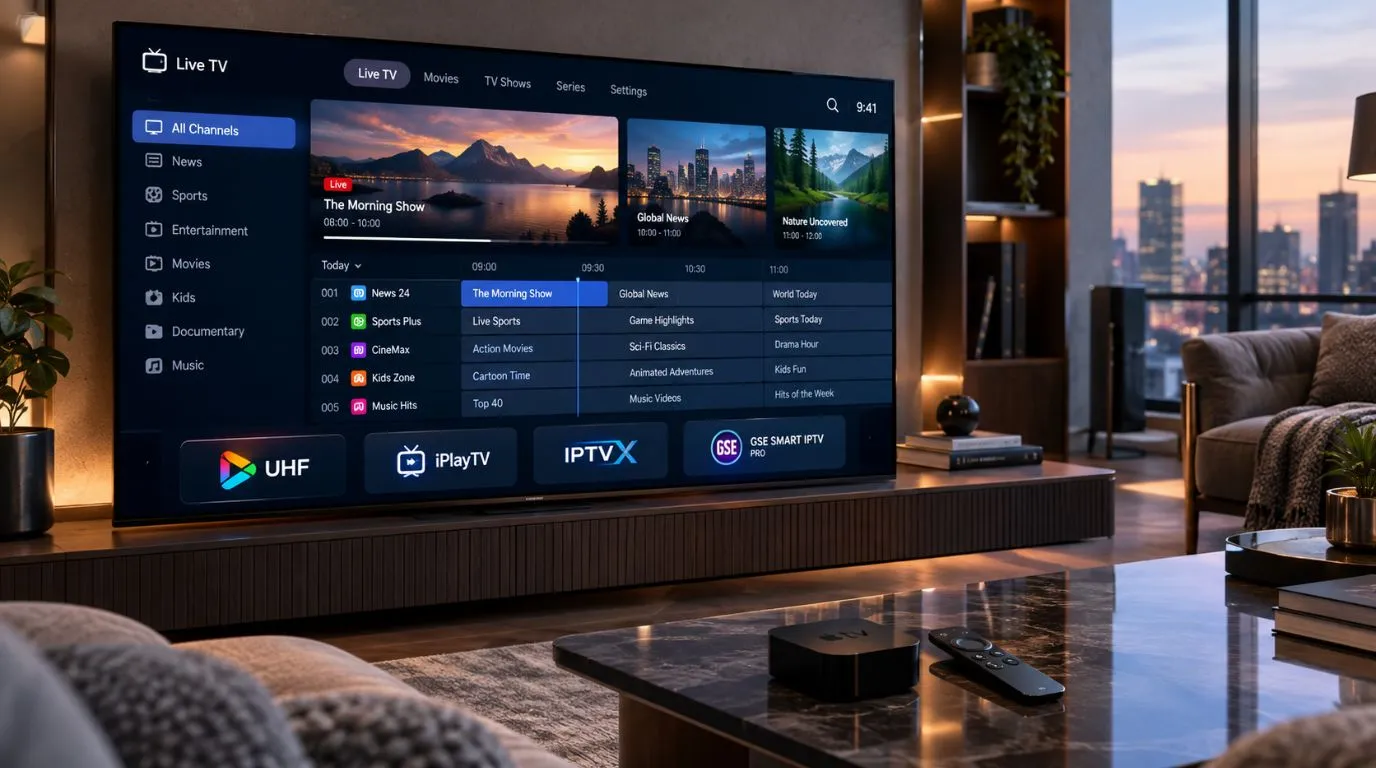
iPlayTV supports a full EPG, while IPTVX includes an EPG grid and the ability to use an EPG URL. UHF also offers an Apple TV-focused TV guide.
Playlist and login support
Your IPTV provider may give you a playlist URL, M3U file, Xtream Codes credentials, or another supported format.
The player needs to support the method your service provides.
For example, iPlayTV supports multiple playlists through remote sources, Xtream Codes, or file uploads. IPTVX supports Xtream API, M3U and M3U8, among other sources, while UHF supports M3U8 and Xtream playlists.
Siri Remote navigation
The interface should feel natural on a television.
Look for:
- Clear channel categories
- Large, readable program information
- Simple navigation
- Easy favorites management
- Fast access to the EPG
- Search that does not require excessive typing
This is one reason an Apple TV-specific player can be preferable to relying on an iPhone app and AirPlay.
VOD and series organization
If your IPTV subscription includes movies and TV series, look beyond live TV.
A good player should make it easy to browse:
- Movies
- TV series
- Seasons and episodes
- Recently watched content
- Favorites
- Search results
IPTVX, for example, includes dedicated TV-series organization, favorites, continue-watching sections, and movie and live-TV categories.
1. UHF — A Feature-Rich Apple TV Option
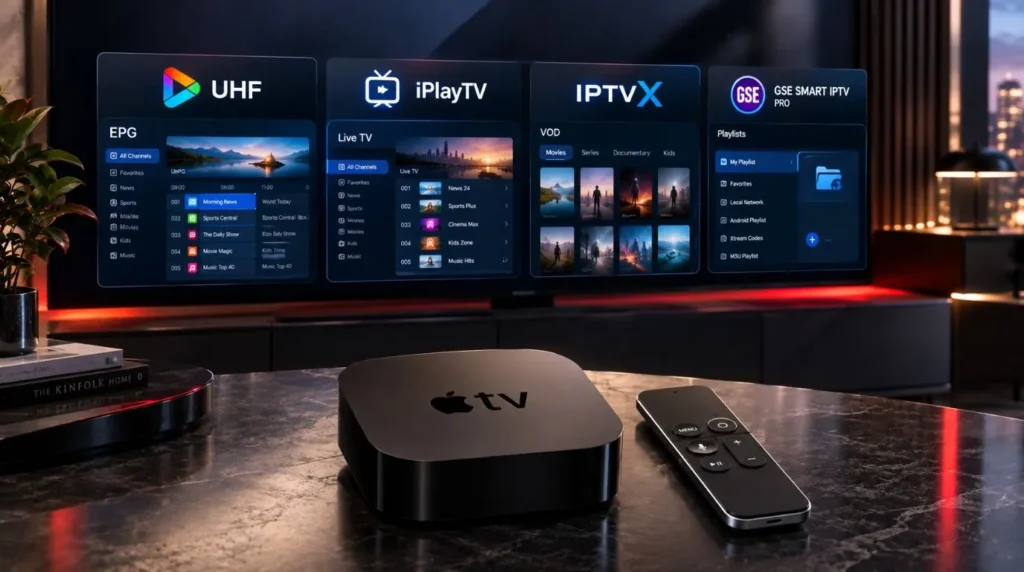
UHF is a native Apple TV IPTV player that focuses heavily on creating a television-oriented viewing experience.
The current US App Store listing says UHF supports Apple TV with tvOS 17 or later and accepts M3U8, Xtream, Plex, Jellyfin, and Emby playlists. Its feature set includes an EPG, catch-up support, favorites, category management, Picture in Picture, and support for 4K HDR, Dolby Vision, and Dolby Atmos.
The app is free to use for core functionality, with optional Pro purchases. The current listing shows monthly, annual, and lifetime options.
Why consider UHF?
UHF can make sense if you want:
- A modern Apple TV interface
- M3U8 or Xtream support
- An integrated TV guide
- Catch-up functionality
- VOD and series organization
- Multiple playlist management
- Additional Apple TV-focused features
The current App Store listing also describes optional multi-device synchronization, unlimited TV-guide features, and an ad-free Pro experience.
One important point is that UHF is a player, not an IPTV content provider. You supply the playlists or content you are authorized to access.
2. iPlayTV — A Simple Apple TV-Focused Player
iPlayTV takes a more focused approach. Its current US App Store listing identifies it as an app specifically for Apple TV and lists a one-time price of $5.99.
The player supports multiple playlists, remote or file-based sources, Xtream Codes, favorites, channel search, channel logos, EPG, catch-up through Xtream Codes, multiple audio and subtitle tracks, and AirPlay 2.
Why consider iPlayTV?
It may be worth considering if you want an IPTV player that concentrates on the Apple TV experience without requiring a broader multi-platform ecosystem.
Its feature set is particularly relevant for users who want:
- Multiple playlists
- EPG support
- Live TV
- VOD
- Xtream Codes
- Channel search
- Favorites
- Catch-up
- Subtitle and audio-track options
Its straightforward design can also appeal to users who prefer a dedicated IPTV interface instead of a more elaborate media-center experience.
3. IPTVX — A Broader Apple Ecosystem Option
IPTVX is another established Apple-platform IPTV player with native Apple TV support.
The current App Store listing says IPTVX supports Apple TV with tvOS 16 or later. It supports Xtream API, M3U, M3U8, Plex, and SMB sources and includes features such as TV Live, an EPG grid, catch-up, multiple playlists, parental controls, favorites, Picture in Picture, AirPlay 2, subtitles, and audio-track selection.
IPTVX also supports synchronization through iCloud across supported Apple devices.
Why consider IPTVX?
IPTVX is particularly interesting if you use several Apple devices and want a more integrated experience.
Its feature set includes:
- Apple TV support
- Live TV
- Movies
- TV series
- EPG
- Catch-up
- Multiple playlists
- Favorites
- Continue watching
- Parental controls
- AirPlay 2
- Picture in Picture
- Multiple audio and subtitle tracks
The current App Store listing also shows paid options alongside its free download, with pricing varying by plan.
For users who want a player that goes beyond a basic channel-list interface, IPTVX is worth comparing.
4. GSE SMART IPTV PRO — Flexible Playlist Support
GSE SMART IPTV PRO is another IPTV player available through Apple’s ecosystem. Its current US App Store listing describes support for M3U playlists, Xtream-Codes API, EPG timeline functionality, playlist management, favorites, parental controls, subtitles, and automatic live-stream reconnection.
The current US listing shows a $2.99 purchase price, although availability and compatibility should be checked directly in the App Store for the Apple device you intend to use.
Why consider GSE SMART IPTV PRO?
Its strengths are centered around playlist flexibility and IPTV-oriented management.
Relevant features include:
- M3U playlist support
- Xtream-Codes API
- EPG timeline
- Playlist management
- Favorites
- Parental controls
- Subtitle support
- Stream reconnection
As with other IPTV players, the application does not provide the television channels itself. You need your own authorized playlist or content source.
What About IPTV Smarters on Apple TV?
This is an important compatibility point because Smarters is a widely searched IPTV-player name.
However, app availability should not be assumed across Apple’s platforms.
The current US App Store listing for Smarters Pro IPTV Player identifies compatibility with iPhone and iPad and lists M3U, Xtream Codes, EPG, VOD, series, and catch-up functionality. It does not currently show Apple TV among its supported devices in that listing.
That means Apple TV users should verify the exact app and its current tvOS compatibility rather than installing an iPhone/iPad version expecting it to behave as a native Apple TV IPTV player.
This distinction is especially important when searching the App Store for IPTV applications with similar names.
How to Choose the Right Apple TV IPTV Player
There is no single feature that matters to every viewer.
Instead, match the player to the way you use IPTV.
If you mainly watch live TV
Prioritize:
- EPG quality
- Fast channel navigation
- Favorites
- Channel categories
- Search
- Siri Remote usability
A strong TV guide can make a bigger difference than having dozens of advanced features you never use.
If you watch lots of movies and series
Look for:
- VOD organization
- Series and season navigation
- Continue watching
- Search
- Artwork and metadata
- Subtitle support
IPTVX, for example, includes dedicated TV-series organization and continue-watching functionality.
If you use multiple IPTV playlists
Look for a player that supports multiple playlists and makes switching between them easy.
iPlayTV, IPTVX, and UHF all advertise multi-source or multi-playlist functionality in their current App Store descriptions.
If EPG is important to you
Check not only whether the app says “EPG support,” but also how the guide works.
Look for:
- Grid or timeline views
- EPG URL support
- Time-shift options
- Program information
- Easy navigation
- Catch-up integration where supported
If price matters
Compare the actual current pricing model rather than assuming a free download means the entire application is free.
Some players use:
- One-time purchases
- Monthly subscriptions
- Annual subscriptions
- Lifetime purchases
- Free versions with optional upgrades
For example, iPlayTV currently lists a $5.99 purchase, while UHF and IPTVX offer free downloads with optional in-app purchases.
Apple TV IPTV Compatibility Checklist
Before choosing an apple tv iptv player, check these points:
- Does the app have a native Apple TV/tvOS version?
- Which tvOS versions does it support?
- Does it accept your playlist format?
- Does it support Xtream Codes if your service uses them?
- Does it support M3U or M3U8?
- Can it load your EPG?
- Does it organize VOD and series?
- Can you create favorites?
- Can you manage multiple playlists?
- Does it support subtitles and multiple audio tracks?
- Does the interface work comfortably with the Siri Remote?
- Is the pricing model acceptable?
- Does the app require a paid upgrade for features you actually need?
Checking these details before subscribing to an app can save you from discovering that your preferred login method or playlist format is unsupported.
IPTV App vs. IPTV Service: What’s the Difference?
This distinction is easy to miss when searching for the best IPTV for Apple TV.
An IPTV player is the application used to load and play your content.
An IPTV service is the source that provides the channels, movies, series, or other programming.
The two are separate.
For example, an Apple TV player can support Xtream Codes, but that does not mean the application itself provides an IPTV subscription. The current App Store descriptions for iPlayTV, IPTVX, UHF, and GSE explicitly describe themselves as players that work with user-provided content or playlists.
If you are comparing services rather than players, see our guide to the best IPTV service.
If you already have a compatible IPTV subscription and simply need an application for Apple TV, focus on the player comparison in this article.
How to Set Up IPTV on Apple TV
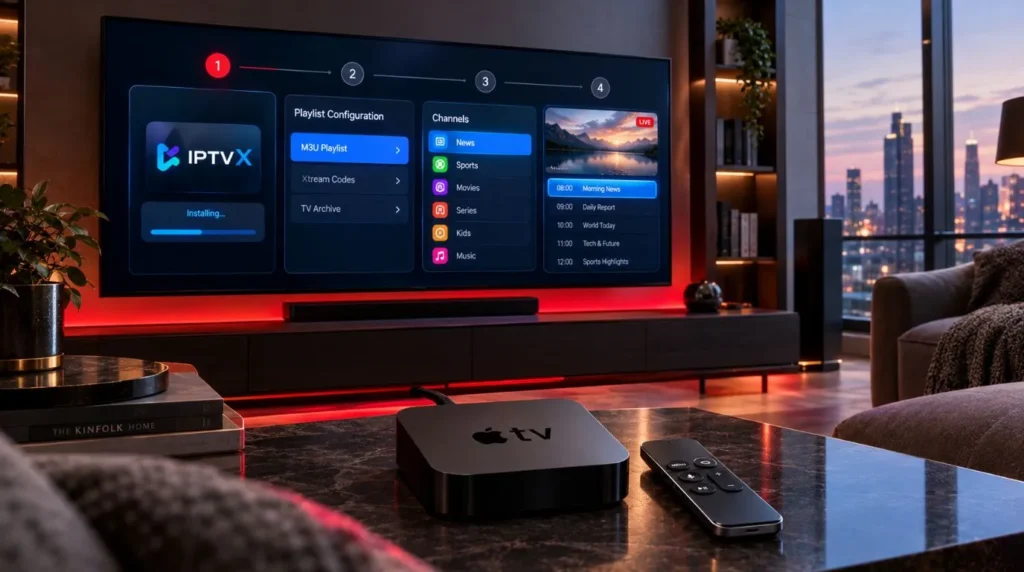
Once you have selected a compatible player, the basic process is generally straightforward:
- Open the App Store on your Apple TV.
- Search for the IPTV player you want to use.
- Install the application.
- Open the player.
- Choose the appropriate playlist or login method.
- Enter your authorized IPTV credentials or playlist information.
- Allow the application to load channels and EPG information.
- Organize favorites and categories.
- Start watching.
The exact steps vary between applications, particularly because some use M3U URLs while others provide Xtream Codes or other login options.
For a broader walkthrough, see our IPTV setup guide.
Is IPTV Legal on Apple TV?
IPTV itself is a technology for delivering television and video content over an internet connection. Whether a particular IPTV service or stream is lawful depends on factors such as licensing, authorization, copyright, jurisdiction, and how the content is obtained and used.
The same principle applies regardless of whether you watch on Apple TV, Fire TV, Roku, a computer, or another device.
Use IPTV players with content and services you are authorized to access.
Some player developers make this distinction explicitly. For example, UHF states that users are responsible for the content they add, while GSE SMART IPTV PRO similarly states that it does not supply media or endorse unauthorized copyrighted streaming.
Final Thoughts: Finding the Best IPTV App for Apple TV
The best IPTV app for Apple TV depends on what you want from the viewing experience.
UHF is worth considering if you want a modern Apple TV-focused experience with a broad feature set. iPlayTV is designed specifically for Apple TV and offers a focused IPTV experience with playlist, EPG, VOD, and Xtream Codes support. IPTVX stands out for users interested in a broader Apple-device ecosystem and extensive live-TV, VOD, EPG, and playlist features. GSE SMART IPTV PRO is another option for users who prioritize flexible playlist and IPTV management features.
The most important step is to match the player to your IPTV credentials, playlist format, EPG requirements, and preferred Apple TV experience rather than choosing an app based solely on its name or download count.
If you are comparing IPTV players across different devices, continue with our complete IPTV player guide.
And if you already know which type of IPTV service you need, you can explore our IPTV subscription options or check the IPTV free trial before making a longer-term decision.