Missing a live TV program does not always mean missing it for good. With catch up IPTV, viewers can often replay recently aired programs without having recorded them in advance.
Catch-up TV is designed for situations where your schedule does not match the broadcast schedule. You might miss the beginning of a news program, arrive home after a game has started, or forget about a show that aired earlier in the evening. When catch-up is supported, you can use the program guide to find eligible previous broadcasts and start watching them later.
The important point is that catch-up is not the same as DVR or video on demand. It works through a replay window for recently broadcast content, and the length and availability of that window can vary.
Table of Contents
What Is Catch Up IPTV?
Catch up IPTV is a feature that allows viewers to watch certain television programs after their original live broadcast has finished.
Instead of watching a channel only at the scheduled broadcast time, you can go back through the program guide and select an eligible program that has already aired. The system then plays the previous broadcast as a replay.
For example, imagine a news program is scheduled for 6:00 PM but you are still at work. If that channel supports catch-up, you may be able to open the guide at 8:00 PM, find the 6:00 PM program and start watching it from the beginning.
The exact experience depends on the IPTV service, channel, player and available content rights. Not every channel necessarily provides the feature, and previously aired programs may only remain available for a limited period.
How Does IPTV Catch-Up Work?
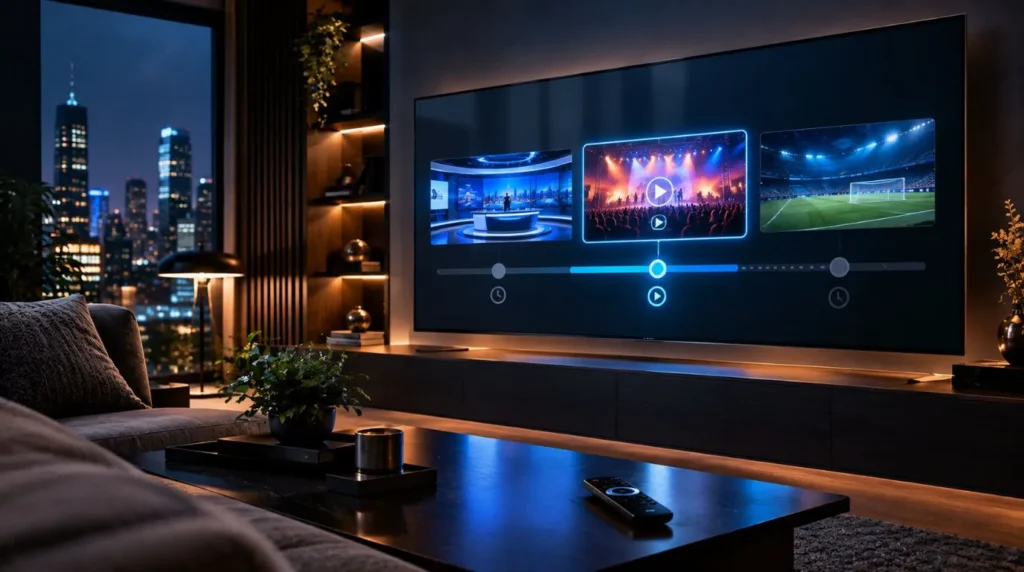
The basic process is relatively simple:
- A television program is broadcast live.
- The program is made available for replay when catch-up is supported.
- The previous program appears through the relevant program guide or catch-up interface.
- You select the program and start playback.
- The program remains available until its replay window expires.
This creates a form of time-shifted television. You are not recording the program yourself; instead, you are accessing a previously aired broadcast that the service has made available for replay.
A Program Airs Live
First, the channel broadcasts the program at its normal scheduled time.
This could be a news show, entertainment program, series episode or another type of television content. If you watch at the scheduled time, you are simply using the regular live TV function.
The Program Becomes Available for Replay
When catch-up is supported, a previously aired program can become selectable through the service’s interface.
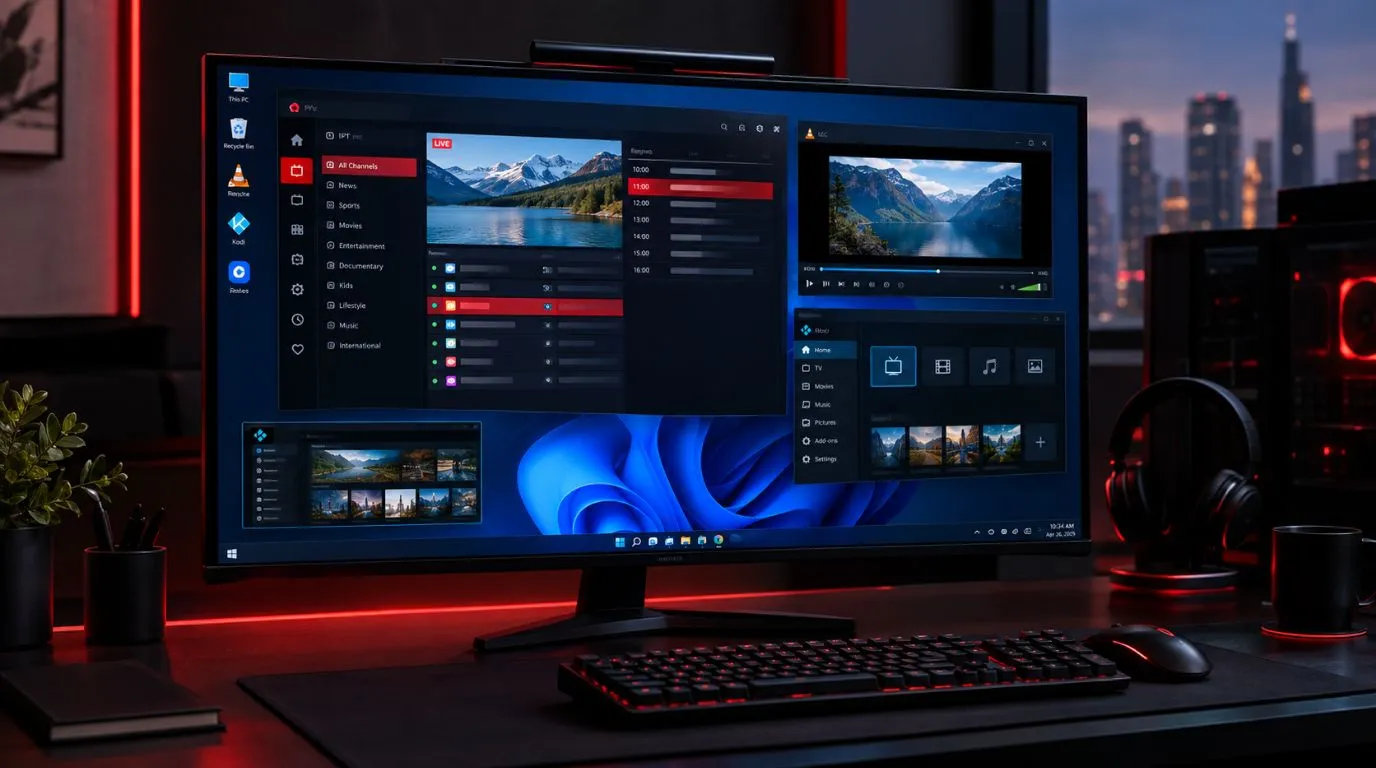
The electronic program guide, or EPG, is often important here because it provides the schedule information needed to identify previous programs. Depending on the platform, you may see earlier programs listed alongside upcoming broadcasts.
The Replay Window Expires
Catch-up is generally not intended to provide permanent access to every broadcast.
A service may retain previous programming for a particular period, after which the program is no longer available through catch-up. The actual window can differ by channel, provider, content rights and system configuration.
That is why it is better to think of catch-up as temporary replay access rather than a permanent library.
How Long Does IPTV Catch-Up Last?
There is no single catch-up period that applies to every IPTV service or channel.
The available replay window can depend on several factors, including:
- The specific television channel
- The content being broadcast
- Licensing and distribution rights
- The IPTV service’s technical configuration
- The player’s support for catch-up functionality
- The amount of previous programming retained by the service
Some programs may remain available longer than others, while certain channels may have limited or no catch-up functionality.
For this reason, you should not assume that every program from yesterday, last week or an earlier date will still be available. If catch-up is important to you, check which channels support it and how far back their programming can be accessed.
IPTV With Catch Up vs DVR vs VOD
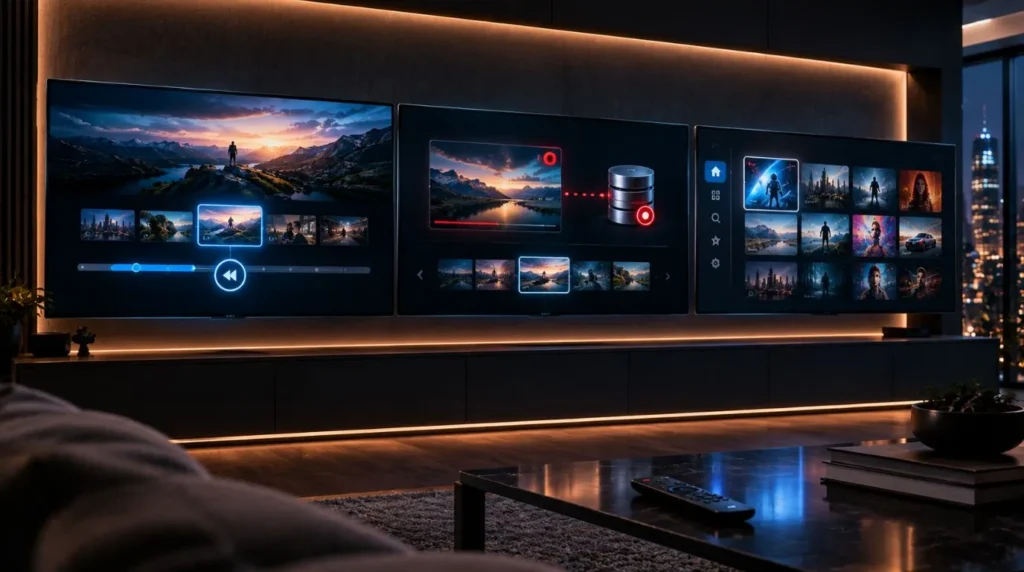
Catch-up, DVR and VOD can appear similar because all three allow you to watch something outside its original live broadcast. However, they work differently.
| Feature | Catch-Up IPTV | IPTV DVR | IPTV VOD |
|---|---|---|---|
| Main purpose | Replay recently aired programs | Record programs for later viewing | Watch content from an on-demand library |
| User records the program | No | Yes | No |
| Based on live broadcast schedule | Yes | Usually | Not necessarily |
| Availability | Limited replay window | Depends on recording/storage | Depends on the available library |
| Best suited for | Missed recent broadcasts | Planned recordings | On-demand viewing |
Catch-Up IPTV
Catch-up is useful when you missed something that aired recently.
You do not need to have scheduled a recording beforehand. If the program is supported and remains within its replay window, you can select it and watch it afterward.
IPTV DVR
DVR functionality is based on recording.
If you know that you will be unavailable for a particular program, a DVR can allow you to record it for later viewing. This makes DVR particularly different from catch-up: catch-up depends on the service retaining the broadcast, while DVR involves a recording mechanism.
For a deeper look at recording functionality, see the IPTV setup guide and the relevant DVR resources when available.
IPTV VOD
Video on demand works differently again. Instead of selecting a recently aired broadcast from a schedule, you select content from an on-demand catalog.
A movie or series episode in a VOD library may be available independently of when it was originally broadcast.
This distinction matters because a viewer looking for something that aired earlier today may need catch-up, while someone looking for a movie from an on-demand catalog is looking for VOD.
What Can You Watch With IPTV Catch-Up?
Catch-up can potentially be useful across several types of television programming, depending on channel support.
Examples may include:
- News programs
- Entertainment shows
- TV series
- General-interest programming
- Sports broadcasts where replay is supported
- Special television events
However, availability should always be considered channel by channel.
A service may offer catch-up on some channels while others remain live-only. Certain programs can also have restrictions that affect whether they can be replayed.
If you are researching channel availability before choosing a service, you can explore the ViviMate IPTV channels page for more information about the channel lineup.
How to Use IPTV Catch-Up
The exact interface depends on the IPTV player and service, but the general process is straightforward.
Open the Program Guide
Start by opening the EPG or program guide for the channel you want to watch.
The guide normally shows current and upcoming programming. When catch-up is available, previous programs may also be accessible.
Select a Previously Aired Program
Navigate backward through the schedule and look for the program you missed.
A replay or catch-up option may be displayed when the program is eligible.
The available controls vary between IPTV applications, so the wording and placement of the feature will not necessarily be identical on every device.
Start the Replay
Select the program and begin playback.
Depending on the platform, you may also have standard playback controls such as pause, fast-forward or rewind. The available controls can vary by service and player.
If you are still setting up your IPTV environment, the ViviMate IPTV setup guide can be a useful next step for understanding the general setup process.
What Should You Check When Choosing IPTV With Catch Up TV?
If catch-up is one of your priorities, looking only at the number of available channels is not enough. You should also consider how the replay feature actually works.
Check Channel Support
Find out whether catch-up is available on the channels you regularly watch.
A large channel lineup does not automatically mean every channel has replay functionality.
Check the Replay Window
Consider how far back you need to access programming.
If you regularly miss shows by a few hours, a short replay window may be sufficient. If you need to revisit programs several days later, you should verify that the service provides an appropriate retention period.
Look at the EPG Experience
A clear electronic program guide can make catch-up much easier to use.
The schedule should make it reasonably easy to identify previous programs, their broadcast times and whether they can be selected for replay.
Consider Device and Player Compatibility
Catch-up functionality can also depend on the IPTV player and device you use.
Before subscribing, make sure your intended setup supports the relevant playback features. The experience can differ between smart TVs, streaming devices, phones, tablets and other platforms.
Check Reliability During Normal Viewing
Catch-up is only useful when previously aired programs can be accessed and played consistently.
When evaluating an IPTV service, consider the overall playback experience as well as the availability of the feature itself.
Why Catch-Up Is Useful for Busy TV Viewers
The main advantage of catch-up is flexibility.
Traditional scheduled television assumes that the viewer is available at a particular time. Catch-up introduces some flexibility by allowing eligible programs to be watched after their original broadcast.
This can be useful for viewers who:
- Work late or have changing schedules
- Travel frequently
- Have family or other evening commitments
- Miss the beginning of a program
- Want to watch a recent broadcast at a more convenient time
It is especially useful when you know you missed something but did not plan ahead to record it.
Common Catch-Up IPTV Limitations
Catch-up is useful, but it is not unlimited replay access.
Several limitations are worth understanding before relying on the feature.
Not Every Channel Supports Catch-Up
Catch-up availability can vary between channels. Some may support replay while others may only provide live programming.
Replay Windows Can Vary
There is no universal retention period. A program available today may not necessarily remain available several days later.
Content Rights Can Affect Availability
Broadcast and distribution rights can influence whether a particular program can be replayed. Geographic availability and other licensing conditions may also affect access.
Older Programs May Disappear
Catch-up is generally designed around recently aired programming. It should not automatically be treated as an alternative to a permanent VOD library.
The IPTV Player Can Affect the Experience
Different IPTV players expose features differently. Menu layouts, EPG behavior and playback controls may vary depending on the application and device.
Catch-Up IPTV and the EPG
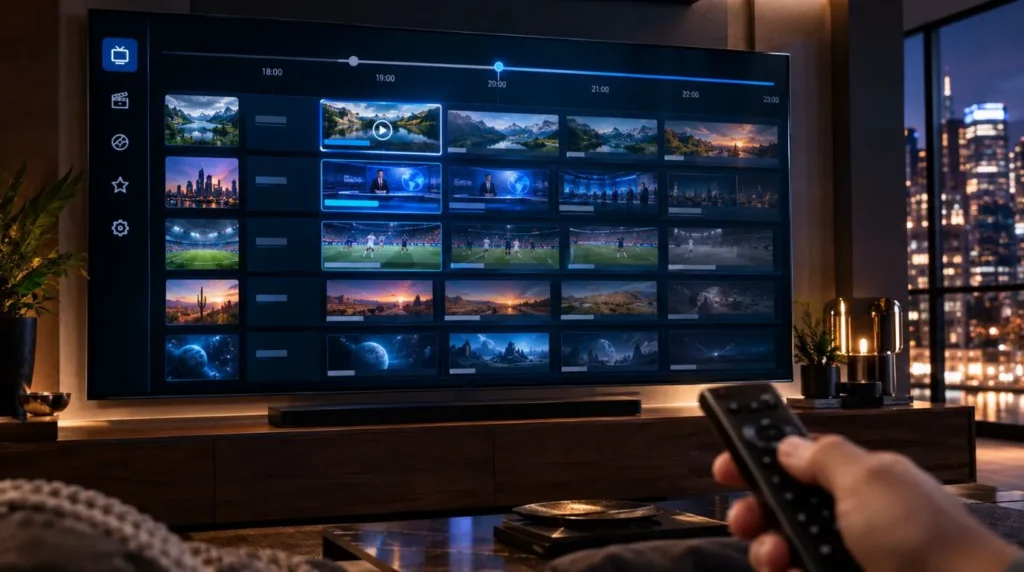
The EPG plays an important role in making catch-up practical.
An electronic program guide provides information about television schedules, helping users see what is currently airing, what is coming next and, where supported, what has already aired.
For catch-up users, the ability to move backward through the schedule can be particularly useful. Instead of searching through a large content library, you can start with the channel and approximate broadcast time.
If you want to understand the broader role of the electronic program guide, explore the IPTV program guide resources available from ViviMate.
Is Catch-Up the Same as Watching a Recorded Program?
No.
The viewer experience can look similar because both methods allow you to watch something after the live broadcast. The underlying functionality is different.
With catch-up, the service makes a previously aired program available for replay for a defined period.
With DVR, a recording is created so the program can be watched later.
This distinction becomes important when deciding which feature fits your viewing habits. Someone who frequently forgets to record programs may value catch-up, while someone who wants to preserve specific broadcasts for later may prefer recording functionality where available.
Is IPTV Catch-Up Legal?
The legality of an IPTV service depends on factors such as licensing, authorization, copyright, jurisdiction and how the service distributes its content.
IPTV itself is a technology for delivering television and other media over IP networks. The fact that a service offers live TV or catch-up functionality does not by itself determine whether the service is authorized.
When evaluating an IPTV provider, consider whether it has the appropriate rights or authorization to distribute the content it offers in your jurisdiction.
When Is Catch Up IPTV Most Useful?
Catch-up is most useful when your problem is timing rather than content availability.
If the program aired recently and you simply could not watch it at the scheduled time, catch-up may provide the replay option you need.
The feature is less appropriate when you are looking for:
- Older television programs outside the replay window
- A permanent personal recording
- Movies from an on-demand catalog
- Content that is not available on the relevant channel
In those situations, DVR or VOD may serve a different purpose.
Explore IPTV Channels With Catch-Up in Mind
Catch-up can make live television more flexible by giving viewers a way to revisit eligible programs after they have aired. The key is understanding that it is based on supported channels and limited replay windows, rather than unlimited access to every previous broadcast.
If catch-up is important to your viewing habits, look beyond the size of a channel lineup. Check channel support, replay availability, EPG functionality, device compatibility and the way the service handles previously aired programming.
To explore the channels available through ViviMate, visit the IPTV channels page. For users who are still deciding how to build their setup, the IPTV subscription page provides a natural next step for exploring the service.