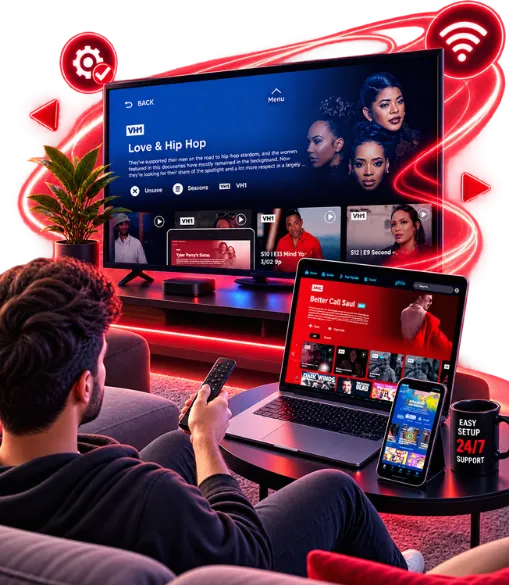
IPTV Setup Made Simple — Step-by-Step Guides for Every Device

ViviMate makes IPTV setup straightforward. Get clear, illustrated guides for every device and player app — so you can go from signup to streaming in minutes.

IPTV setup guide icon for all major devices

All Major Devices

Setup guides cover Smart TVs, Firestick, Android, Apple TV, and more — all in one place.

IPTV player apps setup icon

Popular Player Apps

Find setup instructions for TiviMate, IPTV Smarters Pro, IBO Player, and other popular IPTV player apps.

Step-by-step IPTV setup walkthrough icon

Clear Walkthroughs

Every IPTV guide is broken into simple, illustrated steps — easy to follow at your own pace.

IPTV setup support icon

Help When You Need it

If you get stuck at any point during setup, our support team is ready to walk you through it.

Why Choose ViviMate for Your IPTV Setup

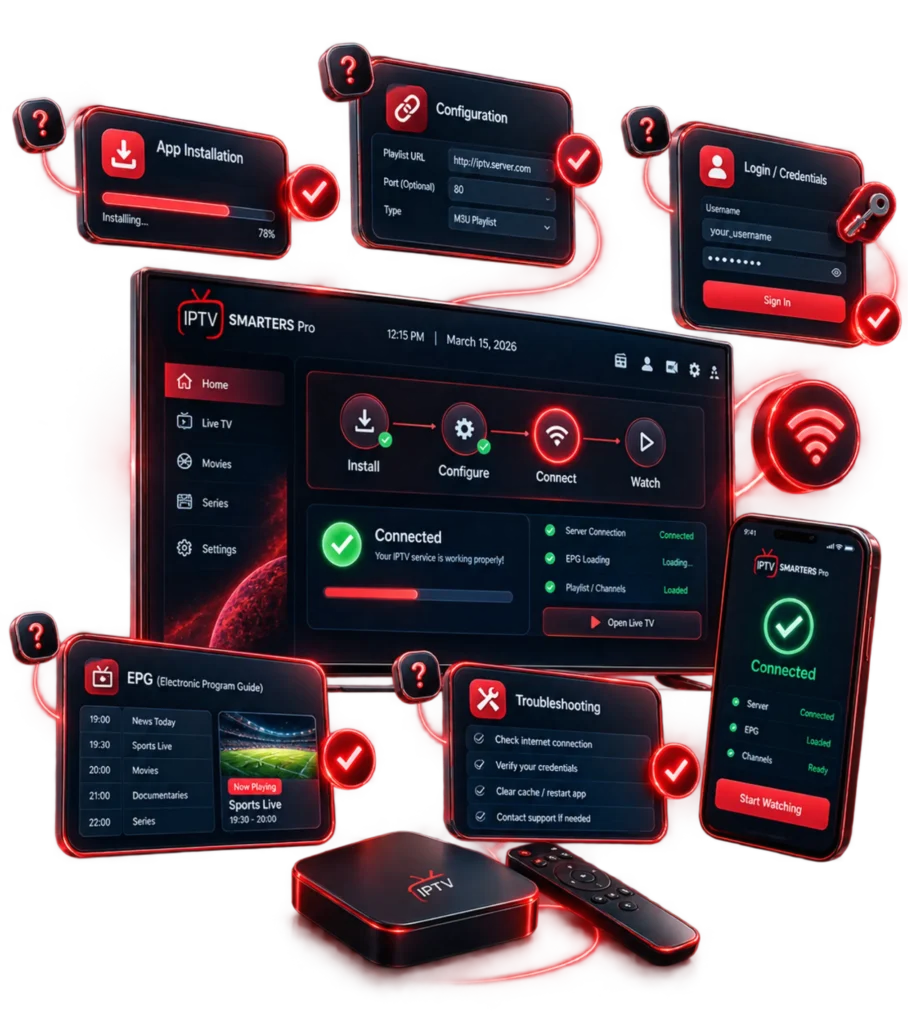
Follow five simple steps and you’re ready to stream. No technical experience needed.

  1. Choose Your IPTV Player

    Download a compatible media player such as Smarters Pro or IPTV Smarters from your device's app store to get started.

  2. Retrieve Your Credentials

    Check your inbox for your welcome email containing your unique username, password, and subscription details.

  3. Enter Your Stream URL

    Open your player's settings, navigate to the playlist section, and paste the M3U URL or Xtream Codes provided in your activation WhatsApp message.

  4. Sync & Reload

    Restart the application to trigger a full synchronization and load your complete channel list, VOD library, and EPG guide.

  5. Start Watching Instantly

    Browse thousands of live channels and on-demand titles. Stream in crystal-clear HD and 4K quality — anytime, on any device.

How to Set Up IPTV on Your Device

Choose your device or player app below. Each IPTV setup guide walks you through the full process from start to finish.

ViviMate IPTV setup help and support

Need Help with Your IPTV Setup?

ViviMate’s IPTV setup is designed for everyone — whether you’re a first-timer or switching from another provider. Every guide walks you through the process step by step.

If you hit a snag, our support team is ready to help. Reach out directly for personalized guidance through setup.

Everything You Need for a Smooth IPTV Setup

The ViviMate setup experience is built to be fast, secure, and friction-free — from your first login to ongoing use.

Quick IPTV setup time icon

Quick Setup Setup Time

Most IPTV setups are completed in under 15 minutes. Go from signup to streaming without the wait.

Secure IPTV connection icon

Secure Connection

Your login credentials and playlist links are transmitted securely to keep your account protected at every step.

Easy IPTV reconfiguration icon

Easy Reconfiguration

Switching devices or updating your playlist? The same IPTV guides make reconfiguration just as simple.

24/7 IPTV access icon

24/7 Access

Setup guides are available around the clock. Start your IPTV configuration whenever it suits you.

IPTV setup works worldwide icon

Works Worldwide

No matter where you are, the setup guides work with any internet connection and compatible device.

No extra costs for IPTV setup icon

No Extra Costs

Every IPTV setup guide is included with your ViviMate subscription — no hidden fees, no paid add-ons.

Compatible with All Major IPTV Players

TiviMate IPTV player logo
IPTV Smarters Pro logo
Hot Player logo
IBO Player logo
Hushplay logo
TELEVIZO logo
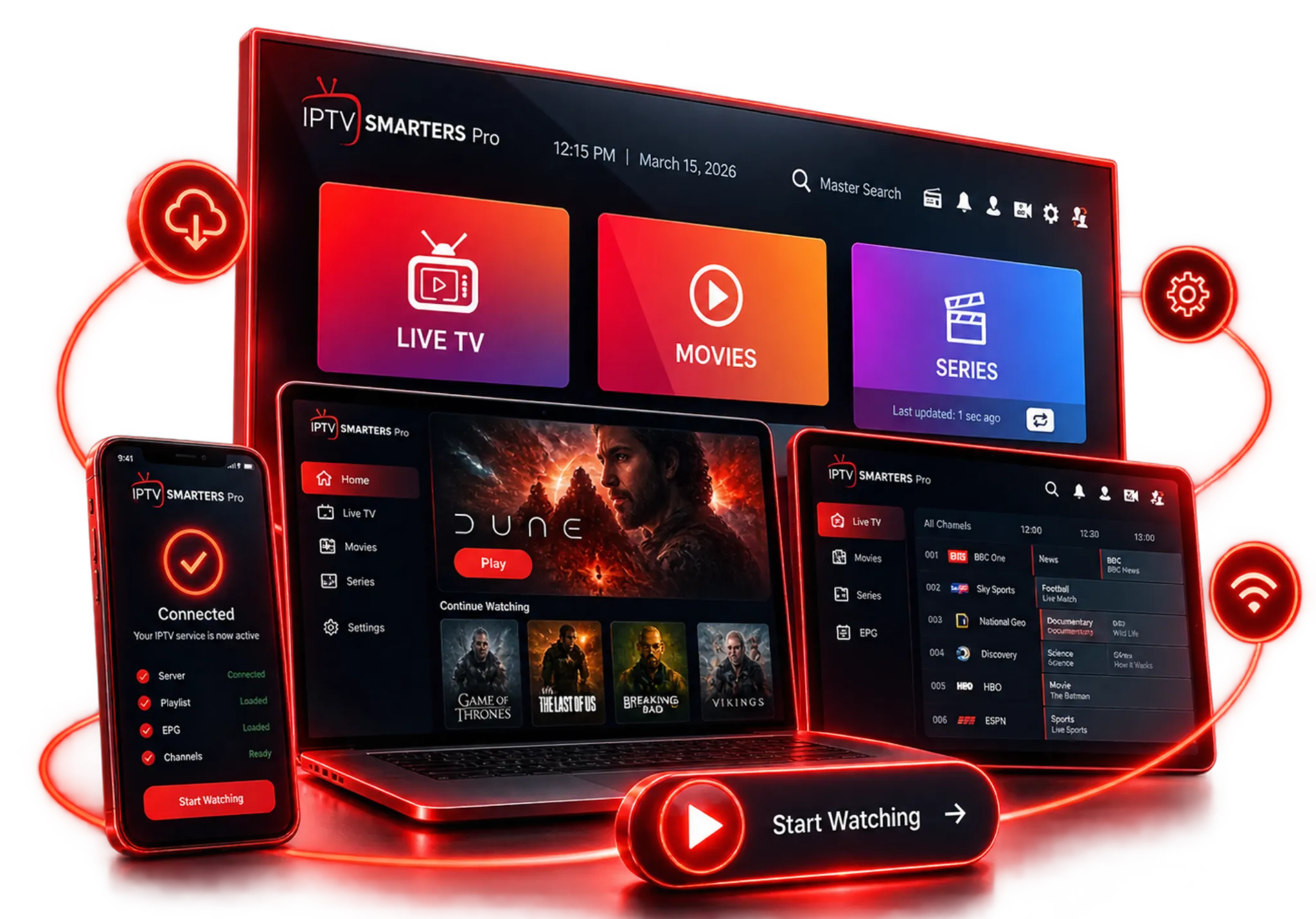
ViviMate IPTV app interface on mobile and TV

Frequently Asked Questions About IPTV Setup

Browse the device guides above. Select your device or player, follow the numbered steps, and enter your ViviMate credentials when prompted. Most setups take just a few minutes to complete.

You’ll need your ViviMate server URL, username, and password — all sent in your welcome email after subscribing. Some players also ask for an M3U URL or EPG URL, which are available in your account panel.

ViviMate works with TiviMate, IPTV Smarters Pro, IBO Player, GSE Smart IPTV, and other popular apps. See the Compatible IPTV Players section above for the full list and matching setup guides.

Yes. The Fire TV Stick is one of the most popular devices for IPTV setup. Install a compatible app like TiviMate or IPTV Smarters Pro from the Amazon App Store, then follow the Firestick guide in the Device Guides section above.

Yes. We have dedicated setup guides for Smart TVs running Samsung Tizen, LG webOS, and Android TV. Download a compatible IPTV player from your TV’s app store and follow the guide in the Device Guides section.

For most devices, IPTV setup takes between 3 and 10 minutes. That covers downloading the player app, entering your credentials, and loading your channel list. First-time users are typically up and running in under 15 minutes.

Ready to Start Your IPTV Setup?

Follow our IPTV setup guides and start enjoying your full ViviMate channel library in minutes — on any device you choose.

Ready to start your IPTV setup with ViviMate

Protect your digital world with reliable, cutting-edge cybersecurity solutions from Vivimate.

Get in Touch
Phone +44 7401 149785
Address London, United Kingdom
vivi-mate.net
Privacy Overview

This website uses cookies so that we can provide you with the best user experience possible. Cookie information is stored in your browser and performs functions such as recognising you when you return to our website and helping our team to understand which sections of the website you find most interesting and useful.